Last updated: September 2026
Can you really publish a presenter-grade AI avatar video every day without owning a camera, hiring an actor, or booking a studio? In 2026 the honest answer is yes — and the economics have flipped so far that keeping the camera is now the expensive choice. A local production company charges about $1,000 per finished minute, while the cheapest capable avatar plan costs $4.70 per month. To cut and assemble those avatar clips with an AI agent, see the Manus AI video editing guide.
This guide is for the people who feel that gap most: Shopify store owners who need product demo videos, course creators with unfinished lesson backlogs, agencies producing client updates, and solopreneurs running faceless YouTube channels with AI avatars. You get verified September 2026 pricing for every tool plus its honest catch, a cost table putting studio rates next to subscription plans, five copy-paste script templates, and a script-to-video workflow you can run before breakfast. Every number was checked against official pricing pages this month.
Disclosure: Some links in this article are referral links. We may earn a small commission if you purchase through them, at no extra cost to you. This helps us keep publishing free content and never affects our recommendations.
What is an AI avatar video, and who is it for?
An AI avatar video is a talking-head clip in which a digital presenter — a stock character or a digital twin built from a short consented recording of you — reads your script with synced voice and lip movement. You write the text, pick an avatar and voice, and the tool renders the footage. No camera, no crew, no studio booking.
The format fits anywhere a calm, credible AI presenter works: ecommerce stores turning product pages into demo clips and ads, course creators and training teams producing lessons and onboarding modules (87% of L&D teams now use AI and 52% already use it for video creation, per Synthesia's 2026 survey of 421 teams), agencies shipping weekly client updates, and faceless channel operators who want a consistent presenter without putting their own face on camera.
It fits less well where a human face carries the trust — medicine, law, high-ticket B2B sales — covered near the end.
Wyzowl's 2026 survey of 266 marketers frames the shift: 91% of businesses use video, and 63% of video marketers already use AI video tools, up from 51% a year earlier. Daily output is the new normal; the camera is the bottleneck.
What a studio day costs vs a month of avatar tools
Synthesia's cost-of-production guide puts a local production company at roughly $1,000 per finished minute, remote production at $250–$500, and a live-action demo with a presenter at $1,000–$3,000 per minute. People cost stacks the same way: an on-camera actor charges $150–$2,500+ per day, a camera crew bills $750–$5,000 per day, and an in-house videographer lands near $90,000 per year all-in. Here is the full cost picture, studio versus avatar tools, from official pricing:

| Option | Verified cost | What you get | Per finished minute |
|---|---|---|---|
| Local production company | ~$1,000/min | Crew, gear, location, edit | $1,000 |
| Remote production | $250–$500/min | Smaller crew, no studio | $250–$500 |
| On-camera actor | $150–$2,500/day | Talent only | Varies |
| Camera crew | $750–$5,000/day | Filming day, no edit | Varies |
| In-house videographer | ~$90,000/year | Salary, gear, benefits | ~$750 at 10 min/month |
| HeyGen Creator | $29/month | 600 credits, 1080p, no watermark | Credit-based |
| Synthesia Starter | $29/month | 10 render minutes/month | $2.90 |
| D-ID Lite | $4.70/month | 10 render minutes/month | $0.47 |
| InVideo Plus | $60/month | ~56 Full-HD prompt-to-video clips | ~$1.07 per clip |
One finished studio minute costs about the same as 34 months of a $29 avatar plan. Savings are documented on the same page: Teleperformance saves $5,000 and five workdays per video, Zoom cut training production time by 90%, Cohesity counts $100,000 per year, and Fiery shipped 1,000+ videos in a year, 87% faster. Avatar plans are capacity-priced, so your real job is matching plan size to publishing volume.
The five tools worth comparing in 2026
The HeyGen vs Synthesia vs D-ID decision comes down to volume, languages, and control. CapCut and InVideo cover editing and ad clips. Here is the verified landscape:
| Tool | Cheapest paid plan | Free tier | Monthly capacity (official) | Language claim (official) | Main catch |
|---|---|---|---|---|---|
| HeyGen | Creator $29/mo ($24 annual) | 3 videos, 1 min each, watermark | 600 credits, videos to 30 min | 175+ languages and dialects | Credit math takes testing; 1-month rollover |
| Synthesia | Starter $29/mo (~$18 annual) | 1,200 credits ≈ 10 min, watermark | 10 min Starter, 30 min Creator | 160+ languages | Creator tier jumps to $89/mo; API starts there |
| D-ID | Lite $4.70/mo | 14-day trial, 3 min total | 10 min Lite, 15 min Pro | Translation into 30+ languages | 15-second billing rounds; no rollover |
| InVideo AI | Starter $20/mo | None listed | ~15 videos Starter, ~56 on Plus | Prompt-to-video focus | No credit rollover; ad-clip focus |
| CapCut | Pro, priced in-app | Free editing tools | Not published | Not published | Pro pricing only visible after login |
HeyGen is the pick for brand-consistent presenter work. Its pricing page shows Creator at $29/month with a custom avatar, 1080p export, and voice cloning; Pro ($49/month) adds 4K, Business ($149/month plus $20/seat) adds seats and integrations. Release notes added 30-minute talking avatars in July 2026 and avatar retouch in August. The catch: benchmark what 600 credits render before planning around them.
Synthesia leads for training libraries: Starter covers 10 minutes a month, and Creator ($89/month) adds 3,600 credits, 180+ avatars, and API. That jump from $29 to $89 is the honest catch — fine for L&D budgets, steep for a solo publisher. Official pages claim 160+ languages; test your market's voices first.
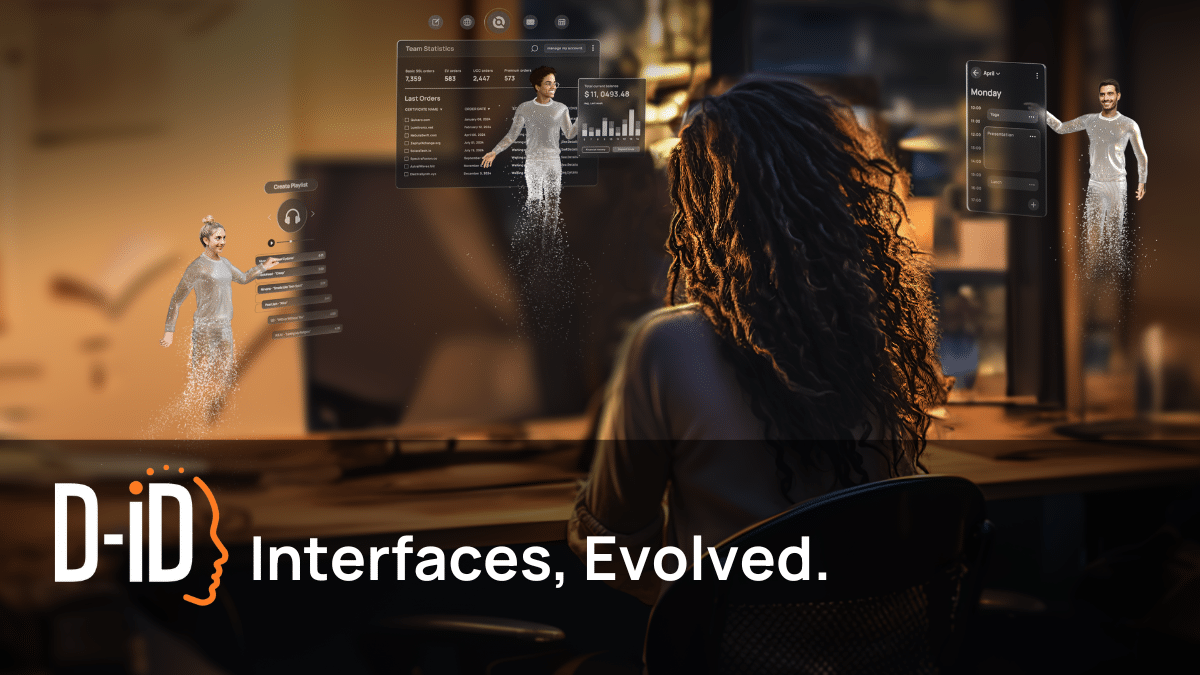
D-ID is the budget entry at $4.70/month for 10 minutes, with API at every tier and videos to 30 minutes. Its pricing page is candid about the fine print: billing rounds up to 15-second intervals and minutes never roll over, so short clips burn capacity faster than the clock suggests.
CapCut is where clips get finished — captions, background removal, noise cleanup, and its own avatar and text-to-speech tools in the free tier. It counted 736 million mobile monthly active users in a16z's March 2026 ranking. Pro pricing only shows in-app — check CapCut's plans here for regional pricing.
InVideo AI covers the ad-cut lane: prompt-to-video generation aimed at social ads more than talking heads. Starter runs $20/month (~15 videos), Plus $60/month (~56 Full-HD clips, no watermark), and credits don't roll over. See InVideo's plans here.
How to make an AI avatar video without a camera, step by step
This is the daily short-form content automation loop we use. One session produces a master video, three shorts, and the week's text assets.
- Write the script first. Every quality problem in avatar video is a script problem. Draft 60–120 seconds in a tool built for scripts — our guide to AI YouTube video scripts covers the structure — or use the templates below. Aim for a three-second hook, one idea per sentence, and a single call to action; avatar presenters make padded scripts feel twice as long. Pick topics with demand data first; our Gemini 3.8 SEO workflow shows the keyword pass we run before writing anything.
- Match the script to a tool tier. Talking-head content goes to HeyGen, Synthesia, or D-ID; ad-style product clips go to InVideo, and course libraries with strict brand guidelines lean Synthesia. A 30-video month needs different capacity than a 5-video month, so check the table above and buy for your busiest week, not your average one.
- Choose your presenter. Stock avatars are free everywhere and validate a format. A custom digital twin needs one consented recording — clean audio, even lighting, neutral expression, a few minutes of footage. Use one avatar per show format so audiences learn the face, and check the commercial license terms on your tier.
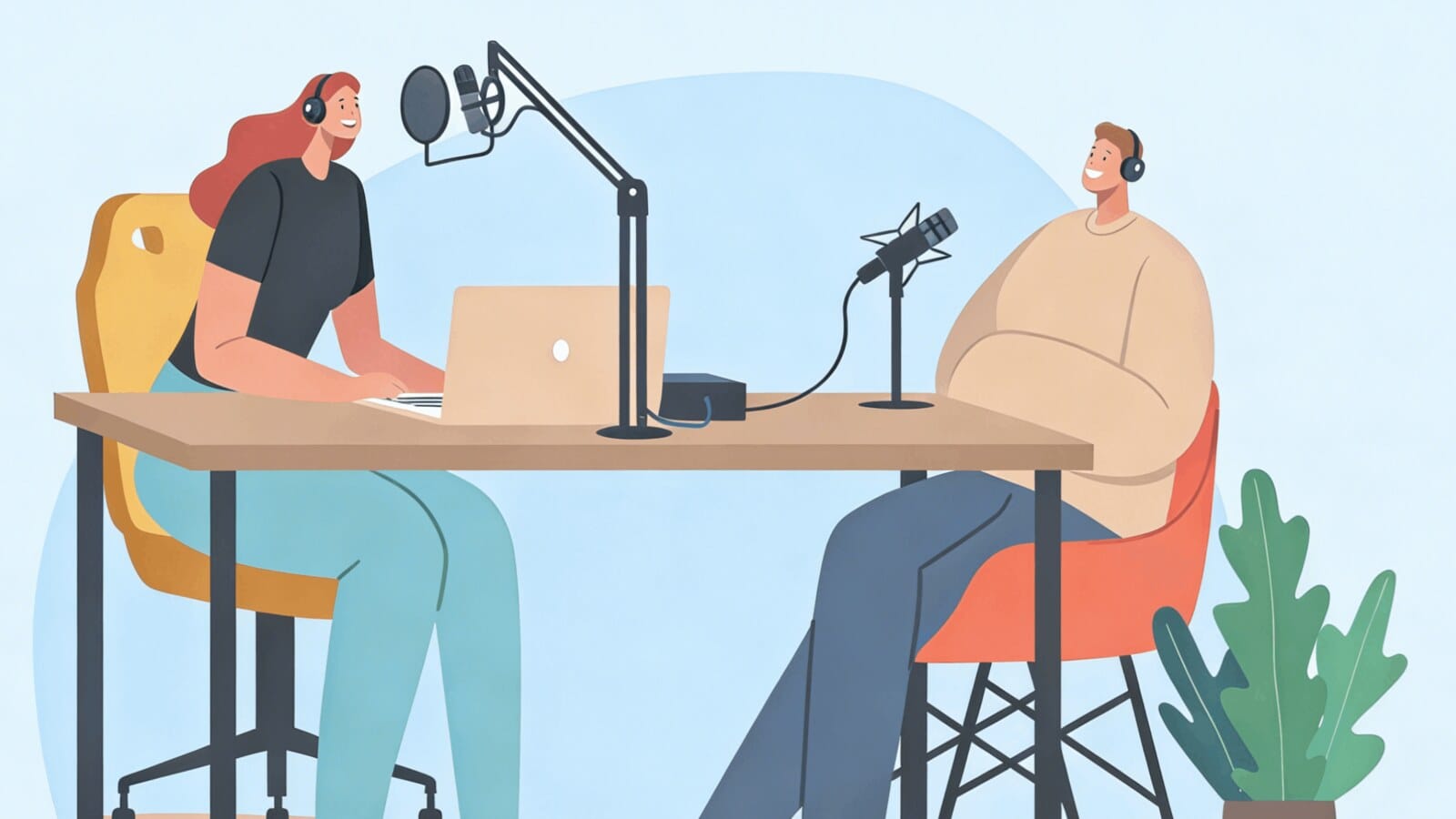
- Set the voice and language. Clone your own voice where the plan allows, or pick a stock voice and note its ID for reuse across videos. This is also the localization stage — one script becomes several language versions at a fraction of re-shooting, since avatar tools localize video into multiple languages from the same text. For voice-quality practices that carry over from audio, see our AI podcast production guide.
- Render the master video. Export at 1080p and watch the meter: D-ID rounds to 15-second intervals, HeyGen counts credits, Synthesia counts minutes. Keep masters under two minutes — 71% of video marketers say 30 seconds to 2 minutes performs best, per Wyzowl. Render in batches of five so a failed export never costs a publishing day.
- Cut three shorts and caption them. Drop the master into CapCut for vertical crops, captions, and hooks; captions matter because most feeds autoplay muted. A transcript doubles the asset — our speech-to-text workflow turns one video into blog sections and quote graphics.
- Repurpose and schedule. One script becomes a blog post, a newsletter section, and social captions — how daily publishers stay daily. Our video-to-blog repurposing guide maps the full chain.
One session, every format. ArWriter's Auto-Writer turns a keyword list into video scripts, blog posts, and social captions in both English and Arabic — the bilingual layer avatar tools lack. Plans start at $4.99/month; Auto-Writer is on Premium at $24.99/month. Start at ArWriter or go straight to the Auto-Writer.
Five script templates for a daily publishing calendar
A daily calendar beats a viral hit. Run the week on five formats — demo Monday, FAQ short Tuesday, testimonial-style Wednesday, how-to Thursday, offer Friday — scripted in one session, rendered in batch, scheduled. Paste any template into your writing tool and fill the braces:
Monday — product demo (60 seconds)
Write a 60-second avatar video script for {product} targeting {audience}.
Hook in the first 3 seconds, problem → 3 benefit bullets with numbers → CTA.
Tone: confident presenter, Grade 6 reading level, no jargon.
Tuesday — FAQ short (45 seconds)
Write a 45-second FAQ short answering this customer question: {question}.
Open with the question read aloud, give the direct answer in one sentence,
add 2 supporting facts with numbers, then invite viewers to ask their
own question in the comments.
Wednesday — testimonial-style (60 seconds)
Write a 60-second testimonial-style script from this real customer
feedback: {paste feedback}. Quote only what the customer actually said,
attribute it to {first name, role}, include one metric they mentioned,
and close with a soft CTA to read the full story. Do not invent quotes.
Thursday — how-to (90 seconds)
Write a 90-second how-to script teaching {task} in 4 steps. Each step
gets one sentence plus the exact action to take. Open with the outcome
viewers will achieve, end with the most common mistake to avoid.
Friday — offer clip (30 seconds)
Write a 30-second offer script for {offer}. Structure: pattern-break
opening line, the offer in plain words, price and deadline, one reason
to believe {proof}, calm urgent CTA. No hype words.
One more prompt finishes the pipeline — repurpose every script:
Turn this video script into: (1) a 600-word SEO blog intro section,
(2) 3 tweet/X posts, (3) a newsletter teaser. Keep one CTA.
How an Austin course creator went from four videos a quarter to twenty a month
Elena Marsh produces project-management courses from a home office in Austin, Texas. Until last spring her catalog held forty lessons and exactly four videos, because each meant a studio rental, a teleprompter session, and a $600 invoice. Her launch calendar stalled, and text-only lessons underperformed in trials.
Her current stack costs $53.99 a month: ArWriter Premium at $24.99 for scripts and article versions, Synthesia Starter at $29 for rendering, and CapCut's free tier for captions and cuts. On Sunday evenings she batches five scripts in one ArWriter session, each targeting one lesson objective. Monday morning she pastes them into Synthesia, uses two consistent avatars — one for beginner content, one for advanced — and renders while she answers student questions.
By Wednesday each master clip becomes three captioned shorts, a blog summary, and a newsletter section generated from the same script. Twenty videos a month now leave her queue, where four used to leave per quarter, and nothing waits on a studio booking. At her old freelancer rate of $150 per edited short, twenty videos would have cost $3,000; her all-in tool bill stays under $54.
The effect she did not expect: completion rates on lesson intros rose, she believes because every video uses the same calm presenter and 40-second pacing — consistency, not polish, was what the crew days hid. Enrollment in her flagship course is up 18% year over year since the library filled out, following the pipeline we describe in turning content into a paid course with AI.
When a real face beats an avatar
Some niches should keep the camera. Medical advice, legal guidance, crisis communication, and high-ticket B2B sales convert on human presence, and audiences punish anything that feels automated there. Wyzowl reports 89% of consumers say video quality affects their trust in a brand — perceived quality includes authenticity, not just resolution. The working rule: if a viewer would feel deceived learning the presenter was generated, film it for real.
Labeling AI presenter videos the honest way
Disclosure is a platform requirement now, not a courtesy. YouTube requires a label on realistic synthetic media and shipped its own Smart Avatars for Shorts in April 2026; Instagram labels AI media and lets creators pre-declare it. Unlabeled presenters stand out for the wrong reasons.
Our guide to Instagram's AI labels covers the rules, and our YouTube Partner Program changes overview summarizes the monetization side. The pattern that works: disclose in the platform field, mention it in the video once, and move on. Audiences accept labeled avatars; they punish hidden ones.
What to do next
The camera-less studio is a checklist, not a moonshot:
- Today: benchmark your per-video cost against the table above, hourly rate included.
- This week: script five templates, render on one tool's cheapest tier, publish on schedule.
- This month: compare completion and click-through against old videos, then size the plan you need.
- Ongoing: research topics before scripting; repurpose every script into blog and newsletter formats.
Ready to industrialize the writing layer? ArWriter produces video scripts, articles, and social posts in English and Arabic from one keyword set — from $4.99/month, with Auto-Writer and scheduling on Premium at $24.99/month. Start with the Auto-Writer.
AI avatar video questions, answered
How do you make an AI avatar video without a camera?
Write a 60–120 second script, paste it into HeyGen, Synthesia, or D-ID, pick a stock or custom avatar, choose a voice, and render. The tool returns presenter footage with synced speech and lip movement. Cut captions and three vertical shorts in CapCut, then schedule. No camera, lighting, or studio booking is required at any step.
What is the best AI avatar video generator in 2026?
For polished talking-head output at a sane price, HeyGen Creator and Synthesia Starter both start at $29/month. D-ID Lite at $4.70/month is the cheapest capable option if you accept 15-second billing rounds. InVideo is the better pick for prompt-to-video ads rather than a presenter. Test Arabic or local-language voices on the free tier before you pay.
How much does an AI avatar video cost compared to hiring a presenter?
A local production company charges about $1,000 per finished minute once crew, talent, and editing are counted. A $29/month avatar plan renders 10 or more minutes, which is under $3 per finished minute. One studio minute therefore costs about the same as 34 months of a Creator-tier avatar subscription.
Can I create a video of myself without filming?
Yes. Record a short consented sample — clean audio, even lighting, a few minutes of footage — and tools such as HeyGen or D-ID build a digital twin that reads any later script in your voice and likeness. Check the commercial-license terms on your plan, and keep the original consent recording on file.
How many videos can I make per month on HeyGen, Synthesia, and D-ID plans?
HeyGen's free tier allows 3 one-minute videos; Creator includes 600 credits monthly with a one-month rollover. Synthesia Starter covers about 10 render minutes, or ten 60-second clips. D-ID Lite includes 10 minutes, rounded up in 15-second chunks, with no rollover, so short clips burn capacity faster than the clock suggests.
Can AI avatar videos be used for YouTube monetization?
Yes, if you turn on the AI disclosure label and follow YouTube's reused-content rules. Mass-produced spam with no original script stays ineligible. Original scripts, a consistent presenter, and honest labeling typically clear review. Platform policies change, so re-check YouTube's synthetic-media help page before a large library goes live.
Do AI avatar tools support Arabic voices and dialects?
Vendors advertise 160–175+ languages, but pricing pages rarely name Arabic or Gulf/Egyptian dialects. Treat that as a test, not a promise: run your own script on the free tier, listen for ع / غ / ق, brand names, and number pronunciation, and check whether captions render right-to-left. Do not subscribe until that sample sounds acceptable.
What is the difference between an AI avatar and a deepfake?
A deepfake typically maps someone else's face onto footage without consent. An AI avatar is either a licensed stock character or a digital twin you recorded yourself under an explicit consent flow. The first can be illegal; the second is a normal commercial use if you disclose synthetic media and stay inside the tool's license.
Sources
- Wyzowl State of Video Marketing 2026 — 2026 survey of 266 video marketers.
- Synthesia — The Cost of Video Production — studio, actor, and crew rates plus case studies.
- HeyGen pricing · Synthesia pricing · D-ID pricing — official plans, checked September 2026.
- HubSpot State of Marketing 2026 — AI adoption across marketing teams.
- Synthesia AI statistics hub — L&D, a16z, and Microsoft figures.