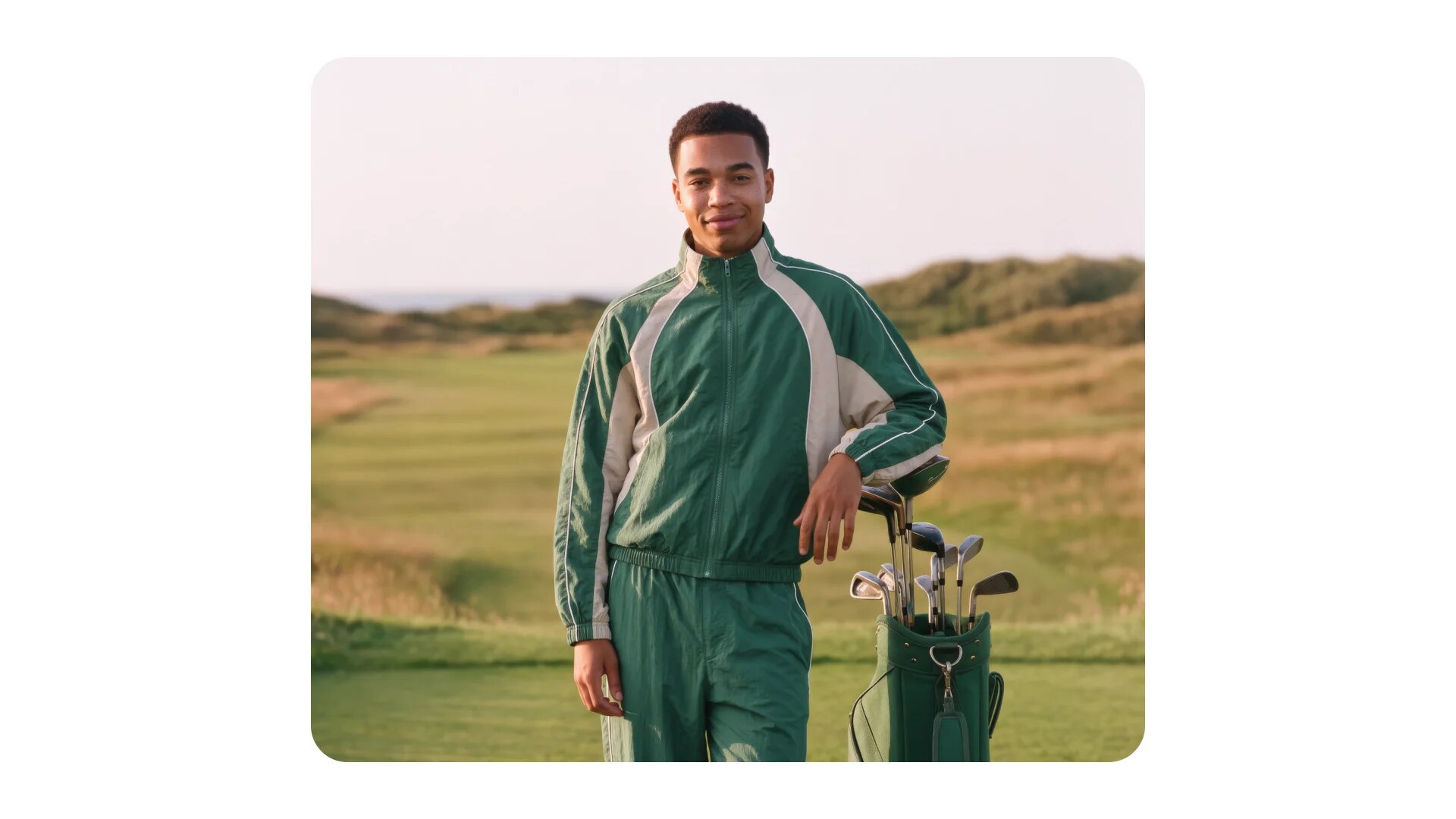
OpenAI announced Images 2.6 on November 4, 2026, rolling out across ChatGPT, Codex, and the API with 50% faster generation, native GIF creation, and finer editing controls for developers and content creators.
The upgrade lands at a moment when AI image creation has become a daily habit for millions. OpenAI says people worldwide now create 4 billion images per week across ChatGPT, Codex, and the API — an average of more than half a billion images every single day.
What is new in Images 2.6?
According to the official announcement on OpenAI's site, the release centers on three pillars:
- 50% faster generation: Images are noticeably quicker to produce than the previous generation, and the Flare model can generate an image in as little as six seconds when quality is set to low.
- Animated GIFs: For the first time you can bring motion to your images inside the same platform — animating a brand mascot or character, or turning a product shot into an eye-catching loop.
- Precision editing: Characters, products, and brand details stay consistent across successive edits, which matters enormously for anyone producing full visual campaigns.
Two models in the API: Flare and Sunburst
For developers, OpenAI offers two API models to choose from:
| Model | Best for | Notes |
|---|---|---|
| GPT-Image-2.6 Flare | Speed and rapid iteration | As fast as 6 seconds per image at low quality; improves layout quality for posters and product imagery |
| GPT-Image-2.6 Sunburst | Detail and consistency | Higher-quality generation and greater consistency across edits at medium or high quality settings |
The official recommendation is straightforward: pick Flare when you need fast results, and switch to Sunburst when a project demands higher fidelity and consistency across a set of visuals.
Why GIFs matter for content creators
Short animated images are not a gimmick; they are a full engagement format on social platforms. OpenAI describes three direct use cases: animating a brand mascot for a marketing campaign, creating reactions and memes for social media, and building animated storyboards to explore character movement before committing to video production.
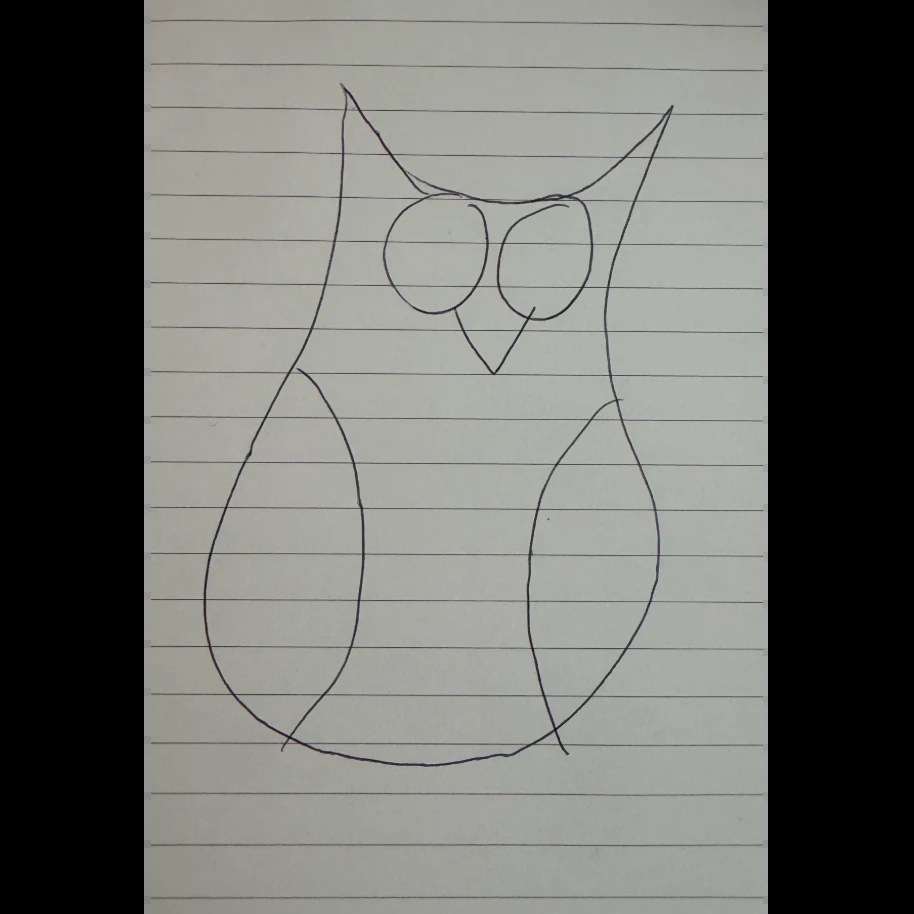
What stands out is that you do not need polished artwork to start. OpenAI showcased a hand-drawn pen sketch of an owl on lined paper that became an expressive animated character suitable for videos and games.
New controls in the API
Developers gained a set of additional controls that push editing toward production-grade workflows:
- Image markup: Previously available only in ChatGPT, markup now comes to the API so teams can pinpoint exactly where a change should happen instead of describing it in words.
- SVG exports: Vector-ready output for websites, apps, and print, with no quality loss when scaling.
- Complexity parameter: Adjusts how much planning the model puts into a request — low for quick edits, medium or high for scenes with many elements and constraints.
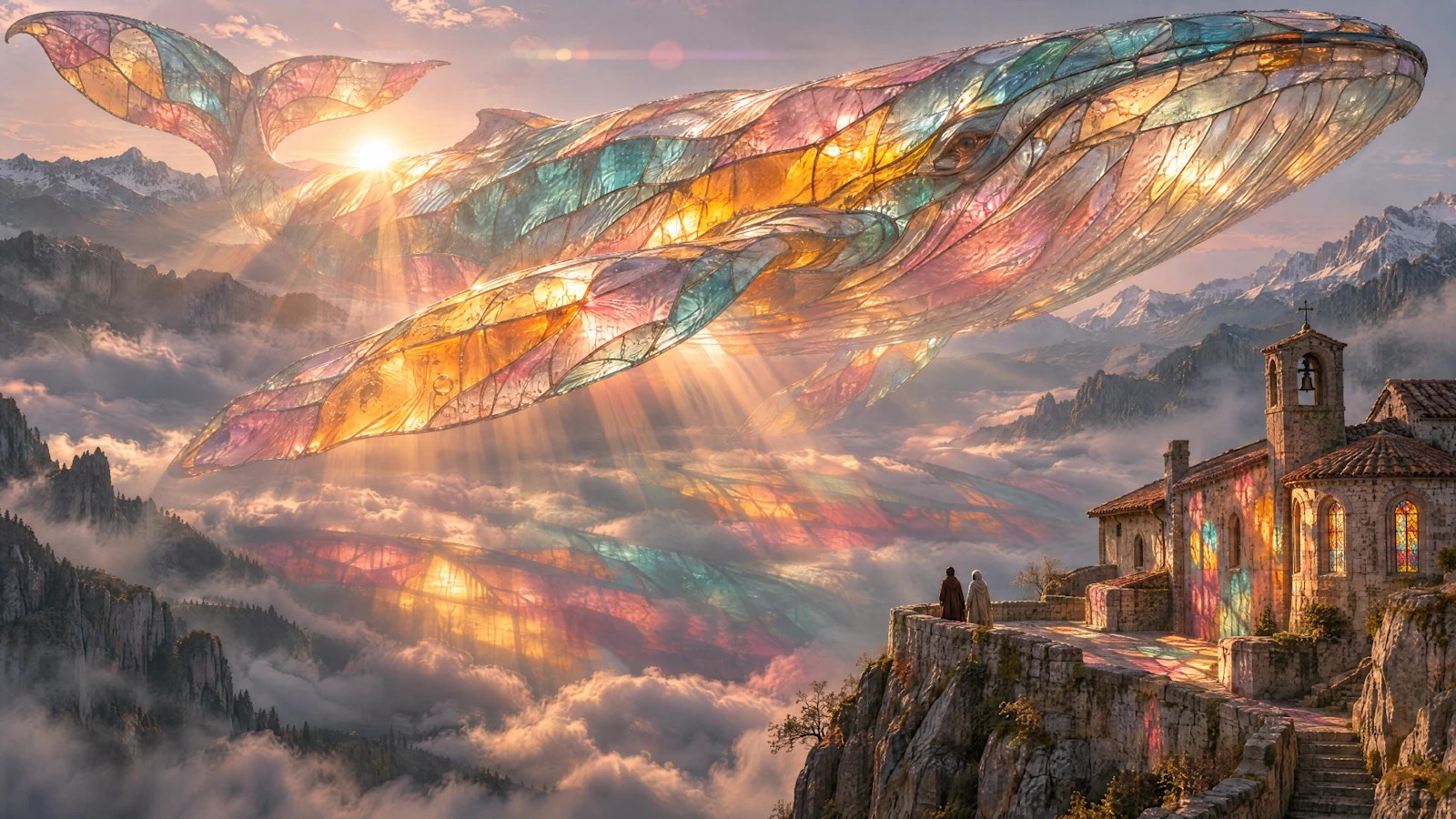
Among early access customers, startup Town used the API model to build Monty, an animated character that serves as a typing indicator in an AI work assistant, while Picsart demonstrated highly detailed output such as a giant multicolored glass whale floating above misty mountains.
Pricing and availability
Availability is broad from day one. The official wording states that Images 2.6 is available globally in ChatGPT and Codex across all subscription tiers on desktop, mobile, and web, with both Flare and Sunburst models live in the API.
API pricing, per million tokens:
- Image input: $8.00; image output: $30.00 — identical for both Flare and Sunburst.
- Cached image input: $2.00.
- Text input: $5.00.
OpenAI also published a system card documenting safety evaluations and safeguards for the new release.
What does this mean for you as a content creator?
- Faster social visuals: Formats that used to require a designer and an editor — an animated mascot, a funny reaction, a looping product shot — can now be produced in minutes, letting you test several creative directions in the time one used to take.
- Brand consistency: Keeping characters and products stable across edits means a 20-image campaign can hold the same look without painful regeneration loops.
- A bridge to video at image prices: Animated GIFs sit between still images and full video, useful for stories and short ads before you invest in heavier video production from models like the open Pika H3 video model.
- Test your language: Arabic text rendering inside generated images remains a relative weak spot for most image models, so test the new version with your own Arabic phrases before adopting it, and lean on ready-made prompt libraries like the ARWriter image prompt library.
If you run full content operations, the new API controls (markup, SVG export, complexity) make automating visual production a natural part of your pipeline — the same direction we saw in smart editing tools like the Krea 3 image editing model and Canva's AI design editing tools.
How to test Images 2.6 wisely on day one
Rather than probing the new version at random, run a short testing plan that reveals its real capabilities for your own use cases:
- Test character consistency first: generate a hypothetical brand mascot, then make three consecutive edits — change the background, add a product, shift the pose — and watch whether the character keeps its features. This is the test that separates new generations from old ones.
- Test Arabic text inside the image: generate a price card or cover carrying a short Arabic phrase and check letter accuracy. If the result comes out distorted, rely on the model for visual backgrounds and add your text in an external design tool.
- Test the GIF loop: take the character that worked in step one and ask for a short looping animation, checking frame-to-frame smoothness before building a full campaign on it.
- Compare Flare and Sunburst on the same prompt: run one request on both models and note the difference in detail and turnaround time. That gives you a personal benchmark for choosing between them later.
- Document your best prompts: what works today — phrasing, element order, quality level — becomes your private library for the weeks ahead.
This quick pass, roughly half an hour, tells you more than any theoretical comparison: where the new version genuinely serves your workflow, and where it still needs workarounds from you.
Frequently asked questions
What is OpenAI Images 2.6?
It is the newest generation of OpenAI's image models, launched on November 4, 2026 in ChatGPT, Codex, and the API. It adds animated GIF generation, 50% faster image creation, and more precise editing with better consistency for characters, products, and brand details.
Is Images 2.6 available for free?
The official announcement states the release is available globally in ChatGPT and Codex across all subscription tiers on desktop, mobile, and web. The API is billed per usage according to the published per-million-token rates.
How much does image generation cost via the API?
According to the official pricing page: $8.00 per million image input tokens, $30.00 per million image output tokens, $2.00 for cached input, and $5.00 for text input — the same for both Flare and Sunburst models.
Can you animate existing images with Images 2.6?
Yes. The core idea behind GIFs in this release is bringing motion to what you already have — a brand mascot, a character, or even a simple hand-drawn sketch — and turning it into a seamless looping animation for social platforms.
What is the difference between Flare and Sunburst?
Flare is built for speed and rapid iteration, generating images in as little as six seconds at low quality while improving layout for posters and product imagery. Sunburst delivers higher quality and greater consistency across edits at medium or high quality settings.
Prepare your next article's visuals in minutes
If you publish on a schedule, fast animated visuals raise the odds that readers stop scrolling when your post appears. Start with the writing and publishing tools at ARWriter to draft the article and its image prompts together, then generate platform-ready visuals in one place.
Sources: OpenAI official announcement: Introducing Images 2.6 — OpenAI API pricing page