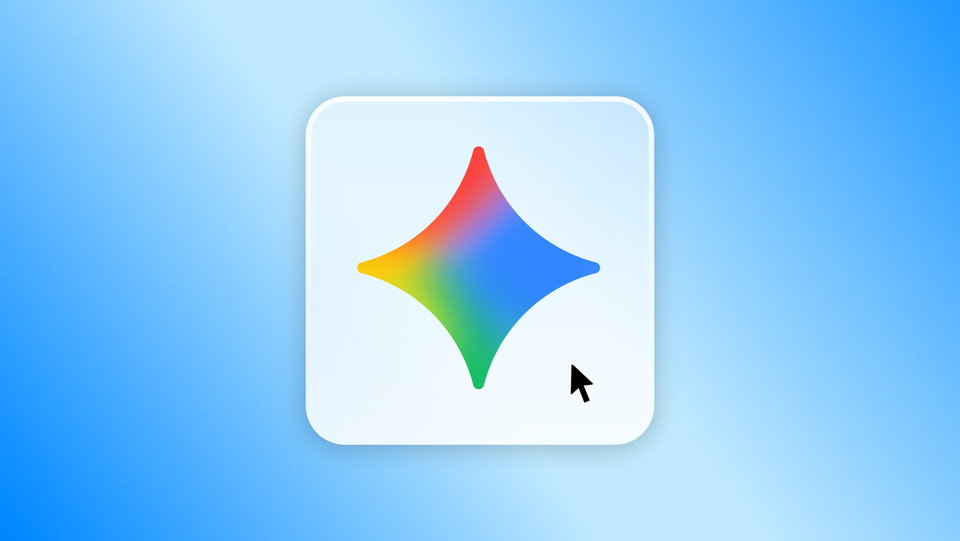
Google just shipped the desktop AI assistant Windows users were waiting for. On September 10, 2026, the company announced the Gemini app for Windows — a native desktop app available globally for Windows 10 and 11, free to download today at gemini.google/desktop. The headline feature is a system-wide keyboard shortcut: press Alt + Space anywhere, and Gemini appears as an overlay on top of whatever you're working on. No browser tab, no context switching, no broken flow.
Official app image from Google's launch announcement, September 10, 2026.
What Google actually announced
The launch post, published by Erin Pettigrew, Director of Product Management for the Gemini app, positions the app as "designed to work seamlessly alongside your favorite tools and daily applications." Three capabilities anchor the release. First, instant access: the Alt + Space shortcut summons Gemini over your active work — fact-check a document, grab title ideas for a deck, then jump straight back in. Second, a dedicated workspace for deeper tasks, where Gemini can pull information directly from your connected Google apps like Gmail and Google Drive. Third, on-desktop creation: generate custom images with Nano Banana or direct high-quality video with Gemini Omni without leaving the app. Google also stresses the app is lightweight and won't slow your PC while you work.
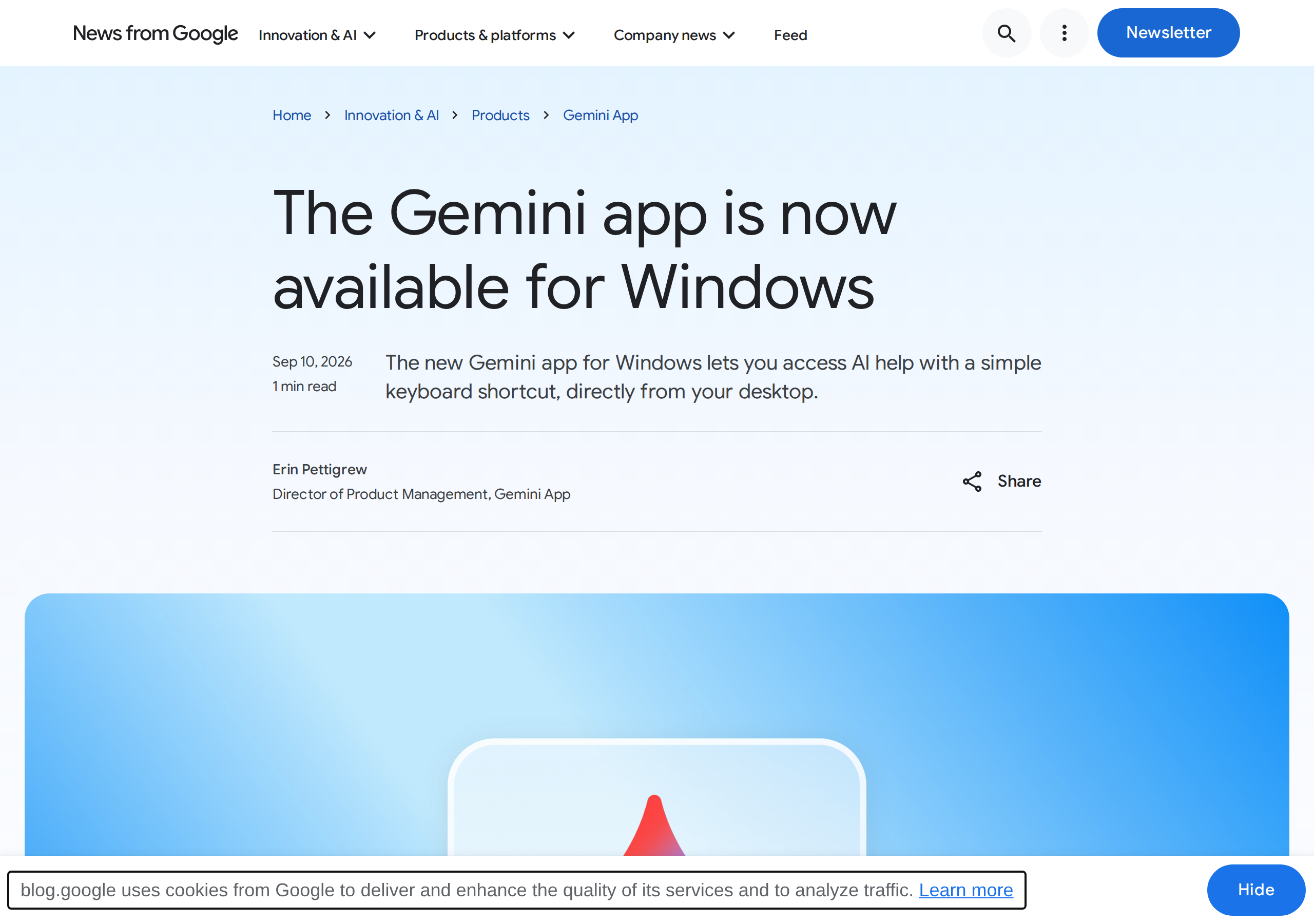
The official announcement page on Google's blog as it appeared on launch day.
Why a keyboard shortcut matters more than it sounds
Every AI assistant lives or dies on friction. Browser-based assistants cost you a tab switch, a thought interrupt, and a small act of will every single time — which is why so many creators pay for AI tools and then stop using them by week two. A global hotkey changes the psychology: asking becomes as cheap as typing, so the assistant turns into a reflex rather than a destination. This is the same pattern that made AI features inside code editors and email clients stick, and it's the strongest argument for installing this app rather than bookmarking the website.
What it means for content creators
If you write, design, or publish from a Windows machine, this closes a real gap. Your editor, your design tool, and your scheduling dashboard already live on the desktop — now your assistant does too. Practical examples from a publishing workflow: pull a quick statistic while drafting in your editor, generate a featured-image concept with Nano Banana mid-article, or ask Gemini to summarize a week of client emails from Gmail before planning next week's calendar. The multi-step agent Gemini Spark, which creators already use for tasks like organizing Google Photos libraries, can now be handed work directly from the desktop.
It's also part of a visible acceleration from Google — following the Gemini 3.8 model releases and voice features rolling out across Gmail and Docs. The strategy is unmistakable: put Gemini on every screen where a user might think of something.
App vs. browser: a quick comparison
| Aspect | Windows app | Browser use |
|---|---|---|
| Access speed | Alt + Space from any app | Open a tab and switch to it |
| Focus during work | Overlay appears over current work | Tab-switching breaks concentration |
| Google apps context | Pulls from Gmail and Drive directly | Available, with more steps |
| Image and video creation | Nano Banana images, Gemini Omni video on desktop | Same models via web |
| Resource usage | Lightweight background process per Google | Depends on your browser load |
Who should install it today — and who can wait
Install it now if your day spans multiple desktop apps: writers hopping between documents and research, marketers running campaigns from a dashboard, store owners preparing product copy and visuals. For that profile, one hotkey removes dozens of daily detours, and the compound saving is real — five seconds per quick question adds up to hours a month returned to actual production.
You can wait if you work primarily from a phone, live inside one tool all day, or already run a different desktop assistant. And one honest caveat for bilingual creators: general-purpose assistants remain generalists. Deep Arabic copywriting — dialect nuance, regional marketing phrasing, Islamic and technical terminology — still benefits from a specialized Arabic-first tool beside the mainstream assistant, the same way a native speaker edits a translation.
The fine print Google included
The announcement's footnotes carry the usual conditions. Gemini Spark (the agent) and Gemini Omni video features require a paid Google AI subscription, with availability varying by region and an 18+ age requirement. The core experience — conversation, quick questions, and Nano Banana image generation — works with a standard free Google account. Windows 10 and 11 are both supported globally as of today, and Google describes this launch as "just the beginning," promising more native desktop capabilities over time without naming dates.
Is the Gemini Windows app free?
Downloading and basic use are free with a Google account. Advanced features like the Gemini Spark agent and Gemini Omni video require a paid Google AI subscription, with regional availability differences.
Does it work in Arabic?
The app runs the same Gemini assistant that supports Arabic conversation across its web and mobile versions. Google's announcement didn't specify interface languages, but chatting in Arabic works as it does elsewhere in Gemini.
Which shortcut opens Gemini?
Alt + Space. It opens Gemini as an overlay above your active application from anywhere in Windows, and dismisses just as fast.
Does it slow down your computer?
Google explicitly designed it to run quietly in the background without slowing your PC — one of the stated selling points in the launch announcement.
Is it available for Windows 10, or only Windows 11?
Both. The app is available globally for Windows 10 and 11 from gemini.google/desktop — no Insider build or beta enrollment required, the download page serves the stable release directly.
How to make the first week count
Most people install a desktop assistant, open it twice, and forget it exists. A better onboarding: pick two recurring moments in your workday and bind the shortcut to them deliberately. Moment one — mid-draft lookups: next time you need a fact, a synonym, or a quick rephrase while writing, force yourself to use Alt + Space instead of your browser. Moment two — visual drafts: when an article or deck needs an illustrative image, generate two or three Nano Banana candidates on the spot instead of searching stock sites. After three or four days the reflex forms, and that's when the app stops being a novelty and starts being infrastructure.
One more realistic note: overlays shine on single-monitor setups, where tab-switching hurts most. If you run a multi-monitor rig with a browser always visible on a second screen, the convenience gap narrows — though the Google apps integration and on-desktop video generation remain genuine differentiators regardless of your setup.
Your next move
Grab the app, bind the shortcut into your muscle memory for a week, and watch how often you actually use it — that's the honest test for any desktop assistant. Then pair it with a production stack that handles the Arabic side end-to-end: drafting, image prompt libraries, and social scheduling in one place. ArWriter covers that second half — start free and let the two tools split the workload by what each does best.
Sources
- Google official blog: The Gemini app for Windows is here — launch announcement, September 10, 2026
- Official download page — gemini.google/desktop