On August 19, 2026, Instagram published four back-to-back posts on its official Creators blog, rolling out the biggest feature drop since the Edits video app launched: new motion effects, AI-powered restyling, automatic bilingual captions, custom audio imports, 15-minute exports, and a full analytics layer. More than two weeks have passed since the announcement — which makes this the right moment for a calm, complete review: what actually changes in how you build Reels, what quietly stays the same, and who should consider switching tools because of it. The next step built on that same foundation: the Edits Assistant that reads your account data and suggests what to film next.
What Edits is, and why this update matters
Edits is Meta's free video editing app built for Reels creators, available on both iOS and Android. Meta launched it to offer an alternative that lives natively inside the Instagram ecosystem: cut and arrange clips on a proper timeline, then publish straight to Instagram without exporting and re-uploading. The competitive context has never been subtle — external editors, most visibly ByteDance's CapCut, dominated short-form editing for years, forcing every Reels creator into a daily split between an editing app on one side and the publishing app on the other, with quality loss on every re-encode and no performance data where the editing happens. The August drop shows Meta attacking that gap on three fronts at once: stronger creative tools inside the app, a language bridge to new audiences, and an analytics layer that used to belong to third-party software.
Fifteen in-and-out animation effects: transitions with intent
The first of the four posts is all about motion: fifteen new In & Out animation effects that attach to the beginnings and endings of clips — Glitch Out, Particles In, and Displace among them — turning throwaway cuts into deliberate visual moments. Access is straightforward: tap a clip on the timeline, tap Effects, and open the In and Out tab. One detail the post states plainly: these effects are currently available on iOS only, so Android users are waiting.
Alongside the animations comes Opacity Blending: a slider that controls how stickers, text, and captions melt into the footage beneath them. It is exactly the kind of fine-grained control that used to separate desktop editors from phone apps — and precisely what you need when building a consistent visual identity across every video on a channel.
Restyle: re-skin your footage with a text prompt
The most ambitious feature in the bundle is Restyle: transform the entire look of a video with a plain-language description, or pick from preset styles. The official post describes it as transforming "the look of your video with a simple text prompt." The constraints are stated just as clearly: the feature is available in some countries, and generation limits may apply — phrasing that signals Meta is being careful with the compute costs of AI video generation. Practical advice: experiment if it appears in your account, but don't build your channel's whole visual identity on it until you've confirmed it's reliably available where you live.
Breaking the language barrier: bilingual captions
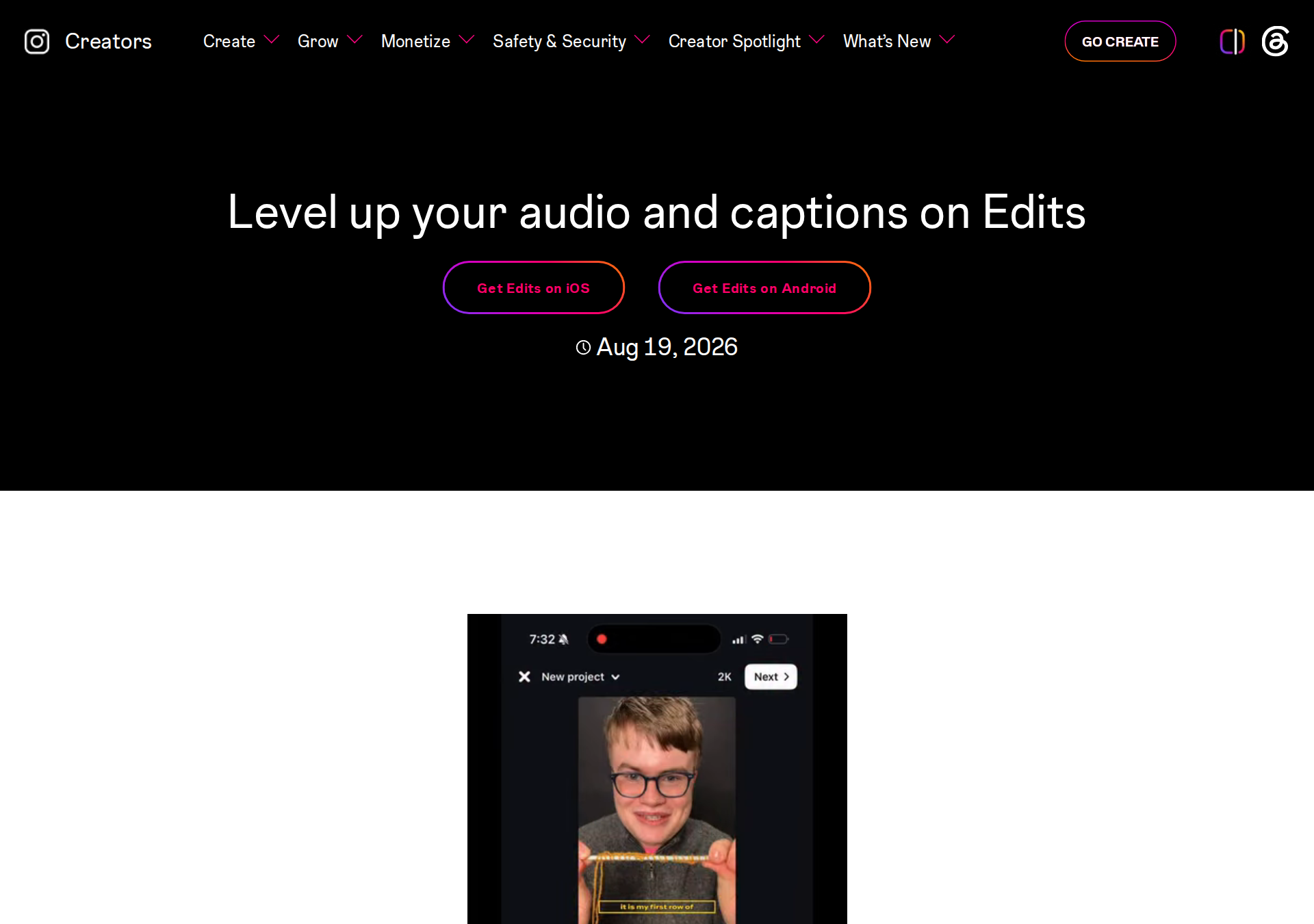
The second post carries the strategically weightiest news: bilingual captions. Instead of forcing viewers who don't speak your language to watch a video they can't follow, the app now auto-generates a complete caption track in a second language you choose, baked into the video itself. The path: tap the Captions button in the bottom toolbar, tap "Bilingual captions," pick a secondary language, and hit generate.
The official list covers fifteen languages: English, Spanish, Portuguese, Hindi, Korean, Japanese, French, German, Indonesian, Russian, Gujarati, Bengali, Italian, Thai, and Kannada. Arabic is not on the list — and that deserves to be said plainly: creators producing in Arabic for Arabic audiences won't benefit from the feature yet, while creators who can add English, French, or any of the other thirteen can now open their channel to a new audience without re-producing anything.
The same post adds Lyrics: pick a music track from the library and Edits generates its lyrics automatically, styled like any other caption — a natural fit for music-driven formats and audio trends that carry a large share of cross-cultural Reels traffic.
Audio: search by vibe, and bring your own sound
Anyone who has scrolled endlessly for the right track knows the pain the update targets. New audio search filters let you browse "by vibes like chill or bossy, and interests like fashion and travel" — cutting discovery time down to the mood of the video you're making.
The more practical addition for brand builders is importing your own audio: extract sound from any video on your device or import an audio file directly, then save it to a reusable library inside the app. The post calls it "perfect for recurring intros or signature sounds" — in other words, jingles and fixed openings that give a channel its sonic fingerprint, without external tools.
A calmer workflow: versions, alignment, and locked templates
The third post improves the craft layer. Project Versions let you maintain multiple versions of a single project — a bold cut and a calm one, say — and switch between them from the project name at the top of the editor, without cluttering your projects grid. Item-to-item alignment shows snap guides that lock text and stickers to each other and to the frame's center, ending the era of eyeballed positioning. Templates now support overlays plus the ability to lock specific clips in place — locked clips carry over untouched for anyone who reuses your template, so the template's author decides what stays fixed and what's open for customization.
And then the export ceiling moves: videos up to fifteen minutes long can now be exported straight from Edits — a shift that invites vlogs, tutorials, and multi-part stories that previously required desktop software. This, too, is "currently available on iOS" per the official post.
Analytics inside the app: compare three Reels, export a PDF
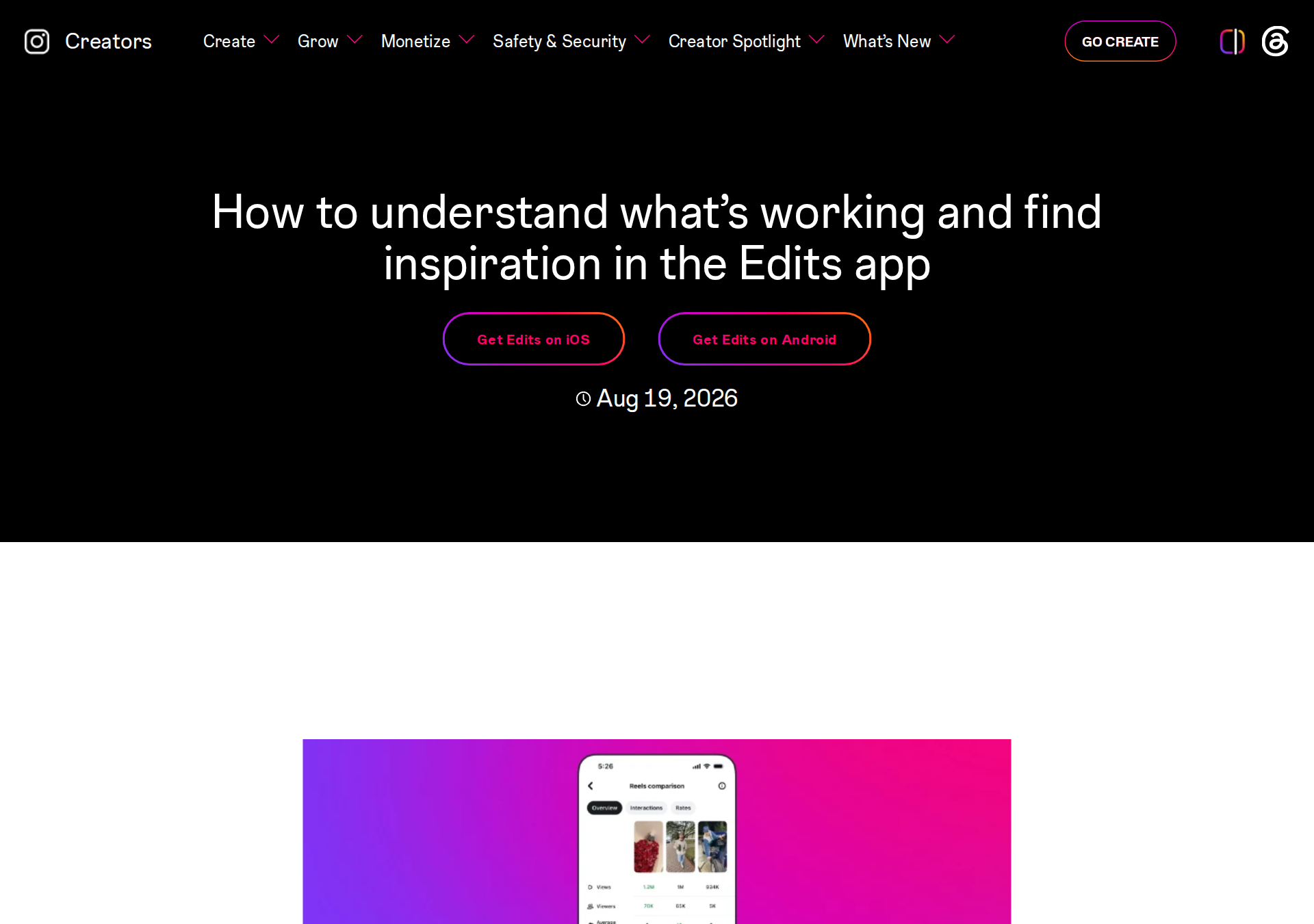
The fourth post — arguably the most important for anyone treating Reels as a business — adds a full measurement layer. Reels comparison puts the metrics of up to three Reels side by side (views, watch time, followers gained, engagements) so you can see why one video worked while another flopped. Audience insights show where your followers live, what they're interested in, and when they're most active. And you can now export your insights as a PDF to hand directly to brands and partners — the app now serves a creator's marketing side, not just production. As a companion, the Inspiration tab gained a search function: type a topic like "birthday" or "travel" and get matching audio, ideas, and templates.
What this means for your workflow
- Re-examine your paid editing stack: if a monthly subscription exists in your budget purely for effects and long exports, August's bundle makes Edits a serious free candidate — especially since publishing to Instagram is direct, with no re-encode quality loss.
- The language bridge runs one way — for now: you can now ship an Arabic video with English or French captions baked in for a wider audience. Captions into Arabic aren't available yet; watch the language list, because Arabic support would be an event in itself.
- Turn analytics into decisions: three-Reel side-by-side comparison makes "what worked and why" a weekly answerable question instead of a guess, especially combined with audience activity timing.
- Build a channel fingerprint: imported signature audio + opacity-controlled text styling = a consistent opening and typography system across every video, no external tools required.
- Treat Restyle as a garnish: AI restyling is eye-catching but country-gated and usage-limited. Make it a creative accent, not the foundation of your workflow.
No update exists in a vacuum, so read this alongside our coverage of First Draft, the feature that assembles a first-cut Reel from raw clips in one tap, and Instagram's new rules for labeling AI-generated profiles — together they sketch Instagram's full summer picture: faster production, sharper measurement, and mandatory transparency.
Quick comparison: Edits before and after August
| Area | Before | After the August drop |
|---|---|---|
| Motion effects | A limited set of basic filters | 15 in/out animations + opacity blending (iOS first) |
| AI restyling | Not available | Restyle via text prompt (some countries, limits apply) |
| Captions | Single language | Bilingual across 15 languages (no Arabic yet) |
| Audio | Instagram library only | Vibe search + your own imported sounds + auto lyrics |
| Export length | Short-form only | Up to 15 minutes (iOS first) |
| Analytics | Outside the app | 3-Reel comparison + audience tab + PDF export |
Honest limitations to keep in mind
- The iOS/Android gap is real: the fifteen effects and 15-minute exports are "currently available on iOS" per the official posts; Android rollout is gradual and undated.
- No Arabic in bilingual captions: the official fifteen-language list excludes it — don't promise your workflow a feature the app doesn't deliver yet.
- Restyle is gated: "available in some countries" with "generation limits" that may apply — neither the country list nor the exact limits are published.
- Exact numbers are missing: the posts don't quantify generation caps or country availability; the app itself is the source of truth for what your account shows.
- It's not a cross-platform scheduler: Edits belongs to the Instagram ecosystem. If you republish the same content to TikTok and YouTube and need unified scheduling, a separate scheduling tool remains necessary.
A plan for your first week with the update
To turn the feature list into working habits rather than a one-day experiment, split the week: two days on effects and identity — pick three in/out effects that match your channel's tone and standardize them, and try opacity blending on your usual text styles to feel the consistency gain; two days on audio and captions — record or choose a fixed opening sound and import it to your library, and if your audience reads English or French, enable bilingual captions on your best recent video; one day on the long export — convert a tutorial or topic intro you kept postponing into a full 15-minute piece; two days on analytics — compare three Reels from the past month, export the PDF, then re-run the comparison in two weeks to check whether your decisions actually changed. Project Versions lets you test two cuts of the same video — captioned and uncaptioned, bold and calm — and let the comparison decide which one deserves repeating.
Frequently asked questions
Is the new Edits update free?
Everything announced across the four posts is presented as part of the app itself on both app stores, with no paid tier mentioned for effects, captions, or analytics. The only stated restriction is potential generation limits on the Restyle feature.
When do the new features reach Android?
The official posts say the fifteen effects and the 15-minute export are "currently available on iOS," with no announced Android date. The remaining features — bilingual captions, analytics, audio import — carry no stated platform restriction.
Can I add Arabic captions to my videos with the new feature?
No. The fifteen supported languages for bilingual captions do not include Arabic; the feature adds a second supported language to a video originally in another listed language. For Arabic caption text you still need external tools — you can draft Arabic scripts and captions faster with ARWriter's Arabic writing tools and add them manually.
How is Restyle different from full AI video generation?
Restyle re-skins footage you actually shot — changing its visual style from a text description — while generation tools create video from nothing. The first preserves your real scenes and content; the second produces footage you could never film.
Does the Reels comparison replace Instagram's own insights?
It extends them rather than replacing them: it reads the same core metrics (views, watch time, followers, engagements) but adds the side-by-side comparison of three Reels plus a PDF export — a layer that previously meant copying numbers into a spreadsheet.
Do locked clips in templates block everyone from editing my template?
Locking is selective: you choose which clips to lock, and those carry over unchanged for anyone reusing the template, while the rest stays fully customizable. That protects the template's identity — the intro, the logo, the frame — while still leaving room for each creator's own content.
Bottom line
August's bundle graduates Edits from "a quick Reels trimmer" to a genuine production workshop: effects that give transitions personality, AI that re-skins the look, captions that open a new audience, custom audio that builds a channel identity, long exports that serve deeper content, and analytics that convert experience into decisions. The two honest caveats stand: flagship features arrive on iOS first, and caption languages still exclude Arabic. The working rule: if you make Reels regularly, run this week's project through Edits next to your current tool, and let the same-project comparison — not the hype — make the switch decision for you.
Sources
- New video effects & animations — Instagram Creators blog (August 19, 2026)
- Bilingual captions & audio tools — Instagram Creators blog (August 19, 2026)
- Workflow updates & long exports — Instagram Creators blog (August 19, 2026)
- Insights & comparison tools — Instagram Creators blog (August 19, 2026)