Grok has quietly become one of the most capable AI assistants for SEO work, yet most teams still route every task through ChatGPT or Gemini. The difference is architectural: Grok is the only mainstream assistant with native access to real-time X data, and its DeepSearch mode runs multi-step web research with visible sources. This guide maps Grok 4.6 onto a complete SEO workflow — keyword clustering, SERP and competitor analysis, trend discovery, briefs, and refreshes — with copy-paste prompts and an honest account of what it cannot do.
What Grok Actually Is (and Isn't) for SEO in 2026
Grok is the AI assistant built by xAI, available in four places: the standalone site grok.com, inside X at x.com/grok (free with rate limits), the iOS and Android apps, and the xAI API for programmatic work. The current flagship model is Grok 4.6, released in August 2026, and three of its specifications matter for SEO work.
- A 500,000-token context window. Enough to paste several full competitor pages, a Search Console export, and your current draft into one conversation without losing the thread.
- Image plus text input. Grok 4.6 accepts screenshots alongside text, which unlocks the SERP-screenshot workflows later in this guide. Output remains text-only.
- Adjustable reasoning effort. Levels run from low up to high (the default) and a maximum xhigh tier, so you can spend more compute on hard analysis and less on quick rewrites.
On the API side, per xAI's published pricing as of September 2026, grok-4.6 costs $2 per million input tokens, $0.50 per million cached tokens, and $6 per million output tokens for requests under 200,000 tokens; larger requests are billed at $4/$1/$12 across the entire request. The built-in web search and X search tools run $5 per 1,000 calls — cheap enough to embed in an automated pipeline. Consumer plans are murkier: reported mid-2026 pricing puts a free rate-limited tier on X and grok.com, SuperGrok Lite around $10 per month, and SuperGrok around $30 per month with the DeepSearch research mode included. Verify current tiers at grok.com before budgeting.
Now the boundary line. Grok is not an SEO tool. It has no keyword-volume database, no rank tracking, no crawler, and no backlink index. Ask it for monthly search volumes and it will produce confident numbers, none drawn from a real database. Treat it as a reasoning and synthesis layer that sits on top of your actual data sources — never a replacement for them. For a wider look at the model, we have covered Grok 4.6's capabilities for content creators in a separate deep dive.
Where Grok Fits in Your SEO Workflow — and Where It Doesn't
Every SEO workflow moves through roughly six stages: discovery, research, planning, drafting, optimization, and measurement. Grok is strong at some, useless at others, and knowing the difference is what separates a productivity gain from a hallucination problem. Teams already inside Google’s stack should also read Gemini 3.8 for SEO, which covers live Search grounding and Sheets reporting.
- Discovery — excellent. Real-time X data surfaces topics and questions days before keyword tools register enough volume to show them.
- Research — strong. DeepSearch synthesizes what ranks for a query and why, with citations you can audit.
- Planning — strong. Clustering, intent mapping, and content briefs are pure language tasks, exactly where a large-model assistant earns its keep.
- Drafting — capable. Grok writes competent prose, but most teams still finalize drafts in their production stack of choice.
- Optimization — useful. Title variants, meta descriptions, FAQ blocks, and internal-link anchors are fast wins.
- Measurement — not for Grok. It cannot see your rankings, traffic, or index status; that data lives in Google Search Console and your rank tracker.
The working rule is a three-part stack: Grok handles language, synthesis, and real-time signals; Google Search Console supplies the queries you actually get impressions for; Ahrefs or Semrush supplies volume, difficulty, and backlink data. If you are still assembling that data layer, our rundown of the best SEO tools for 2026 covers the current field.
What Grok will never replace: technical audits, log-file analysis, rank tracking, and structured-data validation all require purpose-built crawlers and monitors. Any workflow that asks a chat assistant for those answers is producing confident fiction. To see where research feeds a larger machine, the AI SEO content pipeline guide maps all seven stages around it.
Keyword Research and Clustering with Grok: A Step-by-Step Workflow
Keyword research is where most teams first try an AI assistant, and where most get burned — because they ask for volumes the model cannot know. The workflow below avoids that trap by splitting the labor cleanly: Grok generates and structures, your tools validate. For reasoning-heavy SEO chains specifically, our GPT-6 Astra SEO automation guide covers clustering, briefs, and refresh triage.
- Export real queries. Pull the last 90 days from Google Search Console — queries, clicks, impressions, CTR, position — for the part of the site you are planning. This is your ground truth.
- Add tool data. Export your Ahrefs or Semrush keyword list for the topic and merge it with the Search Console export.
- Expand and cluster in Grok. Paste the merged list and run the clustering prompt below.
- Map intent per cluster. Run the second prompt on the output.
- Validate before committing. Push final clusters back through your keyword tool for volume and difficulty before anything enters the calendar.
Prompt: keyword clustering
You are a senior SEO strategist. I will paste a raw keyword list gathered from
Google Search Console and a keyword tool.
Task: deduplicate the list, group keywords into topical clusters, and give each
cluster a short descriptive name.
For each cluster, output: the single best primary keyword, all long-tail variants,
every question-type query, and a one-line note on angle or ambiguity.
Format as a markdown table. Do NOT invent search volumes or difficulty scores —
omit those columns entirely.
Keyword list:
PASTE_KEYWORDS_HERE
Prompt: search intent mapping
Below are keyword clusters for a website in the YOUR_NICHE space.
For each cluster: classify the dominant search intent (informational, commercial
investigation, transactional, or navigational), state the user's likely goal in one
sentence, recommend the page type that best matches it (blog post, comparison page,
product page, landing page, or tool page), and propose one title angle that matches
the intent precisely.
Flag any cluster where intent is split enough to justify two separate pages.
Clusters:
PASTE_CLUSTERS_HERE
Two warnings from practice. First, Grok sometimes drifts into estimating volumes even when told not to — if a number appears, delete it; it comes from no database, because Grok has none. Second, clusters that look clean in a table can overlap in intent. The intent-mapping pass is what catches that, and it is the step most teams skip.
SERP and Competitor Analysis: DeepSearch Plus Screenshot Workflows
Two capabilities make Grok's SERP analysis faster than the text-only workflows most guides describe: DeepSearch, its agentic research mode available in the consumer apps since February 2025, and native image input on Grok 4.6.
DeepSearch for SERP synthesis. Instead of asking what a model remembers about a query, ask Grok to research it live: "Use DeepSearch to analyze what currently ranks for TARGET_QUERY. Summarize the top results, the content formats they use, the subtopics most of them cover, and the gaps none of them address." You get a sourced synthesis with citations you can audit. Agentic search reduces errors; it does not eliminate them, so spot-check sources before the findings steer your strategy.
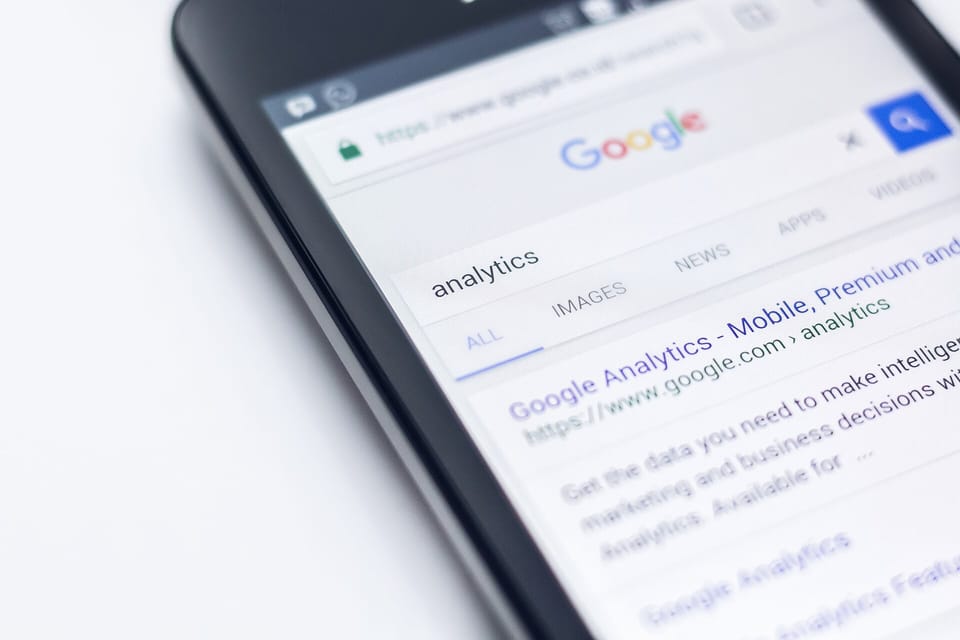
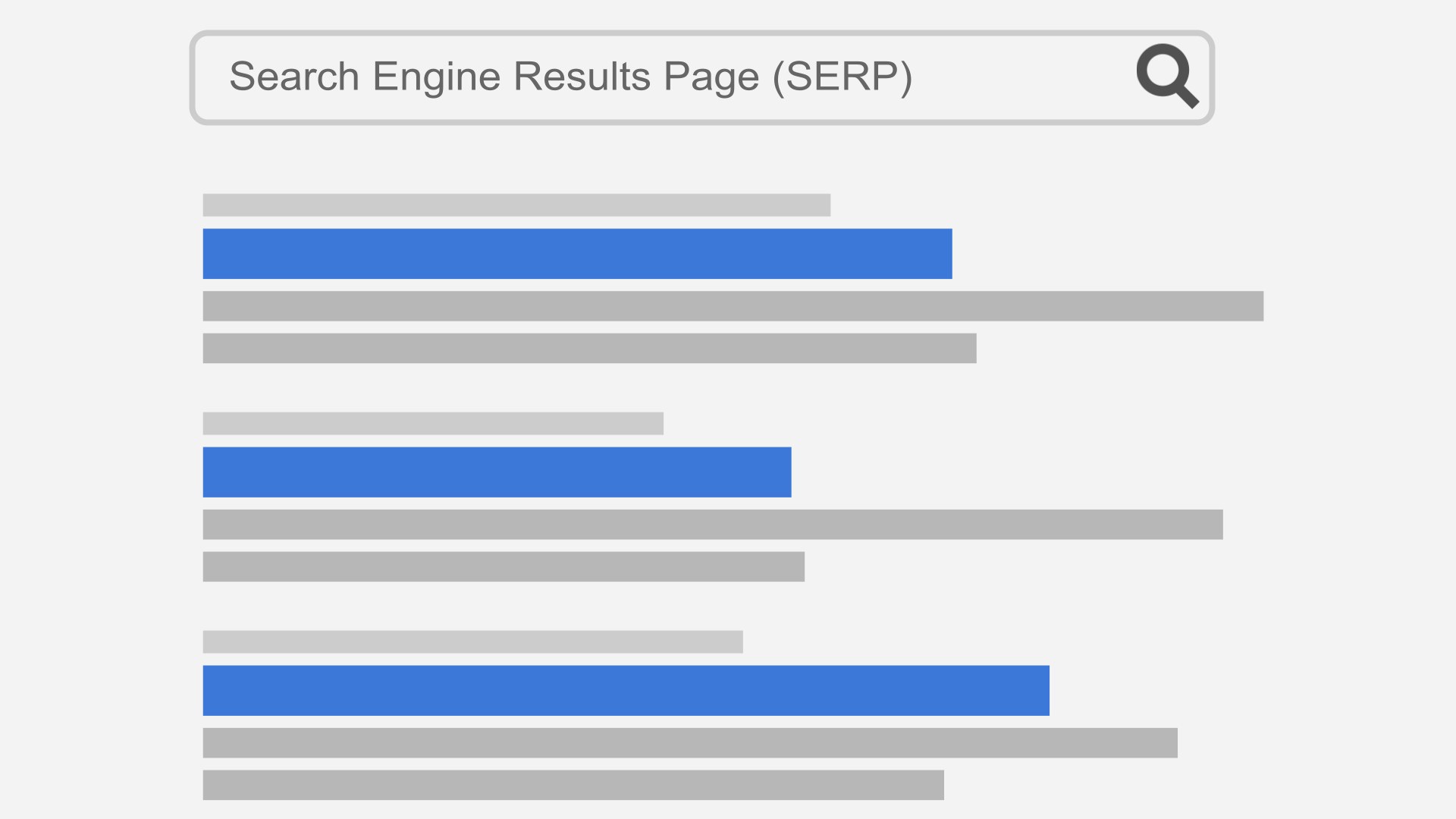
Screenshot analysis for layout extraction. SERP layout — not just who ranks — decides how much traffic a given position is worth. Capture the results page for your target query from a clean browser session, paste the image into Grok, and run:
Prompt: SERP feature extraction
I am pasting a screenshot of a Google results page for the query TARGET_QUERY.
Identify and locate every element: organic results with their title patterns, any
direct-answer panel above the results, People Also Ask unit, video row, image row,
map pack, shopping results, and discussion or forum threads.
For each organic result, infer the content format (guide, listicle, comparison,
tool, video) and the intent it satisfies.
Finish with a summary: does this page reward depth, freshness, interactivity, or
brand authority — and where is the clearest gap for a new entrant?
The readout tells you whether position three is worth chasing or whether an answer panel and video row will absorb most of the clicks. That changes prioritization more than any difficulty score: position three behind a clean layout can out-earn position one under a stacked page.
Competitor content audits at scale. Grok 4.6's 500k-token context holds several full competitor pages at once. Paste the top three ranking articles plus your own page and request a section-by-section coverage comparison: what they cover, what you cover, and what nobody covers. That gap list feeds directly into the brief workflow below — and into refresh plans for pages that already exist.
Trend Discovery: Mining Real-Time X Data for Topics and Questions
X is the only large social platform whose live feed is natively searchable by a mainstream AI assistant. Grok can tell you what people said about your topic this week — not last year, which is effectively what a lagging keyword database shows you.
Four uses pay off repeatedly in SEO work:
- Emerging topics. Spot a recurring subject on X before it accumulates enough search volume to register in keyword tools, then publish while competition is thin.
- Real question phrasing. Collect the exact wording people use when asking about your topic; that wording becomes headings, FAQ entries, and long-tail targets.
- Pain points and objections. Complaints about competing products are ready-made angles for comparison and alternatives content.
- Brand and competitor monitoring. Ask Grok to summarize recent mentions of your brand or a competitor and the sentiment around them.
Prompt: X trend mining
Search X posts from roughly the last 30 days about TOPIC.
Report: (1) recurring questions people are asking, (2) complaints and pain points,
(3) subtopics that only started appearing recently, and (4) high-engagement posts
and what specifically made them resonate.
For each finding, paraphrase or quote the post, note its approximate date, and
propose one content angle that would answer it better than anything currently
ranking in search.
Skip promotional posts and obvious spam.
Handle X data honestly: it is a skewed sample, weighted toward a particular kind of vocal user, and it is not the whole internet. The productive pattern is X for early signals, then Search Console and a keyword tool for confirmation before budget commits. When the same question appears in both streams, you have found something worth building.
Content Briefs, On-Page Optimization, and Refreshes with Grok 4.6
At this point you hold validated clusters, a SERP readout, and real questions mined from X. Grok 4.6 turns that raw material into production-ready planning documents, and the context window is what makes it work — everything fits in one conversation with room to iterate.
Briefs. Paste your top three competitor articles, your target queries, and the questions mined from X, then run:
Prompt: content brief generation
Create a content brief for an article titled WORKING_TITLE, targeting PRIMARY_KEYWORD
with these secondary keywords: SECONDARY_KEYWORDS.
Inputs to use: the competitor articles pasted above and the user questions pasted
above.
The brief must include: target reader, dominant search intent, recommended length
range, a complete H2 and H3 outline, the questions to answer in an FAQ section,
internal-link opportunities with anchor suggestions, 5 title options, and 3 meta
description options under 155 characters.
Baseline the outline on the competitors but add sections they miss. Mark every
claim that needs a citation with NEEDS_SOURCE — do not fabricate statistics.
Persistent context with Grok Skills. Grok Skills, rolled out in May 2026 according to third-party trackers, let you save standing instructions — brand voice, banned phrases, internal-linking rules — that persist across conversations. Set it once and every brief arrives in your house style instead of generic assistant prose.
On-page optimization. Once a draft exists, Grok is fast at the mechanical layer: title and meta variants tuned against the SERP patterns you extracted earlier, heading tightening, FAQ blocks built from the X questions, and internal-link anchors drawn from your cluster names. In-chat document generation, introduced with Grok 4.3 per third-party trackers, can also export briefs and reports as formatted files — worth testing on your plan.
Refreshes. For a decayed page, paste the page content plus its Search Console comparison — last six months against the previous six: queries, clicks, impressions, CTR, position — and ask for diagnosis and a prioritized fix list. We walk through the full method, including when to rewrite versus update in place, in our guide to refreshing old content with AI.
Prompt: decayed-page refresh
Below is a declining article and its Google Search Console data for the last 6
months compared with the 6 months before (queries, clicks, impressions, CTR,
position).
Diagnose the likely causes of decline: missing subtopics, outdated examples or
data, weak headings, intent drift, or SERP layout changes.
Output a prioritized refresh plan: sections to update, sections to cut, new
questions to add to the FAQ, and 5 replacement title options.
Preserve any section that still earns impressions at position 8 or better.
When the brief is locked, the drafting step is where a writing platform earns its slot: running the full brief through ARWriter.ai's auto-writer produces a structured draft with outline, keywords, and questions already in place, which you then edit and finish with Grok's on-page pass. The strategy stays yours; production gets faster.

Grok vs ChatGPT vs Gemini for SEO — and the Honest Limitations
You do not need one assistant to win; you need the right routing. Here is how the three major assistants compare for SEO work, based on what each is built for rather than benchmark lore.
Grok's edge is data the others cannot see. Native X search gives it a live feed of conversations and emerging topics, and DeepSearch adds an agentic web-research mode with visible sources. Combined with a 500k context and image input, Grok is the strongest of the three for trend discovery, SERP synthesis, and research-heavy workflows.
ChatGPT remains the drafting benchmark for many teams. Instruction-following on long documents, voice consistency across a series, and a mature ecosystem keep it the default for production writing. For pure prose quality, test both on your own briefs and let your editor decide; results vary by niche.
Gemini's advantage is proximity to Google's ecosystem. Long context windows and tight integrations with Google Workspace make it convenient when your query data lives in Google Sheets and your team drafts in Docs. It also serves as a reasonable second opinion on how Google-legible a draft reads.
What none of the three provides: search volumes, keyword difficulty, rank tracking, backlink data, or crawl diagnostics. Every general-purpose assistant will fabricate plausible metrics if asked. Keep the data layer in dedicated tools and the reasoning layer in assistants, and never confuse the two.
One forward-looking note. As discovery shifts toward AI agents and answer surfaces, pages with unambiguous entity signals and clean factual structure win the citations — the shift we map in our guide to entity SEO and building agent-ready websites. Grok is a useful rehearsal partner for that future: if its DeepSearch agent can extract who you are, what you offer, and how you differ from competitors in a single pass, so can the agents deciding what to cite.
Frequently Asked Questions
Can Grok be used for SEO?
Yes — for keyword clustering, intent mapping, SERP and competitor research, trend discovery, briefs, and on-page copy. It is a reasoning and synthesis layer, not a data source: no keyword-volume database, no rank tracking, no site crawling. Teams that pair it with Google Search Console and Ahrefs or Semrush get the value; teams that treat it as a replacement get confident guesses.
How do I use Grok for keyword research?
Start with real queries exported from Google Search Console, then have Grok expand the list, cluster it into topics, and map intent per cluster — the prompts above do exactly this. Because Grok cannot see search volumes, export its clusters into Ahrefs, Semrush, or Google Keyword Planner for volume and difficulty validation before anything enters your content calendar.
Does Grok provide keyword search volume data?
No. Grok has no keyword database, so any volume figure it quotes is a plausible-sounding guess with no source. Treat volume numbers from any general-purpose assistant — Grok, ChatGPT, or Gemini — as unverified until checked against Ahrefs, Semrush, or Keyword Planner, and use Search Console for real impression data from your own site.
What is Grok DeepSearch and how does it help marketers?
DeepSearch is Grok's agentic research mode in the consumer apps. Rather than answering from memory, it runs multi-step web research and shows its sources, which makes it useful for SERP-overview synthesis, competitor-content summaries, and topic reports you can audit. Verify what it returns; agentic search reduces errors but does not eliminate them.
Does Grok have real-time data from X (Twitter)?
Yes — this is its clearest differentiator. Grok searches X posts natively through its built-in X search capability, surfacing conversations, questions, and emerging topics days before keyword tools register them. Use it for trend discovery and audience research, then validate demand with Search Console and a keyword tool before committing budget.
Is Grok better than ChatGPT for SEO?
For tasks that depend on real-time social data and agentic web research, Grok holds an edge. For long-form drafting, voice control, and complex multi-step editing, many teams still prefer ChatGPT. Neither offers volumes, rank tracking, or audits. The practical setup: route trend and SERP research to Grok, and draft with whichever model produces better prose for your niche.
Is Grok free to use for SEO work?
Partially. A free, rate-limited tier exists on X and grok.com, enough for light weekly use. Heavier workflows — regular DeepSearch runs and high-volume prompting — sit in paid tiers; reported mid-2026 pricing puts SuperGrok around $30 per month with DeepSearch included, and SuperGrok Lite around $10. Check grok.com for current limits before committing.
Since publishing this, we have run the same methodology on Anthropic's latest model — see Claude Opus 5.5 for SEO: Content Audits and SERP Analysis for the prompt-by-prompt equivalent.