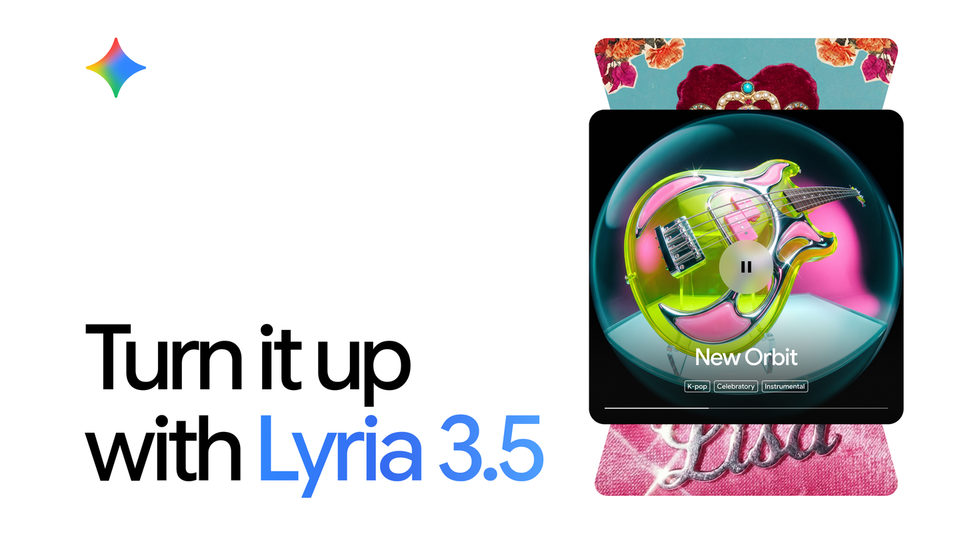
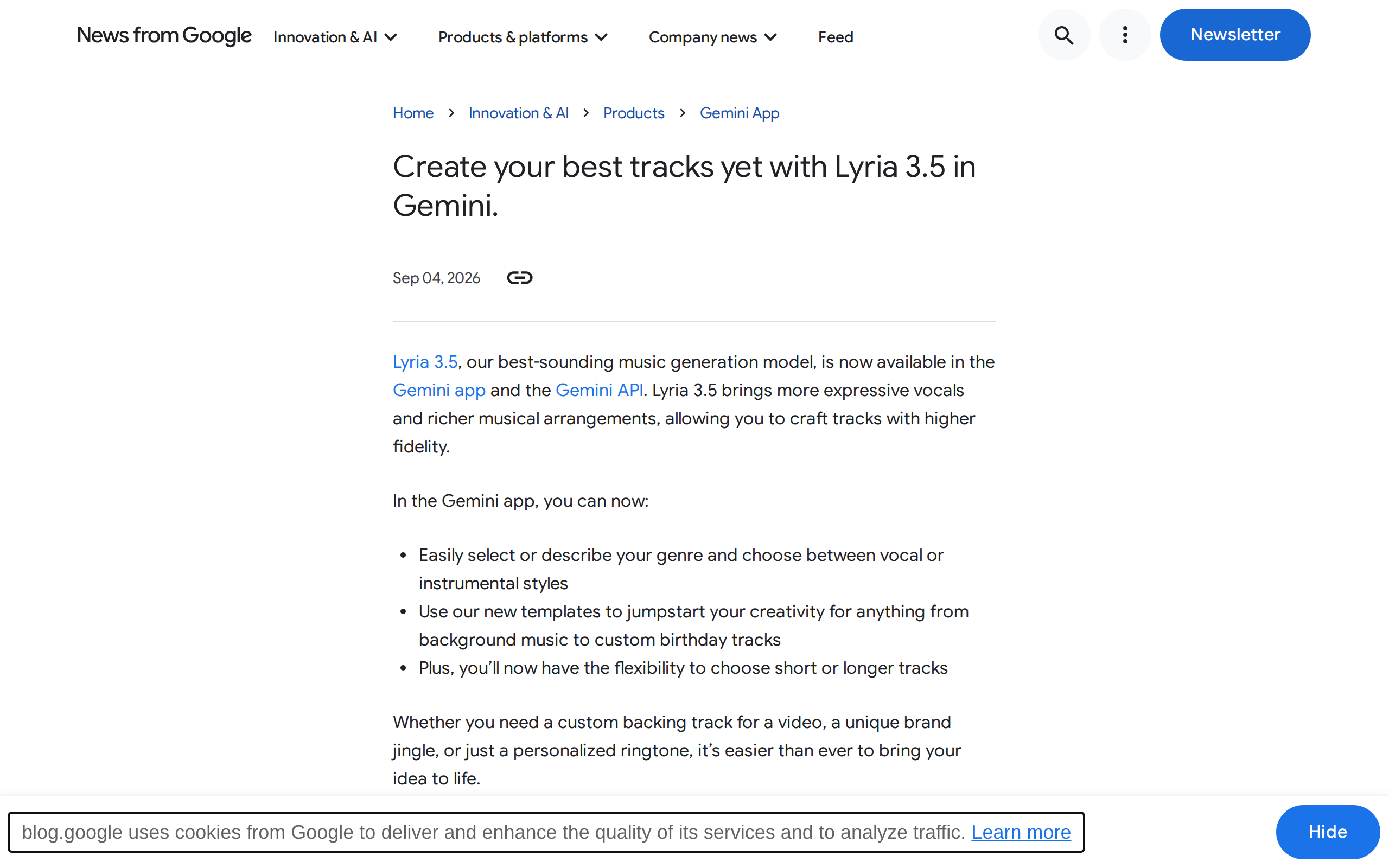
On Thursday, September 4, 2026, Google quietly changed the math for every video creator, podcaster, and small brand that has ever agonized over background music. Lyria 3.5, the company's best-sounding music generation model to date, went live inside the Gemini app for all users worldwide, on both web and mobile, and simultaneously arrived for developers through the Gemini API. No waitlist, no separate platform, no new subscription to evaluate — if you have a Google account, you can describe a piece of music in plain language and have it generated before your coffee cools.
This guide is written for working content creators: what Lyria 3.5 actually does, how to get results you would genuinely ship, where it fits alongside Suno and Udio, where it still falls short, and how to fold it into your production workflow this week.
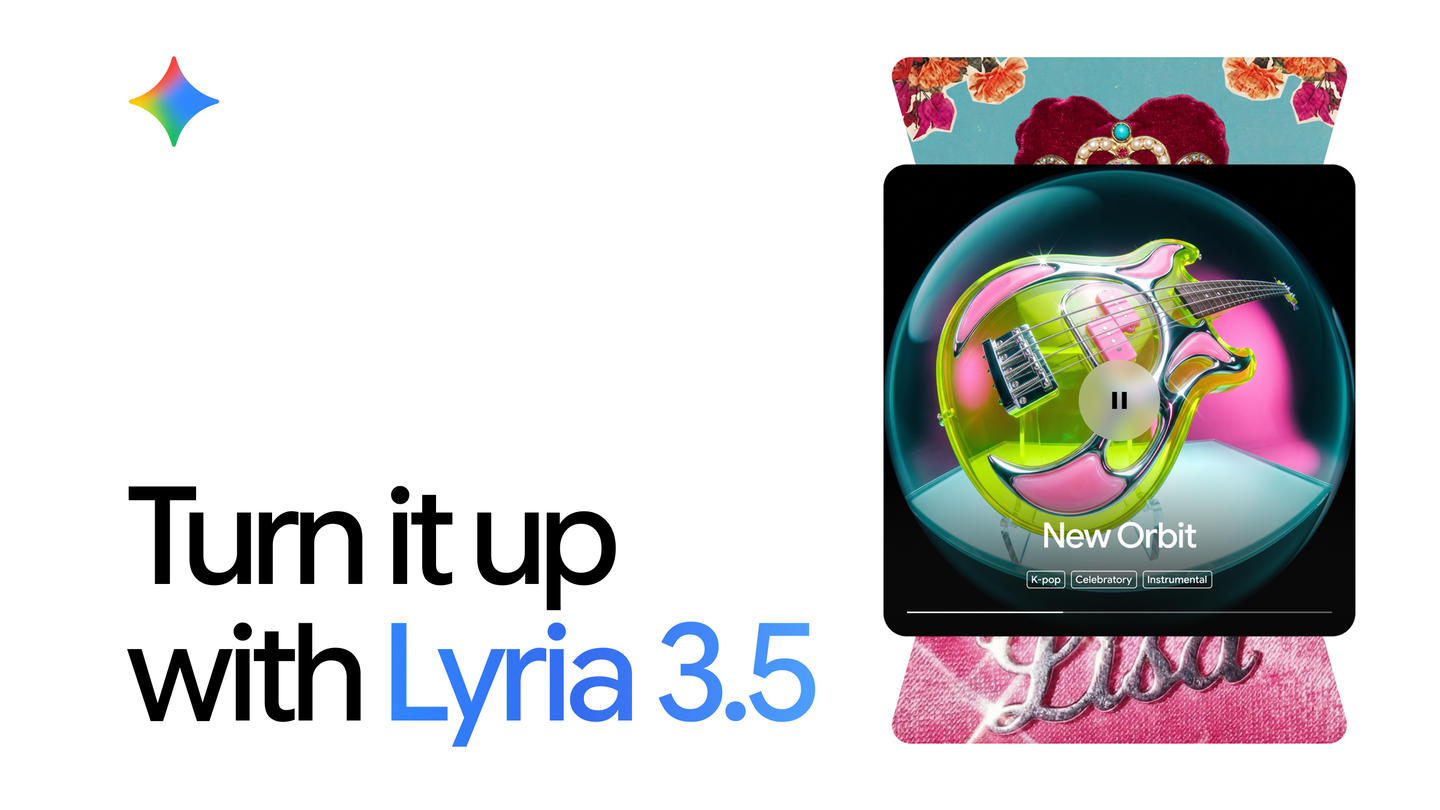
What Lyria 3.5 is, in plain terms
Lyria is Google's family of music generation models. Before this release, the line topped out at Lyria 3 Pro; version 3.5 is the iteration Google now describes as its best-sounding model yet — a claim from the company itself, but one backed by a visible strategic shift: music generation has moved out of the lab and into the main consumer app, alongside writing, image generation, and video.
In practice, you type a description — "cinematic build with strings and a driving beat" or "mellow acoustic guitar for a morning routine vlog" — and the model returns a generated track. What makes 3.5 notable is not the concept but the control it hands you:
- Genre and style direction: describe the kind of track you want in natural language, as specific or loose as you like.
- Vocal or instrumental: choose whether the track includes a sung vocal line or stays purely instrumental.
- Short or longer tracks: pick the format that matches your use, from a sting to a fuller piece.
- Templates: start from pre-built starting points instead of a blank prompt box.
Google's announcement also names the everyday use cases it has in mind: custom tracks, birthday jingles, ringtones, and background music for video. That list tells you the intended lane — fast, practical audio for people who make things, not fully produced songs for artists.
Getting started: a step-by-step first run
- Open Gemini on the web or your phone and sign in. The feature is rolling out to all users globally; if you don't see it yet, update the app and check again.
- Write a structured description. The prompt formula that consistently works: genre + mood + instruments + tempo + intended use. Example: "upbeat corporate electronic, bright synths, steady 120 BPM feel, 30-second product video background."
- Choose your options — instrumental or vocal, shorter or longer — and generate.
- Iterate like you would with images. The first result is a draft, not a verdict. Changing one adjective ("warm" to "punchy") can transform the output; expect to run three to five variations before judging.
- Start from a template if prompt-writing feels foreign; adjust the style direction afterward.
A practical tip for your first session: generate short instrumental pieces before trying vocal tracks. Instrumental output is where current models are strongest, and a 15–30 second bed under an existing clip is the fastest way to judge whether this belongs in your workflow.
Where else Lyria 3.5 lives
The announcement shipped the model across several Google surfaces, each serving a different kind of user:
- Flow Music (flowmusic.app): a music-focused experience inside the Flow ecosystem, for creators who want to work on tracks without the general chat interface.
- Google AI Studio (aistudio.google.com/new_music?model=lyria-3.5): a developer-oriented playground for probing the model's behavior systematically before building on it.
- Google Vids: Google's video tool can now carry generated music, closing the loop from script to scored video inside one ecosystem.
- Gemini API: for developers embedding music generation into their own products and pipelines.
Why this matters if you publish content every week
Music has always been one of three pain points for anyone producing video or audio regularly: you either reuse the same tired stock loop everyone recognizes, pay for library subscriptions, or gamble with copyright strikes. Here is what changes in practice:
- A unique bed for every video. A cinematic intro sting, an electronic bed for product b-roll, calm piano under a tutorial — each described fresh, so your channel stops sounding like a template.
- An audio signature for your brand. Google itself points to jingles as a primary use case. A consistent 3–5 second motif at the top of every episode is one of the cheapest branding assets you can build, and now it costs a sentence instead of a session with a composer.
- Ringtones and micro-audio. The announcement names ringtones explicitly — a signal of how lightweight short-form generation has become.
- One less tool switch. Script, transcript, music, and assembly increasingly live inside one Google account (Gemini for text, Vids for video, Lyria for score). Every tab you don't open is time back in your day.
Writing prompts that produce usable music
Output quality tracks directly with prompt quality. Weak prompts ("nice music") return generic mush; structured prompts return something you can ship. Four patterns worth pasting into your first session:
- "Cinematic orchestral build, strings and percussion accelerating, meant for a channel intro before a voiceover."
- "Minimal lo-fi hip hop beat, dusty drums, relaxed, for a 10-minute study video loop."
- "Warm acoustic guitar, folksy and hopeful, short, for a nonprofit donation appeal."
- "Bright playful jingle, 3–5 seconds, simple memorable melody, for a product outro."
Notice the last element in each: the intended use. Models calibrate structure and energy differently for a loopable background versus an attention-grabbing intro, and telling the model which one you need is the single highest-leverage detail in your prompt.
Matching music to the platform
The same generated track can save a Reel and sink a YouTube essay. Quick field guide:
- Reels / TikTok / Shorts: energy from second one. Retention decisions happen inside three seconds, so pick tracks with an immediate, obvious pulse over slow builds.
- YouTube long-form: for talking-head and tutorial content, "boring" is the goal — a low-volume ambient bed that never competes with your voice. Save the dramatic scoring for intros and chapter transitions.
- Podcasts: generate an intro and outro from near-identical prompts, varying only the mood, so regular listeners feel the consistency without you paying for custom production.
- Ads and product videos: simplicity wins. A simple, repeatable three-note motif outperforms an elaborate composition in recall, especially on mobile sound-off-plus-on viewing patterns.
Making it stick: a simple weekly workflow
Tools only pay off when they enter a routine. A pattern that works for weekly publishers: block fifteen minutes on your planning day for a "music batch." Generate three to five candidate beds for the week's videos in one sitting, using the same structured prompt formula above, and keep the winners in a simple folder structure by mood ("energetic", "calm", "cinematic"). Two things happen within a month: you develop an intuitive feel for how the model responds to your phrasing, so first-hit rates climb; and you accumulate a personal library of approved audio that makes future edits faster than any stock subscription. The creators who report the biggest wins from AI audio are not the ones with the cleverest prompts — they are the ones who stopped generating one desperate track at upload time and started producing audio as a planned batch alongside their content calendar.
Lyria 3.5 versus Suno, Udio, and stock libraries
| Option | Best for | Practical notes |
|---|---|---|
| Lyria 3.5 in Gemini | Creators wanting instant, no-extra-cost music beds inside tools they already use | Global availability in Gemini, genre/style control, vocal/instrumental toggle, deepening integration with Vids and Flow; Google states it was trained only on licensed content |
| Suno / Udio | Songwriting with detailed control over lyrics, structure, and performance | Mature, music-first platforms with deeper creative control; paid tiers for serious use, and ongoing legal controversy over training data |
| Stock music libraries | Enterprise projects needing bulletproof, documented licensing | Clear legal paper trail, but recurring cost and a shared catalog your competitors also license |
| Built-in video editor music | Personal, low-stakes clips | Free and convenient, but the most overused tracks on the internet — audiences notice |
The honest summary: Lyria is not a wholesale Suno replacement for songwriters. It is the lowest-friction option for the 90% of creator use cases — beds, stings, jingles, ringtones — where speed and freshness matter more than bar-level production control.
The limits you should know before you build on it
- Commercial terms need your own review. Google says the model was trained only on licensed content — a meaningful differentiator while rivals face lawsuits over training data — but what you may do with a generated track (paid ads? redistribution? streaming release?) is governed by Google's current Gemini terms, which evolve. Read them before a major campaign depends on it.
- No producer-level control. You cannot yet ask for "a chord change in bar 8" the way you would direct a session musician. You steer with descriptions, and retries.
- Vocal quality varies by language. Google has not published a list of languages supported for sung vocals. Treat vocal output in any given language as "test first" — this is doubly true for non-English lyrics.
- Common prompts produce common results. Generic descriptions yield tracks that sound like everyone else's generic descriptions. Specificity is what buys you uniqueness.
- Availability is not the same as unlimited quota. "All users globally" means access, not infinite generations; expect plan-based limits to apply.
FAQ
Is Lyria 3.5 free to use?
It is available to all Gemini users worldwide per Google's announcement, so trying it requires nothing beyond a Google account. Usage caps may apply to free-tier accounts, and heavy or API-based usage falls under Google's developer pricing rather than the consumer app.
Can I generate lyrics in my own language?
Google has not documented which languages are supported for sung vocals, so there is no confirmed list. The practical answer: run one test with an explicit instruction about the language you want and judge the pronunciation and phrasing yourself. Instrumental tracks bypass the question entirely — and are the stronger use case today.
Can I use the output in monetized videos?
For typical creator monetization the answer is generally yes under current terms, but the binding document is Google's Gemini terms of service at the time you publish, not this article. Check before high-stakes commercial use such as paid ad campaigns or products sold with the music embedded.
How is this different from what Suno does?
Suno is a dedicated music platform with deeper control over lyrics, song structure, and vocal performance, aimed at people making songs. Lyria 3.5 is a general-purpose assistant feature aimed at people making content — fast beds, stings, and jingles from inside an app you already use, with Google claiming an all-licensed training corpus. Different tools for overlapping but distinct jobs.
Do I need a paid Gemini plan?
The announcement language is "all users," which points to free-tier access, with the usual expectation that paid plans carry higher usage limits. If the feature is gated on rollout day, updating the app usually resolves it before any upgrade becomes necessary.
Will this replace composers and producers?
For background music and functional audio, it will absorb a lot of demand that previously went to quick stock searches. For original brand identities, film scoring, and anything with artistic stakes, human composers remain the standard — the smart workflow is generating a fast concept with Lyria, then refining it with a human when the project justifies it.
The bottom line
Lyria 3.5 in Gemini is worth ten minutes of your time this week, and here is the exact experiment: take the last video you published, generate one short instrumental bed described for its specific mood and pacing, drop it under a re-cut, and compare. Creators who test tools in the context of their real back catalog make better adoption decisions than those who evaluate in a vacuum — and this particular tool has removed every barrier to running that test.
If you produce content in Arabic as well as English, our platform covers the full pipeline these tools slot into — AI writing and publishing tools, an long-form auto-writer, and scheduling that keeps both languages shipping. We also track the rest of the fast-moving creator stack, from Gemini 3.8 Flash to Grok Imagine 2 image generation and Seedance video in Dreamina.
Sources
- Google official announcement: "Create your best tracks yet with Lyria 3.5 in Gemini" — blog.google, September 4, 2026
- Google AI Studio model page: aistudio.google.com (lyria-3.5)
- Secondary coverage: TNW, Digital Trends, PPC Land (September 2026)