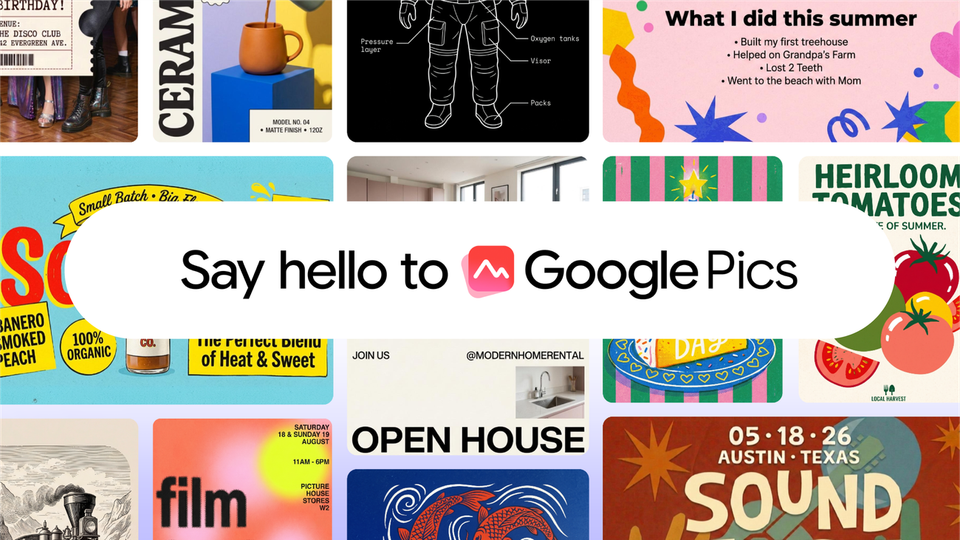
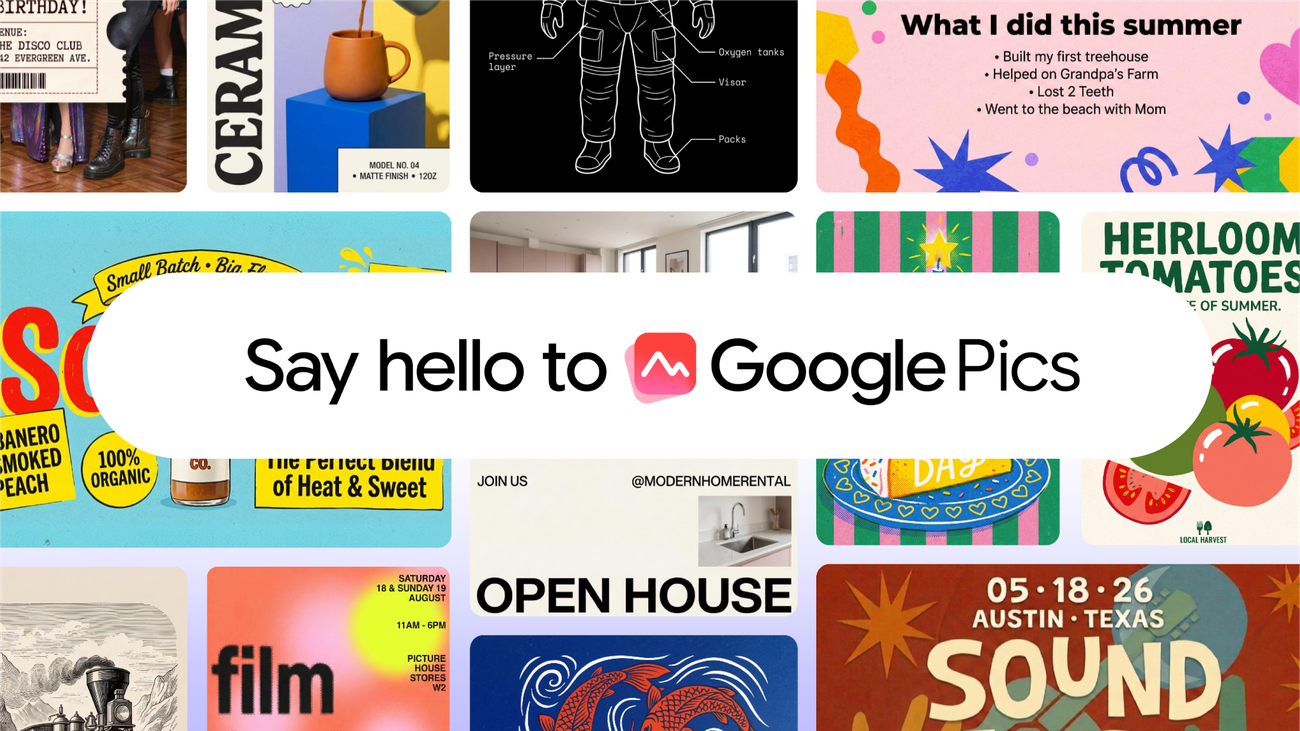
Google has officially entered the AI design-tool race. On September 1, 2026, it launched Google Pics, an image creation and editing tool built on the Nano Banana model, available both as a standalone product at pics.new and — more significantly — embedded directly inside Google Workspace. Docs and Slides integrations started on launch day, with Drive rolling out "in the coming weeks." For anyone producing visual content inside documents and decks, the tab-switching era just took a hit.
What Google Pics actually is
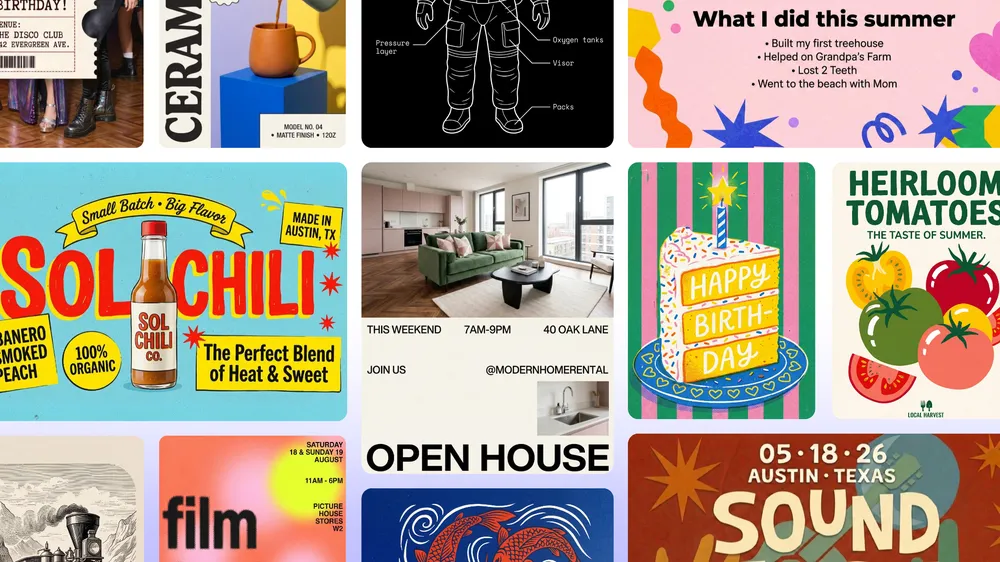
According to the launch post by Meg Whittenberger, Google Pics Product Manager, the tool is "rolling out over the coming weeks to all Google AI Pro and Ultra subscribers and most Workspace business customers." The stated purpose is giving you "the control you need to create whatever you're imagining, whether you're designing a poster, producing social media posts, or editing digital illustrations." In other words, this isn't aimed at the agency art director — it's aimed at the marketer, store owner, and working professional who needs decent visuals fast, inside the tools they already live in.
The core philosophy is precise editing rather than starting from scratch: generate an image, then request targeted changes — swap an element, adjust a color, remove an object — while the rest of the composition stays put. That's the same interaction model Canva spent years popularizing before generative models entered the picture, now fused with a frontier image model.
The feature set, as announced
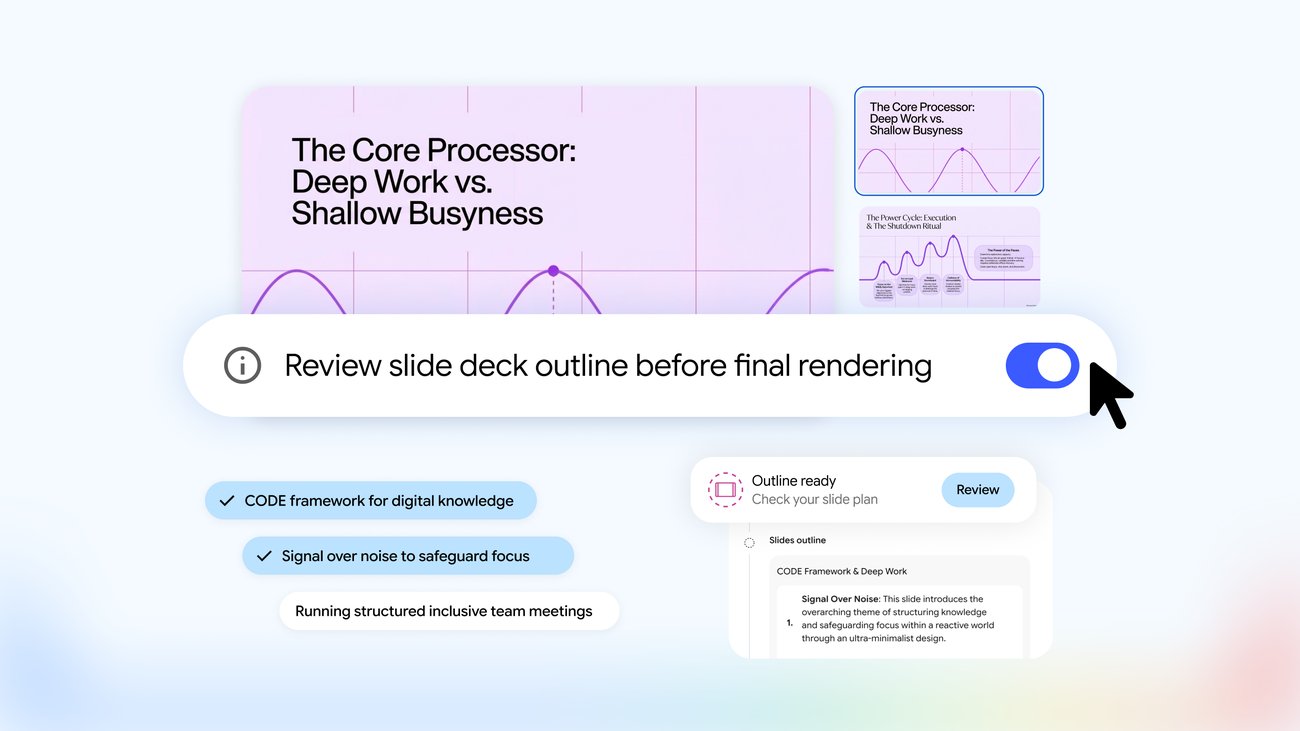
Google's post boils the experience down to four capabilities worth remembering: designing eye-catching social content and digital announcements without a design background; editing images, product mockups, and diagrams right inside Slides, Docs, and soon Drive — no copying, pasting, or switching tabs; dragging files straight from Google Drive into Pics to build brand concepts; and collaborating on the same image with teammates the same way you co-edit a document. The single entry point to try it is the short link pics.new.
Who gets it, and what's genuinely unclear
Be careful with the rollout language: "over the coming weeks" means eligible subscribers won't all see it on day one. Access requires a paid Google AI Pro or AI Ultra plan, or a qualifying Workspace business account — free personal accounts are excluded from the initial wave, and Google has said nothing public about a free tier timeline. The announcement is also silent on country and language availability. Arabic speakers shouldn't assume anything either way: Nano Banana has historically handled Arabic prompts reasonably well in practice, but the announcement makes no commitments, so the honest answer is "test it when it reaches your account."
Why this matters: the strategic read
TechCrunch framed the launch as "Google's answer to Canva," and the framing is accurate. The creative-software market that Canva and Adobe built suddenly has a third heavyweight in it, and Google brings two unfair advantages: hundreds of millions of people already inside Workspace, and an image model with a strong reputation for consistency across edits — the exact weakness that made early generation tools unreliable for real product work.
For creators and small businesses, this competition is good news regardless of which tool you pick. We've covered how AI costs are squeezing Canva's margins and compared Canva Pro against Adobe Express; a well-funded third player tends to mean faster features and better pricing across the board.
One workflow note: better image generation starts with better description. A curated image prompt library like ARWriter's saves you from re-inventing prompts for every visual — whatever generation tool you drop them into.
Quick comparison against the usual suspects
A quick comparison: where it lives — Google Pics sits inside Docs, Slides, and Drive, while Canva is a standalone app and manual design lives in specialized tools. Text-based generation and editing — yes for Pics via Nano Banana and yes for Canva via Magic Studio, but no for manual design. Collaboration — native to Workspace for Pics and native to Canva for the latter. Required plan — AI Pro, Ultra, or Workspace for Pics, versus Canva Pro or various licenses for manual tools. And time to a social-ready visual — minutes for Pics and Canva, hours for manual design.
The Nano Banana advantage, explained
The reason model choice matters here is edit consistency. Earlier generation tools had an annoying habit of redrawing the entire scene when you asked for one change — product details shifted, faces drifted, logos mutated. Nano Banana's lineage is known for holding identity stable across sequential edits, which is precisely what turns generation from a slot machine into a production tool. A practical test when Pics reaches your account: take one product you know intimately, request three consecutive edits, and check whether the product still matches reality at the end. That single experiment tells you whether it's safe for your commercial workflow.
Honest limitations
Launch demos always look smoother than week-one reality — expect gaps between the announcement and what lands in your account. The post says nothing about commercial usage rights for generated images, a legally unsettled area where caution is still warranted. Fine details like text inside images and logos remain the known weak spot of generation models generally. And nobody should expect Pics to replace a professional designer on a full campaign; its sweet spot is fast, medium-complexity visuals.
Frequently asked questions
Is Google Pics free?
No — it's rolling out to Google AI Pro and AI Ultra subscribers and most Workspace business customers over the weeks following September 1, 2026. Google hasn't announced a free-account plan.
How do I try Google Pics?
Go to pics.new if your account's plan qualifies, or look for image creation inside Docs and Slides once the rollout reaches you.
Does Google Pics support Arabic?
The announcement doesn't list supported languages. Nano Banana has handled Arabic prompts well in practice, but verify with your own tests when access arrives.
How is Pics different from Gemini?
Pics is a dedicated image creation and editing workspace; Gemini is the general-purpose assistant. Pics is purpose-built for fast visual work.
Does this replace Canva?
Not cleanly. Pics wins on proximity to your documents and a top-tier image model; Canva wins on its mature template ecosystem. Test both against your actual content type before switching anything.
When does the Drive integration arrive?
Google says Drive integration follows Docs and Slides "in the coming weeks" — no specific date given.
Is it good for e-commerce product shots?
For the common cases — yes: background swaps, lifestyle scene generation, and reformatting one product photo into every social aspect ratio. Be more careful with fine details: text inside images and logos remain the classic failure mode of generation models, so keep a human review step before anything ships to your storefront.
Pics inside Slides versus pics.new — which should I use?
Same engine, different context. The standalone app at pics.new suits focused image work sessions; the Docs and Slides integrations suit quick edits while you're writing or building a deck. Power users will likely end up in both, depending on where the work starts.
Bottom line
Google Pics is the clearest expression yet of where 2026 is heading: AI tools stop being destinations and become a layer inside the workplace itself. For creators, that means less tool-hopping and faster visual production — and with Google, Canva, and Adobe now directly competing for the same workflows, the beneficiary is whoever creates the content. Try it the day it hits your account, benchmark it against your current stack, and let the output decide.