
Last updated: Monday, October 5, 2026. This is an in-depth explainer for an event first announced on Friday, October 2, 2026 — written now as a full walkthrough for creators evaluating the model days after release.
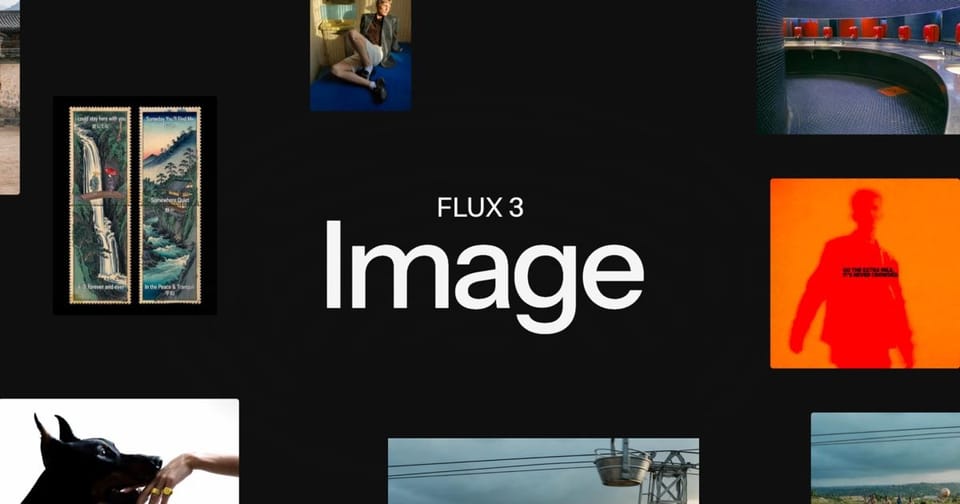
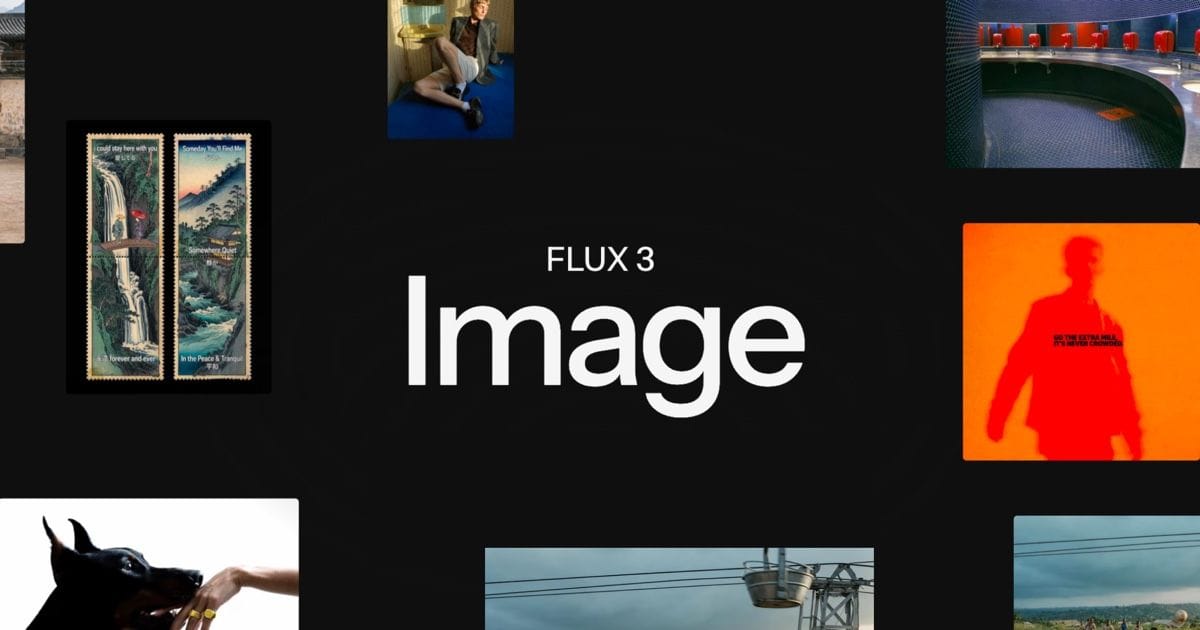
On October 2, 2026, Black Forest Labs released FLUX 3 Image, the image-generation edition of the FLUX 3 family whose original launch we covered back in July. The pitch fits in one line: "maximum control over every pixel." You get bounding boxes for every element, native generation up to 4K, and edits that leave everything you didn't ask for untouched.
In a crowded season for image models — most recently Ideogram 4.5 and its multi-turn editing — FLUX 3 Image takes a philosophically different route. Instead of "chat with the image and hope," it gives you a literal coordinate grid where you decide where things go before generation begins. For designers, e-commerce store owners, and agencies, that addresses the single biggest pain in AI imagery: uncontrolled regeneration.
What is FLUX 3 Image, and who built it?
Black Forest Labs is the German company founded by the original Stable Diffusion team after their split from Stability AI, and its FLUX models are already embedded in countless creative tools and platforms. After FLUX Video Edit in September, this release completes the still-image side of the FLUX 3 family: one model that handles generation from scratch, targeted editing, multi-reference composition, in-image text, and high-resolution output.
According to the official model page, FLUX 3 Image is "natively trained to understand image layout and composition." That one sentence is the foundation for everything that follows — the model doesn't just guess a layout from your prompt, it works with a layout you define.
Feature one: compose your image with bounding boxes
The workflow demonstrated on the official page is refreshingly concrete:
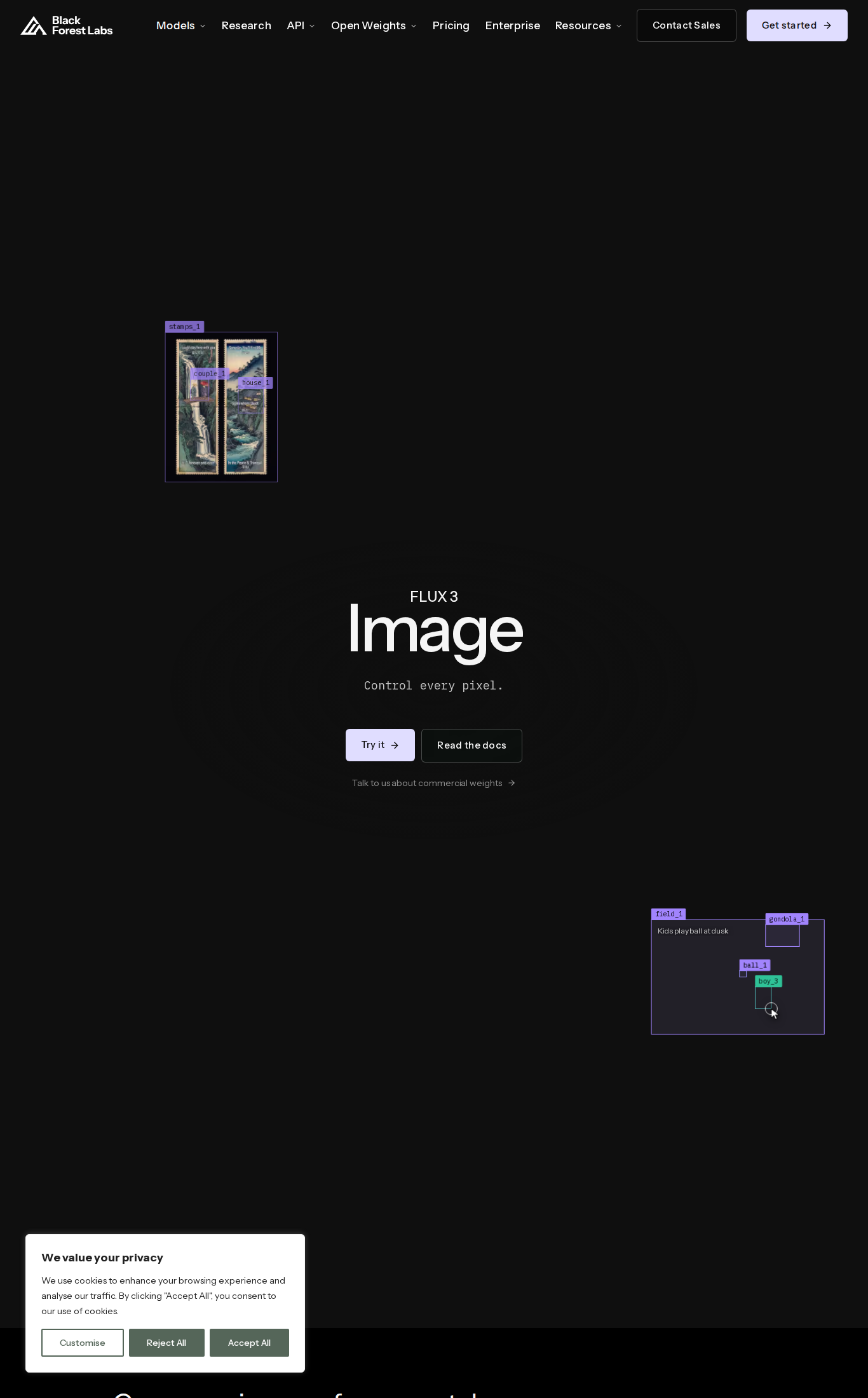
- Pick an aspect ratio. Whatever shape you choose, the canvas is treated as a 0-to-1000 grid on both axes.
- Drag a box for every element that matters, then describe what belongs inside it: "a massive, smooth parabolic dome of pale concrete," "a large crowd seated on the beach," "silhouetted figures wading in dark water."
- Write one line that ties the scene together — in the official example: "A glowing concrete dome rises from a twilight bay, a crowd on the beach before it."
- FLUX 3 renders the scene with every element inside its box.
The flagship official demo is a poster titled "Le Festival du Soleil": a box for the French title in a thin, elegant cream serif; a box for the faint coastal town; a box for the dome; boxes for the swimmers and the crowd. The result reads like a finished design poster, not a lucky prompt roll. And if you can't be bothered with boxes, you can skip them entirely and prompt normally — strong prompt following and a native sense of composition still apply.
Why this matters commercially: most marketing imagery is fundamentally "product here, headline there, background everywhere else." Bounding boxes turn that mental model directly into the generation process, instead of rerolling until the model accidentally lands the layout you wanted.
Feature two: multi-edit without collateral damage
The clearest official example: a surfer in a black wetsuit on a white board. The request — recolor the wetsuit to bright red and the board to red too, "box by box, with everything else unchanged." The output keeps identical fit, highlights, reflections, lighting, and every detail — only the two requested colors changed.
This is the pain point that has burned content teams on every editing model so far: ask for a color change and the face regenerates, the background drifts, the whole frame gets "re-imagined." FLUX 3 Image advertises pixel-perfect editing: modify any region of the image while the original stays preserved everywhere else.
Feature three: up to 10 references in one composition
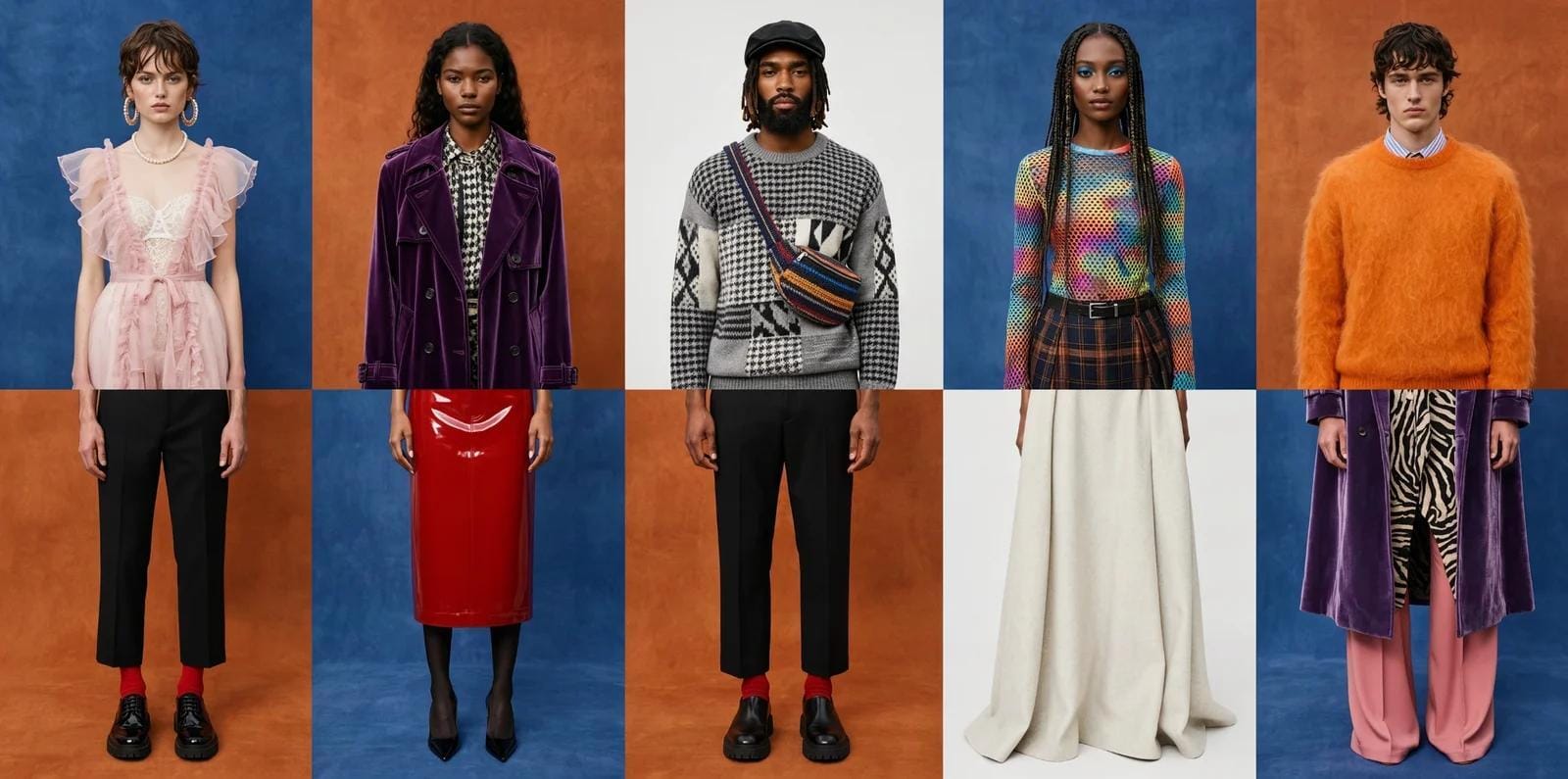
Add the images you want in the frame — your product, a model, a texture, a brand element — and each gets a token in the order you add it (ref_image_0, ref_image_1, and so on). One line of instruction cites each token ("a fashion streetwear portrait in Times Square with ref_image_0, ref_image_1…"), and the model decides where each reference sits and how large it renders. For "put my product in an editorial context" workflows, this behaves like a virtual photographer who follows a shot list.
Feature four: native 2K and 4K generation
Rather than generating at 1024 pixels and upscaling in a separate tool, FLUX 3 Image renders natively at up to 4K. The official example is a soba shop interior at 5456 × 3072 pixels, "all from the model" — with small details still sharp, like hand-lettered characters on a lightbox sign roughly 225 pixels tall in the file, and chopsticks in a diner's hand behind window glass. If you print materials or sell imagery to stores, that removes a whole step from the pipeline.
Feature five: built for agents
The official page shows an advanced scenario: an AI agent plans the image for you. A separate language model writes a caption plus an element table — a box and an ID for everything that matters — and FLUX 3 generates inside that plan. Crucially, "every box stays editable: move anything you don't like, and the rest stays where the agent put it." Their demo: three ballerinas dancing Swan Lake from the wings, generated inside a layout an agent planned from a single line and an aspect ratio. For anyone building automated store-imagery pipelines, that's the difference between a toy and infrastructure.
Availability, pricing, and commercial weights
The model can be tried directly from its official page ("Try it"), with developer documentation one click away ("Read the docs") — consistent with how the FLUX family ships via the company's platform and API. For larger organizations, Black Forest Labs offers a commercial weights license: run the model on your own infrastructure and fine-tune it, something most closed competitors don't allow at all. API pricing changes over time; check the official pricing page before committing to production budgets.
What this means for you as a creator
- Store owners: consistent product presentation is finally practical — drop your product photo in as a reference, place it in curated scenes with boxes, and recolor variants without reshooting.
- Designers: reserved spaces for text and logos bring AI generation closer to real layout tools. Note that all official text examples are Latin script; test non-Latin text yourself before promising it to clients.
- Agencies: edits that don't destroy the rest of the frame cut the number of revision rounds — historically the biggest time sink in client image work.
- Developers: commercial weights plus agent-native layout planning make this a credible backbone for automated, brand-consistent image products.
Quick comparison: FLUX 3 Image vs. popular alternatives
| Criterion | FLUX 3 Image | Ideogram 4.5 | ChatGPT Images |
|---|---|---|---|
| Control philosophy | Per-element bounding boxes + targeted edits | Multi-turn instruction editing | Conversational editing |
| Native resolution | Up to 4K (official example 5456×3072) | Zoom Editing up to 24MP | Standard resolution |
| Reference images | Up to 10, auto-composed | Limited | Moderate |
| In-image text | Strong (official Latin-script demos) | Historically the strongest | Good |
| Commercial weights | Available via license | Promised, not shipped at launch | Not available |
| Right-to-left script support | Not officially demonstrated | Not officially demonstrated | Understands Arabic well; text rendering varies |
Honest limitations to weigh
- Non-Latin text is unproven officially. Every text example on the model page is Latin script. Don't sell Arabic (or any RTL) in-image text until you've tested it.
- Boxes are a skill. Drawing a box per element takes longer than a one-line prompt; for simple images it's overkill.
- Coverage is still early. The model launched October 2; outlets like The Decoder, Tech Times, and GIGAZINE described the capabilities, but independent comparative benchmarks haven't matured yet.
- Pricing isn't printed on the model page. Verify current API costs on the official pricing page before budgeting production volume.
Whatever model you choose, output quality starts with prompt quality: draft precise bilingual prompts first — the ARWriter image prompt library is built exactly for that step.
From FLUX.1 to FLUX 3: the path in brief
To place FLUX 3 Image in context, it helps to remember the path: Black Forest Labs started with the FLUX.1 models, which spread as semi-open weights across generation tools worldwide, then developed the family through the FLUX 3 launch in July 2026 that we covered at the time, followed by FLUX Video Edit in September for video editing, and finally this still-image edition on October 2. Each release adds a layer of specialization instead of replacing its predecessor — a pattern that serves anyone building a stable workflow: your previous tools don't break, and the new arrival is an additional option. The same philosophy — semi-open weights plus a commercial license for enterprises — is what separates the company from fully closed competitors.
Three ready recipes before your first run
If you want to start tomorrow, here are three realistic tasks ordered from easiest to hardest:
- The poster recipe: pick an aspect ratio, draw one box for the headline, one for the main visual element, one for the background, and write a single line tying the scene together. The result: a deliberately composed poster on roughly the first try — with Latin text. For Arabic or other non-Latin headlines: generate the design without text, then add yours in a traditional design tool.
- The recolor recipe: upload your product photo, draw a box around the product only, and request the alternative color. If the test preserves lighting and reflections, you've just saved entire photoshoot sessions for displaying color options.
- The editorial-context recipe: add your product image as the first reference, an outfit or backdrop as following references, then request a single scene combining them. This is the fastest way to discover whether the model "understands" your product the way your eye does — and the ideal test of the ten-reference quality before relying on it for real production.
In all three cases, the same golden rule applies: start with one repeated test image, and judge by comparison, not by admiration.
How to test it against your current tools: a practical protocol
Don't take the official examples as a final verdict — even the most beautiful curated samples remain curated samples. Before any decision, run a three-round test on tasks from your actual work:
- The layout-adherence round: the same task (a poster with three specified elements) in FLUX 3 Image and in your current tool, then measure: did every element land in its assigned spot on the first try?
- The edit-preservation round: change a single color in a complex image, and count the details that changed without your asking (the face, the background, the lighting).
- The text round: request short in-image text in the scripts you actually use — and here specifically test Arabic if your audience is Arabic-speaking, since every official example is Latin script.
Two hours of this structured testing will give you a sharper verdict than a week of browsing the official gallery.
Frequently asked questions
What is FLUX 3 Image and when did it launch?
It's an image generation and editing model from Black Forest Labs, launched October 2, 2026, defined by per-element bounding-box control, pixel-perfect editing, and native up-to-4K output.
Do I have to draw bounding boxes every time?
No. Boxes are an optional precision layer; you can prompt normally without them and still benefit from the model's composition and prompt-following strengths.
Can it render text inside images?
Yes — the official demos showcase strong Latin-script typography like posters and stamped text. Non-Latin scripts weren't officially demonstrated, so test before commercial use.
Can I edit one part of an image without changing the rest?
Yes — that's the headline capability. Multiple edits in one pass keep everything outside the specified boxes untouched, according to the official examples.
Is a commercial license available?
Yes. Black Forest Labs offers a commercial weights license for companies generating at scale, with fine-tuning and deployment on your own infrastructure.
Is FLUX 3 Image free to try?
You can try it directly from the official page via the "Try it" button, while API usage is subject to the company's evolving pricing — check the official pricing page before any production use.
How is it different from the original FLUX 3 launch in July?
The July launch introduced the family, which has since been completed with specialized layers: FLUX Video Edit for video in September, and FLUX 3 Image for still images with bounding-box control and native up-to-4K output in October.
Primary source: Official FLUX 3 Image model page — Black Forest Labs, with confirming coverage from The Decoder, Tech Times, and GIGAZINE dated October 2, 2026.
The bottom line: after years of prompt-and-pray, image generation is finally borrowing from design's own logic — a reserved spot for every element, and edits that don't wreck their surroundings. Try it from the official page, benchmark it against your current stack, and sharpen your prompts along the way with ARWriter's writing and prompt tools.


