
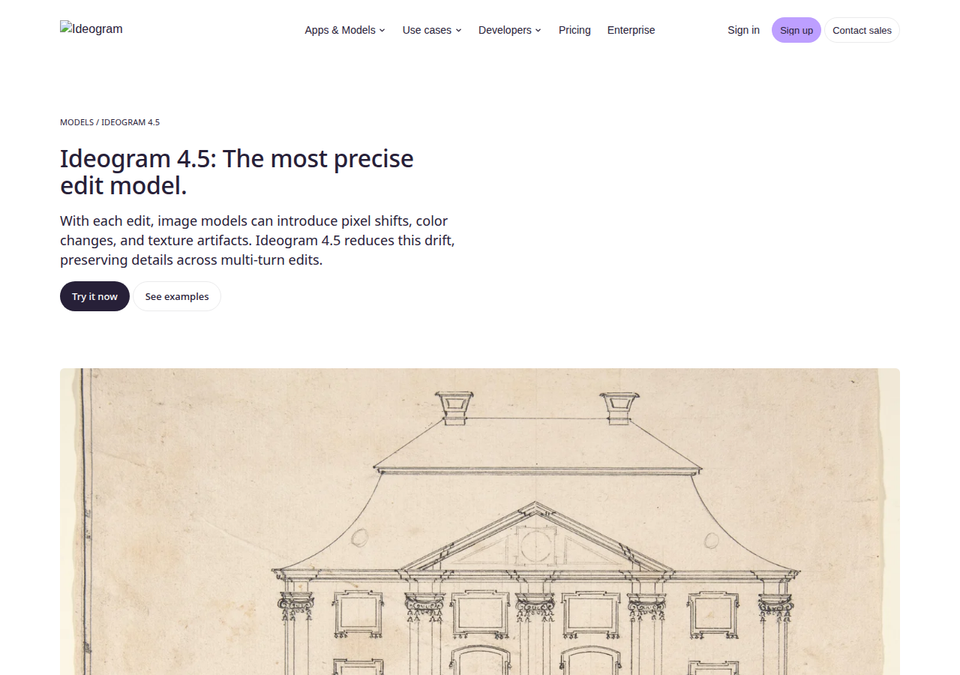
On September 30, 2026, Toronto-based Ideogram released Ideogram 4.5, calling it "the most precise edit model" it has ever shipped. The problem it targets will be instantly familiar to anyone who has edited AI images: you ask for a shirt recolor on a product shot, and the model regenerates the entire scene — the model's face shifts, the background warps, and after two or three edit rounds the image is pixel mush unfit for publishing. Ideogram 4.5 promises to confine every change to exactly the region you specify, and to keep doing so across a long chain of edits.
The announcement is documented on the model's official page on Ideogram's own site, with press coverage following on October 1. This explainer covers the full story: how the model works, what it actually delivers for each type of edit, how it compares itself against GPT Image and Nano Banana, what it costs, and what it means for creators and small e-commerce teams that need publish-ready images without a design department.
The "drift" problem in AI image editing — why it mattered so much
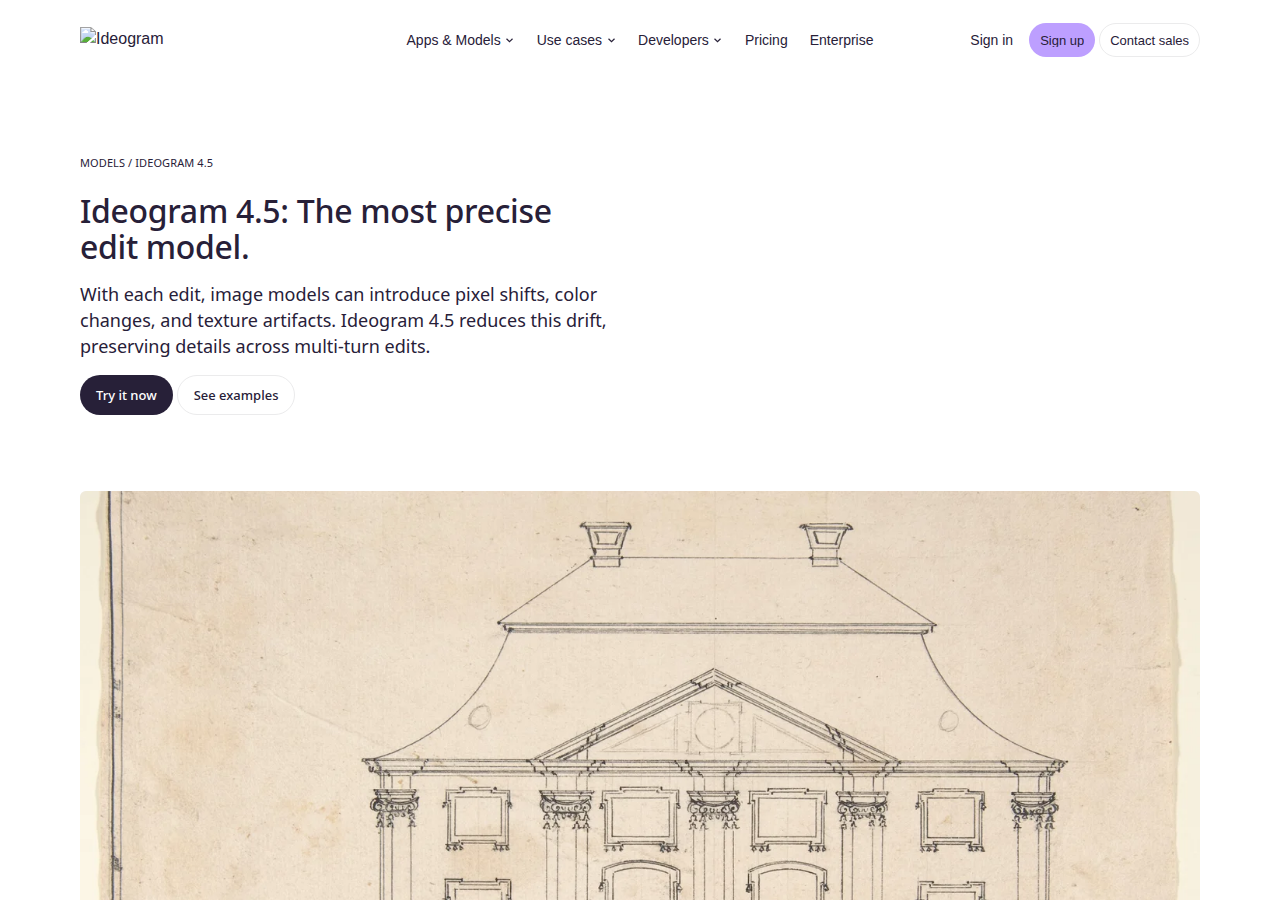
Every modern image generation model works by regenerating the whole picture on each edit, even when you only asked for a change in a tiny area. The cumulative result is what Ideogram itself calls drift: with every edit round come pixel shifts, color changes, and texture artifacts. The product photo that started clean gradually loses fidelity, like a photocopy of a photocopy of a photocopy.
This is not an abstract technicality; it is the single biggest reason the "generate, then refine" workflow kept collapsing in practice. A designer iterating on ten versions of an ad creative — different headline, different background color — had to regenerate from scratch each time rather than build incrementally, losing the visual consistency any real brand requires. Models like GPT Image and Nano Banana narrowed the gap considerably over the past two years, but Ideogram argues the deficit remained specifically in multi-turn editing — and that is precisely where its new model stakes its claim.
What Ideogram 4.5 actually delivers
The core idea is simple to state: the model only touches what you tell it to. Recolor the couch? The floor, the lighting, the cushions, and the shadows stay exactly as they were. The company says details are preserved across consecutive edit rounds — tweak the text, then the color, then the background, and untouched elements hold steady instead of eroding with each step.
The official page lists ten categories of precision editing, which together cover nearly everything a content creator or store owner needs:
- Color and lighting: correct a photo's colors or shift its mood from daylight to evening without touching the subject.
- In-image text modification: fix a headline or change a price on an ad image while the typography and placement survive — a historical Ideogram strength in text rendering.
- Product photography: change a product's angle or material color while keeping its reflections and texture intact.
- Interior design: try different furniture and palettes on a real room photo.
- Architecture: develop plans and elevations with realistic finishes.
- Photo restoration: revive old family photographs while preserving the subjects' features.
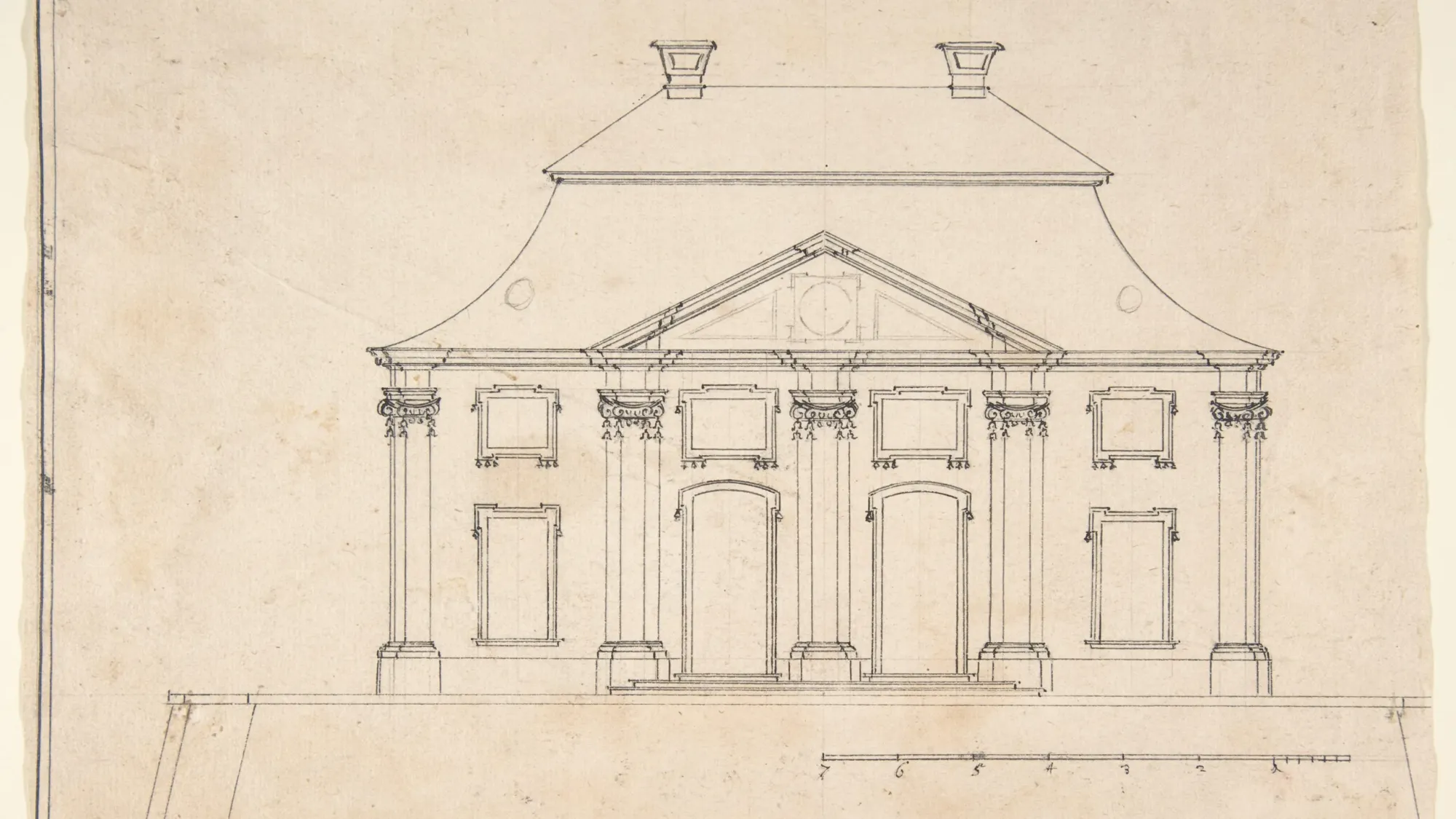
- Sketch to image: turn a hand-drawn sketch into a photorealistic render — the official page demonstrates a hand-drawn building elevation becoming a photograph-grade visualization.
- Style reference: apply a reference style across an image with controllable strength.
- Reframe: adjust framing and aspect ratio for a different publishing platform.
- Depth to image: build an image from a depth map — an advanced tool for technical creators.
Zoom editing: edits at full original resolution
Among the most practically valuable features is what the company calls Zoom Editing: the ability to edit at any resolution without downsizing. The model preserves the edges of the edited crop and stitches it seamlessly back into the original, so you can zoom into a small region — a logo on a product, a fabric detail — refine it, and return it to place with no visible seams or softness around the edit boundary.
The official demo works from a source image of 4,016 × 6,016 pixels — roughly 24.2 megapixels — resolution that holds up for large-format prints and outdoor advertising. For a creator producing print-ready or billboard-ready visuals, that is the difference between "fine for social" and "fit for production."
The official comparison: Ideogram 4.5 vs GPT Image and Nano Banana
The model page features a side-by-side comparison applying the same edits across Ideogram 4.5, GPT Image 2.5 Sunburst, Nano Banana Pro, and Nano Banana 2. The company's own summary: GPT Image and Nano Banana outputs "become unusable within a few edits," while Ideogram 4.5 "stays clean edit after edit."
Full transparency is required here: this comparison was produced by Ideogram itself, on its own launch page, with examples it chose. Early reactions — including The Decoder's coverage — note that early testers do confirm "strong consistency across edits," but a final verdict on model superiority will need independent, broader testing that has not yet accumulated in the model's first week. Treat the official chart as a documented claim about the model's ambition, not a neutral benchmark.
Pricing and availability
Ideogram 4.5 is available now on the Ideogram platform directly and through the API for developers, generating at native 2K resolution. According to specialized coverage, pricing spans four quality tiers starting at 0.8 cents and reaching 22 cents per image — meaning an economy render costs under one US cent, while even the top quality level remains dramatically cheaper than traditional production. Practically, you can iterate dozens of drafts at the lowest tier and upgrade only the final keeper to maximum quality.
Beyond its own platform, the company announced partnerships spanning Picsart, Runway, Pika, and Leonardo AI, so the model will reach users of those tools inside their existing workflows without visiting Ideogram's site. Most significant for the technical community: Ideogram says an open-weight release is coming soon — if delivered, that would put the model within reach of self-hosters.
What you get with the platform itself: the tools around the model
The model's power is half the story; the other half is the working environment that ships around it. The official model page showcases a full toolset serving commercial content workflows end to end: an Ad Resizer for generating every platform's dimensions from a single image, a Background Remover, an Object Remover for deleting unwanted elements, a Material Swap tool for trying different materials on the same product, and a Colorways tool for spinning multiple color variants from one design — precisely the bundle a small e-commerce brand needs to run one consistent campaign across Instagram, TikTok, and Snapchat at production speed.
It is not web-only, either: there is an official iPhone app for the models, alongside the developer API and MCP support for wiring the model directly into modern work tools. The platform retains its previous 4.0 and 3.0 releases next to P-Image-Ideogram and the option to build custom image models — so moving to 4.5 is not abandoning what you know, but adding a more precise layer on top of an existing production line.
What this means for content creators
The practical impact depends on your line of work, but three groups will feel it immediately:
- Store owners: product photography is the most expensive line item in commercial content. Generating multiple versions of the same shot — seasonal backgrounds, alternate colors, refreshed offer text — while the product itself stays identical replaces an entire photoshoot with a minutes-long edit session.
- Designers and ad creators: the "try, tweak, try again" loop that collapsed after two rounds is now workable in practice, especially with in-image text editing — the shortest path from one base visual to a multi-language campaign.
- Personal creators: restoring old family photos and turning sketches into finished images is now accessible to anyone, not just retouching professionals.
On language: the Ideogram interface is English, and rendering Arabic script inside generated images remains harder than English across all image models — if you need Arabic text baked into an image, test it at the cheapest quality tier before committing. Commands themselves are written in English without any announced regional restrictions, with payment in USD via international card.
Quick comparison: should you switch from your current tool?
Most creators using AI imagery today fall into three camps: Nano Banana inside Google's apps and chat tools (see our earlier in-depth Nano Banana vs ChatGPT images comparison), GPT Image inside ChatGPT, or dedicated platforms like Midjourney and Leonardo. Fairness demands noting each camp's strength: assistant-embedded models offer friction-free access and tight integration with text workflows, while Ideogram 4.5 offers one specific, well-documented advantage — multi-turn edit consistency at native resolution. The practical move is not abandoning your tool of choice but distributing tasks: quick generation stays where it is, and long edit chains on product images move to Ideogram. And whatever model you use, output quality starts with the written description — ARWriter's image prompt library gives you field-tested, editable prompts in one place.
Honest limitations before you pay
- The headline claim is the company's own: the superiority chart over GPT Image and Nano Banana was produced internally by Ideogram; waiting a short while for independent reviews is the prudent path.
- It is not a video model: everything in 4.5 concerns still images; animating them requires separate video tools — we have separately covered the Sora API shutdown and migration options.
- Arabic in-image text: no announced Arabic-specific text improvements; personal testing remains the judge here.
- Consumption-based pricing: anyone used to flat monthly subscriptions will need a short adjustment period to per-image billing — though costs are objectively low.
- Open weights are a promise, not a product: "coming soon" carries no date as of this writing.
Frequently asked questions
What exactly is Ideogram 4.5?
An AI image editing model released by Ideogram on September 30, 2026, focused on precise multi-turn editing: changing one specified part of an image without degrading the rest, with quality that holds across consecutive edit rounds.
How much does an image cost?
Four quality tiers ranging from 0.8 cents to 22 cents per image, at native 2K resolution, available directly on the website or via the developer API.
Does Ideogram 4.5 really beat Nano Banana and GPT Image?
The comparison currently on display is Ideogram's own and shows a clear consistency advantage across consecutive edits; early testers confirm the general direction, but broad independent testing has not been published yet — treat it as promising, not settled.
Can I use Ideogram 4.5 in Arabic?
The platform interface is English and edit instructions are typically written in English, with no announced regional blocks and USD billing. Rendering Arabic text inside images specifically requires personal testing, as it remains a general weak spot for image models.
Is Ideogram 4.5 available outside the Ideogram website?
Yes; the company announced partnerships with Picsart, Runway, Pika, and Leonardo AI, so the model is reaching those platforms progressively, plus a developer API and a promised open-weight release.
What is the best first experiment for a beginner?
Take one of your own product or personal photos and try small, targeted edits — a background color, an object removal, a text fix — at the lowest quality tier, then compare with your current tool. You will quickly discover whether edit consistency earns a place in your workflow.
The bottom line: Ideogram 4.5 is not trying to be best at everything — it is trying to fix the most famous practical failure of AI image editing, images destroying themselves while you edit them. For creators who iterate product shots and ad creatives daily, that is a genuine release from regenerate-from-scratch purgatory. Start with precise descriptions of what you want, and remember that the best editing tools begin with the best prompts — try ARWriter to generate professional image prompts in Arabic and English from one place.


