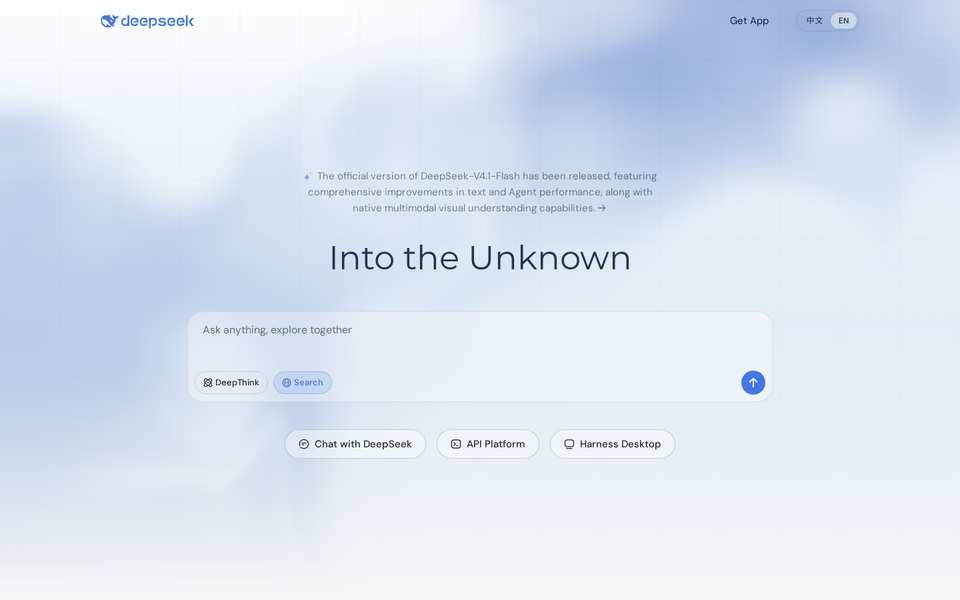
At the very end of September 2026 — between September 29 and 30, according to snapshots of the company's own homepage — DeepSeek quietly shipped something more consequential than another model release: DeepSeek Harness, a full desktop application that turns the company's AI from a browser tab you open and close into a resident assistant living inside your computer. The launch got buried under a noisy model-news cycle, and English documentation is still thin, which is exactly why a calm, complete walkthrough is worth your time. This explainer reconstructs the story with honest dating — this is a weeks-old product in preview, not breaking news — and answers the practical questions: what Harness actually does, how it differs from the chat version you already use, how to install it, what it costs, where it fails, and whether it deserves a place in a professional content workflow.
The one-paragraph summary
Harness is DeepSeek's desktop client for Windows and macOS — currently labeled a preview release — whose defining feature is an agent that can read and write your local files, keep working in the background after you close the chat window, and take on long, multi-step tasks instead of one-shot answers. The official product copy frames it as a tool to "organize documents, analyze tables, write code, and schedule timed tasks," with freely composable plugins extending the agent's abilities. It is free during the preview, installs in minutes, and logs you in with your existing DeepSeek account.
Why a desktop app is a bigger deal than it sounds
The browser chat paradigm has an invisible ceiling that most people only notice when they hit it. The model cannot see your files unless you upload them, one at a time, every session. It cannot act while the tab is closed. It cannot write anything back to disk. Every "let me analyze this folder" request collapses into manual file-shuffling. Harness exists to remove that ceiling, and it does so with three concrete capabilities:
1. Native file access — reading and writing
Grant Harness access to a folder and it reads the documents inside — text files, PDFs, spreadsheets, notes — without per-file uploads. More importantly, it can write: generate new files, edit existing ones, produce a report from scattered sources and save it where you asked. For anyone who works in drafts and research, this converts "summarize my 40-file project folder" from an afternoon of dragging files into a single sentence.
2. Background execution
Close the window; the task keeps running. This is the structural difference from both the website and most rival desktop apps, which treat the conversation as the unit of work. Harness treats the task as the unit of work — a queue that survives your attention moving elsewhere, which is the entire point of delegating in the first place.
3. Compound, multi-step tasks
The agent plans, executes a step, checks its own output, corrects course, and proceeds — reorganizing an archive, assembling a weekly report from multiple data files, or building a small project from a written spec. Real-world success varies by task complexity, and the honest section below details where it still trips.
Layered over all three is the plugin architecture: composable extensions that add capabilities to the agent. In these early weeks the catalog is thin, but this is the strategic heart of the product — a browser-style ecosystem play, where the long-term winner is the platform others build on, not just the model underneath.
Installation, requirements, and first run
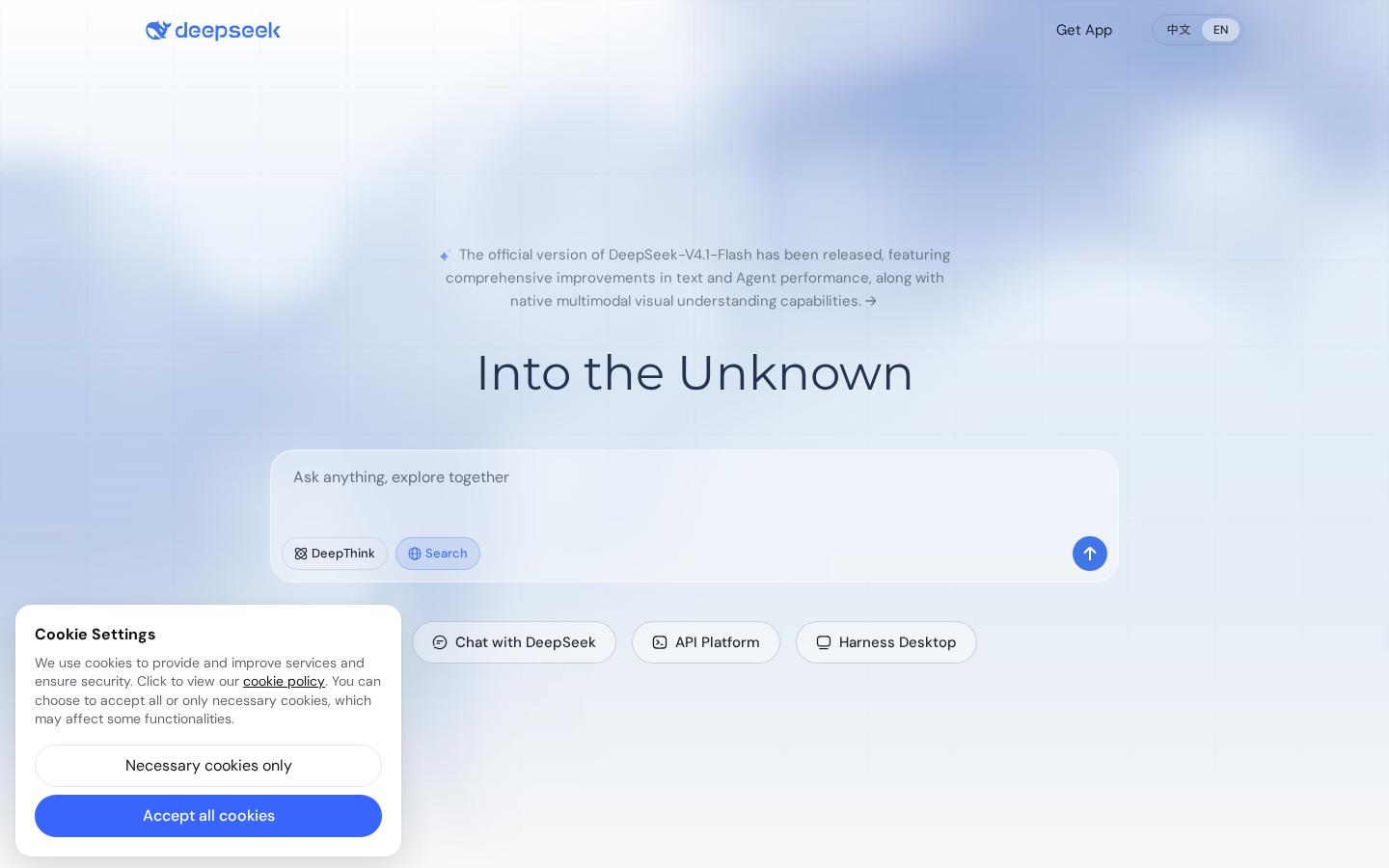
- Go to deepseek.com from a desktop browser.
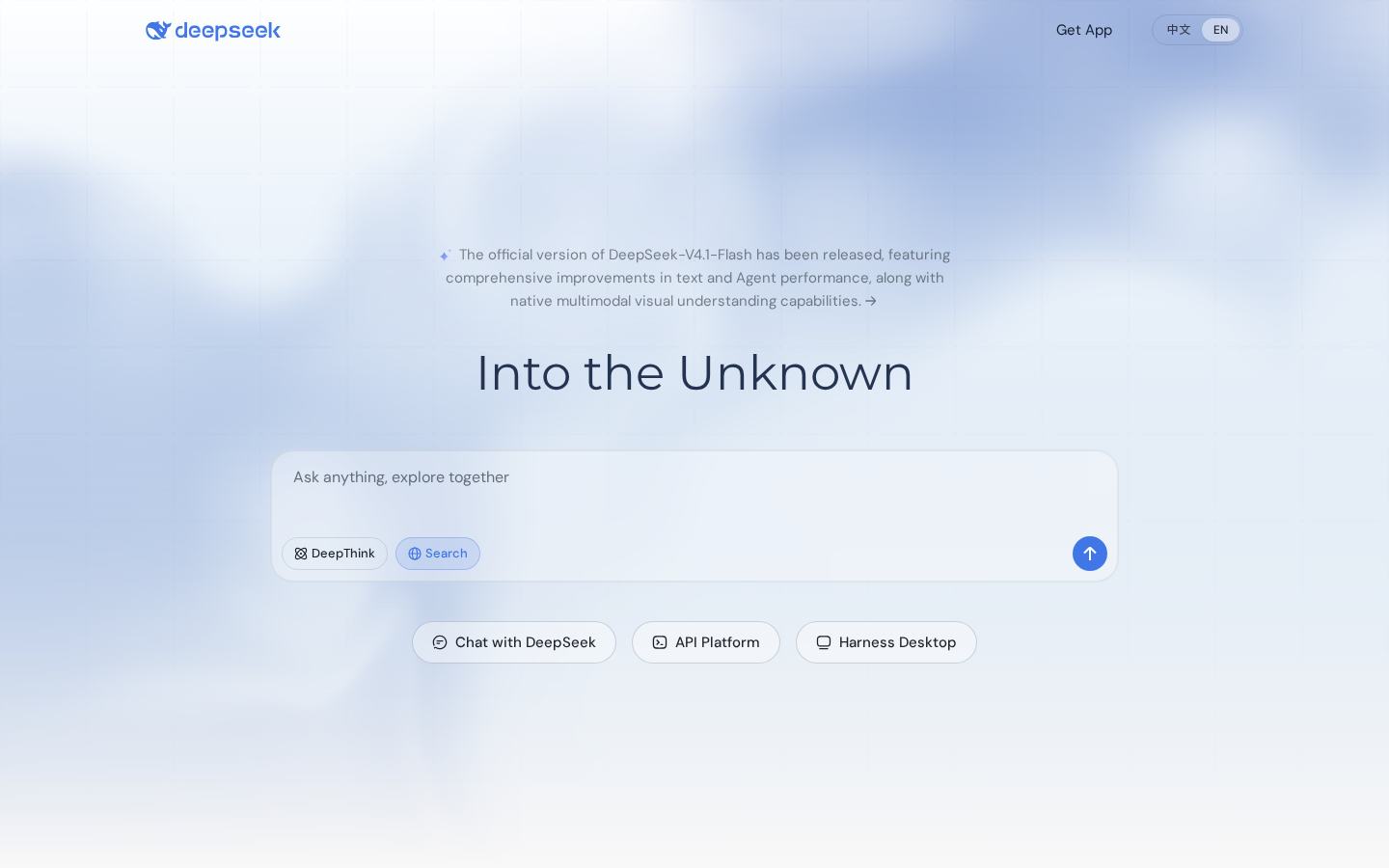
- Open Downloads (top navigation or footer) to reach the Harness Desktop page, or use the "Access Desktop" link on the homepage.
- Pick your build: Windows 10 or newer, or macOS 13 Ventura or newer. The installer is a standard, reasonably sized package — the intelligence runs on DeepSeek's servers, so you are not downloading a local model.
- Install, launch, and sign in with your existing DeepSeek account. No new account, no payment card.
- On first run you will be asked for folder permissions. Grant access per working folder — not your whole disk. Least-privilege is not paranoia; it is hygiene for any agent that can write files.
What it costs, and what that will probably become
Today: free, fully, like DeepSeek's consumer products have been since the beginning — no announced usage cap for the preview. The company's pattern is well established: maximum adoption first, monetization layers later (its developer-facing API pricing already exists separately). The rational expectation is that when the preview label comes off, heavy use will meet quotas or a paid tier. Anyone wiring Harness into daily operations should treat free preview capacity as a trial period, not a contract. Build the workflow so the agent is an accelerator, not a single point of failure — and expect ordinary consumer use to stay free even if business tiers appear above it, as the company's mobile-app history suggests.
What this means for you as a content creator
- A free archive manager. The clearest immediate use: point it at your chaos folder of drafts, notes, reference PDFs, and half-written ideas, and ask for structure — a one-line summary per file, clusters of related themes, a list of unfinished threads. Tasks that previously justified automation subscriptions.
- Spreadsheet-to-story pipeline. If your content leans on data — pricing roundups, market stats, monthly reports — hand the agent an Excel file and ask for the five most interesting angles. It compresses an entire prep stage into one prompt.
- The competition is moving to your whole workflow. With DeepSeek shipping a file-capable desktop agent at zero cost, expect ChatGPT, Copilot, Claude, and Gemini desktop experiences to accelerate in the same direction. The battle for creators is shifting from "who writes prettier prose" to "who manages your production pipeline end to end."
- Keep final drafting where your language lives. Harness handles structure, analysis, and raw summarization well. Polished, publication-ready phrasing in English — and especially in other languages — still benefits from tools built for that job. Many multilingual creators split the work: agent tools for research and organization, a dedicated writing platform like ARWriter's auto-writer for final copy, images, and scheduling in one place.
- Guard client data deliberately. An agent that reads your disk reads everything you allow it to. If you manage content under NDAs, scope folders per client and think twice before anything sensitive passes through any cloud-connected assistant — this one included.
Quick comparison: Harness against today's default tools
| Tool | Local file read/write | Background tasks | Plugin/agent system | Price |
|---|---|---|---|---|
| DeepSeek Harness | Yes — native | Yes | Early but real | Free (preview) |
| ChatGPT desktop | Limited, mostly manual upload | Partial | Limited | Free tier / subscription |
| Microsoft Copilot (Windows) | Broad OS integration | Partial | Limited | Free tier / subscription |
| Claude desktop | Selected integrations | Partial | Growing | Subscription |
| DeepSeek in browser | No — manual upload | No | No | Free |
No single row is unique to Harness. The combination — files + background + plugins at price zero — is what did not exist before the end of September.
Honest limitations, stated plainly
- It is a preview, wearing the label. Expect bugs, odd behavior, and interface churn between updates. Do not route deliverables through it without a human review pass.
- Intel Macs are out. macOS 13+ on Apple Silicon is the target; Intel machines are unsupported. Windows needs 10 or newer.
- It is not on-device AI. A common misconception worth killing early: Harness connects to DeepSeek's servers for the actual reasoning. The app is a capable client, not a local model. No internet, no Harness.
- Privacy geography is real. Your files' content transits servers operated by a Chinese company. For personal notes this is a choice; for regulated client data it deserves a deliberate decision, not a shrug.
- The plugin catalog is embryonic. Judge the product by what ships today; the ecosystem pitch is a promise, not a feature.
- Documentation is Chinese-first. English docs trail; other languages trail further. Community guides — like this one — fill the gap for now.
Reading the move in the bigger picture
Harness completes a transformation we flagged when covering the company's recent model releases (see our DeepSeek V4.1-Flash coverage for creators and the earlier V4 launch explainer): DeepSeek has moved from "open-model provider with shock pricing" to "full product company competing for your daily workflow." The strategic question for a working creator is not "do I abandon my current stack?" but "which parts of my pipeline are about to become free?" The trend line says: organization, summarization, file analysis. What stays worth paying for is the genuinely differentiated layer — final voice, consistent branding, multi-platform publishing — which is precisely where focused platforms position themselves rather than fighting tech giants on commodity features.
Who should skip it (for now)
Not every workflow benefits this quarter. Three honest cases for waiting. Mobile-first creators — if your production happens on a phone between shoots, a desktop agent solves a problem you do not have; the mobile app and website already cover you. Teams with strict compliance regimes — regulated industries where data residency requirements are audited should wait for enterprise terms rather than improvising with a consumer preview. And anyone who cannot afford a wrong output this week: preview-stage agents occasionally misfile, overwrite, or misread — usually harmlessly, occasionally not. If a client deadline sits between you and the next update, use Harness on the copy, never the original folder, and keep version control or backups underneath. One cheap discipline makes the whole risk profile acceptable: work on duplicated folders until the product earns trust, then graduate.
A practical nine-point checklist
- Install it if you are on Windows 10+ or a modern Mac — the experiment costs nothing.
- Start with low-stakes file organization and summarization tasks.
- Scope folder permissions tightly; never grant the whole disk.
- Review every output before it ships anywhere.
- Treat it as an accelerator, not your delivery pipeline — preview software earns trust gradually.
- Expect future pricing; keep an exit path for each workflow you build on it.
- Keep client-confidential material out unless you have made a conscious data decision.
- On an Intel Mac: wait, there is no supported build for you.
- Revisit seriously the day the plugin catalog fills out — that is the inflection point.
Frequently asked questions
Is DeepSeek Harness free to use?
Yes — the current preview is completely free, consistent with DeepSeek's consumer products so far. No pricing has been announced for the post-preview era; assume heavy-use limits or paid tiers will eventually arrive, as has happened across the entire industry.
Does Harness work offline?
No. Despite being a desktop app, the AI processing runs on DeepSeek's servers. The app provides local file access and background execution, but it needs an internet connection to think.
What is the difference between Harness and the DeepSeek website?
Three things: native read/write access to your local files, task execution that continues in the background, and a plugin system for extending the agent. None of these exist in the browser version.
When exactly was it released?
It appeared on the official site at the end of September 2026 — homepage snapshots place the public availability between September 29 and 30. This article covers a preview-stage product in its first weeks.
Does it support Intel Macs?
No. Requirements are macOS 13 Ventura or newer on Apple Silicon. Intel Macs are unsupported, with no announced plans to change that.
Is it safe to use with confidential files?
It is a considered choice rather than a yes/no. The agent only reads folders you grant, but processing happens on DeepSeek's servers. For sensitive client work, restrict it to non-confidential material or use local-processing tools instead.
Can it replace my writing and scheduling tools?
Not yet. Its strengths are organization, analysis, and file work. Final publication-quality drafting, brand voice, and multi-platform scheduling remain the job of dedicated tools; the efficient setup today pairs the two categories.
Where do I download it officially?
From deepseek.com itself — the Downloads section or the "Access Desktop" link on the homepage. Avoid third-party mirrors entirely; an agent with file access is exactly the kind of software you want from its official source only, so verify the domain before installing anything.
Primary source: DeepSeek's official website — the Harness Desktop section and downloads documentation, currently labeled "Preview." Dating based on official-site archive snapshots. Launch: late September 2026.