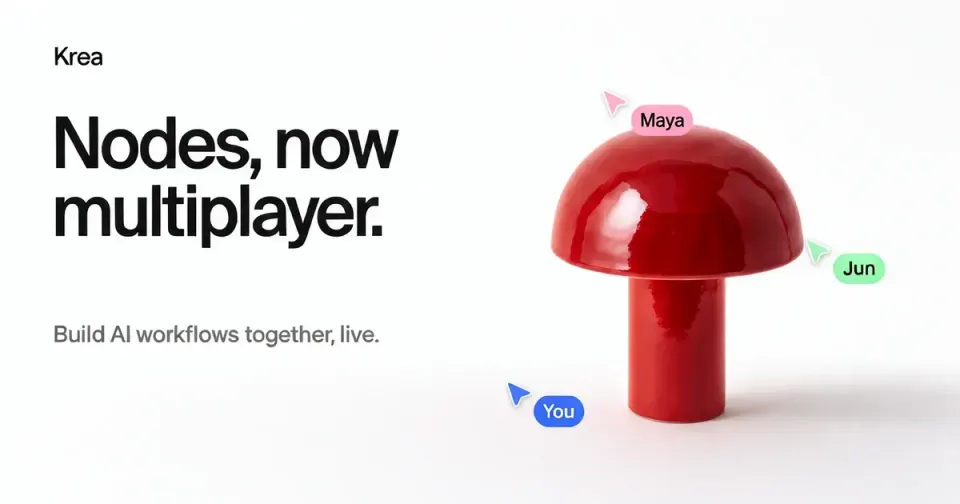
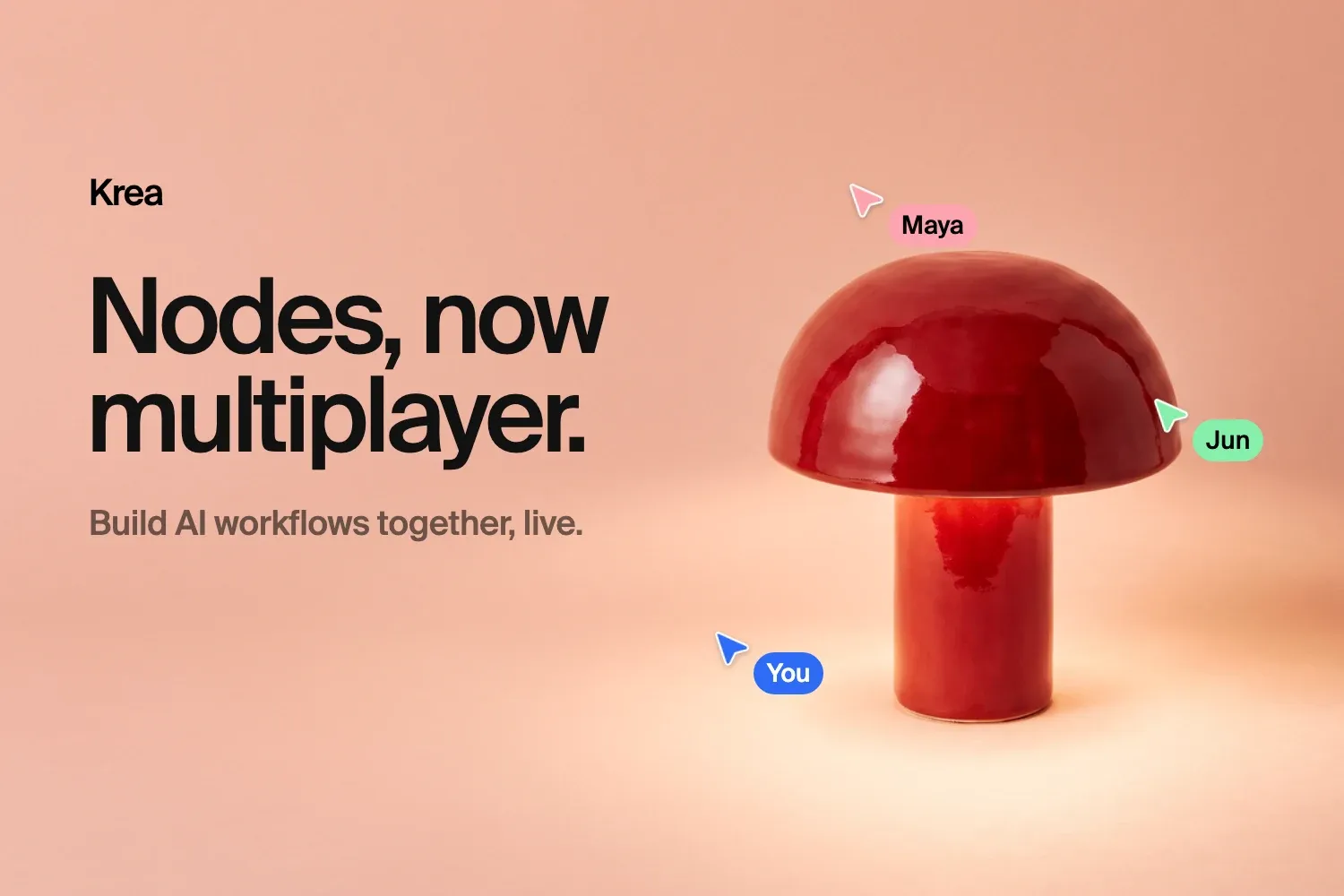
AI image and video tools have quietly trained a generation of creators to work alone. You prompt, you regenerate, you screenshot, you drop the result in a group chat, and somebody replies with three notes and a question you already answered. On October 22, 2026, Krea took a real swing at that dynamic by shipping Multiplayer Nodes: real-time, multi-user collaboration inside its node-based AI workflow editor. Teams can now open the same Nodes project, edit it simultaneously, watch each other's cursors, and see generated outputs land on every screen at once. This guide walks through exactly what shipped, how the sync model behaves under pressure, what it costs at every plan level, and — just as important — where it will frustrate you.
Quick context: what Krea Nodes actually is
Krea is a generation platform that combines its own models — including the Krea 3 image editing model we covered in our full Krea 3 explainer — with open models, under one canvas-driven interface. Its Nodes editor is the power-user layer of that platform. Instead of a single prompt box, you assemble a graph: an image node here, a video node there, text nodes feeding both, each output wired into the next step. A realistic setup chains reference images into scene variations, upscales the winners, and pushes the best frame into video generation — a production line rather than a conversation.
Until this launch, that production line was a single-operator machine. One person owned the canvas; everyone else waited for exports. Sharing meant a link for feedback, a screen recording, or files named final_v7_REAL.json — a joke Krea itself makes in the announcement, because everyone in the industry has lived it.
What actually shipped on October 22
Four interlocking capabilities, documented on the official announcement and the interactive feature page:
- Live co-editing. Moving nodes, rewiring connections, rewriting prompts, swapping models, dropping sticky notes — every action syncs to everyone in the project as it happens, with no merges and no reloads.
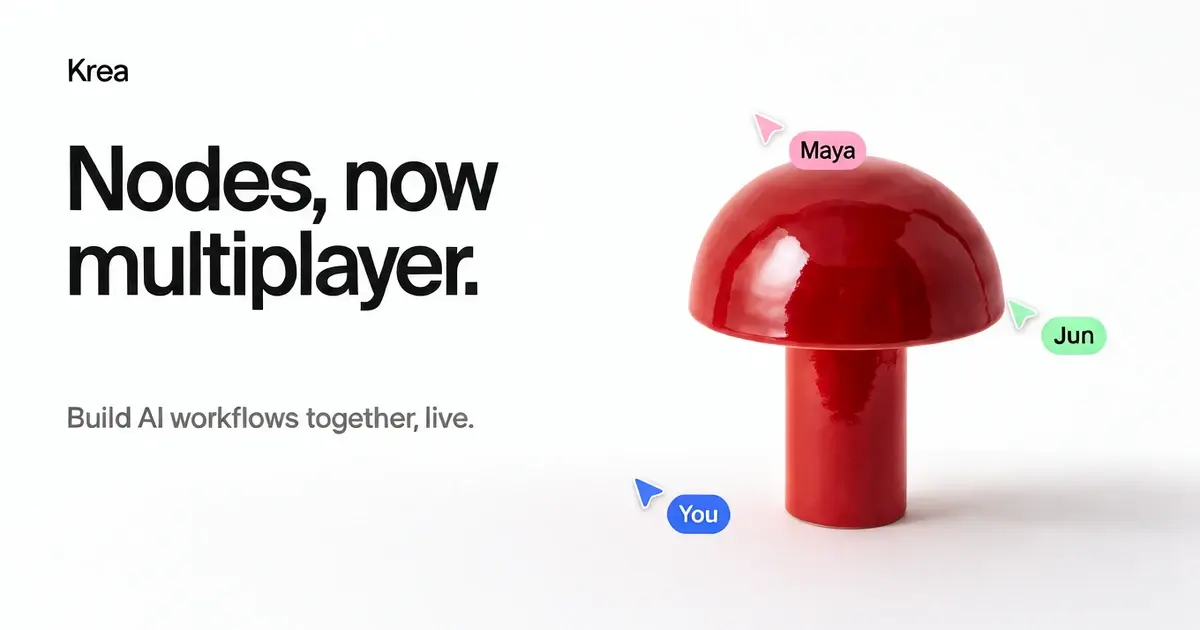
- Live presence. Each collaborator gets a color. You see their cursor, the nodes they have selected, and the selection box they are dragging, so you know who is about to touch what.
- Shared runs. When anyone with edit access presses Run, the whole team watches the job move through queued, running, and done states, and the outputs join every screen simultaneously. Long chains keep executing in the background even if you switch tabs — the next node fires the moment the previous one finishes.
- Personal undo. Ctrl+Z and Ctrl+Shift+Z only step through your own edits. Your teammate's moodboard and your other teammate's new scene stay exactly where they are while you rewind your own mistakes.
The sync model, in plain terms
Two design decisions are worth understanding before you put a team on this, because they shape daily behavior more than any feature list does.
Conflicts resolve per field, last write wins. If Maya moves a node while Jun rewrites its prompt, both changes land — they touched different fields. Only when two people write to the same field of the same node does the platform pick a winner: whoever wrote last. That is a deliberately simple rule, and it works because live cursors make collisions visible before they happen. Teams that partition the canvas ("you own scenes, I own references") will almost never feel it. Teams that pile onto the same node will feel it constantly — the tool gives you awareness, not arbitration.
Undo is scoped to your own edit stream. This is rarer than it sounds. Plenty of collaborative editors undo against a global history, which is how a teammate's stray Ctrl+Z nukes someone else's afternoon. Krea explicitly keeps a personal edit stream per person, and the feature page demonstrates it with a running log: three edits yours, three edits your teammates', and rewinding yours leaves theirs untouched.
On top of both sits a safety net: automatic snapshots. Nodes saves a version of the project at most every five minutes and retains them for five days. Any snapshot can be previewed and restored. It is not an archive — it is a five-day parachute for bad decisions, which is honestly the window during which most bad decisions get discovered.
Sharing and permissions: three doors
Every Nodes project has a Share dialog with three general-access levels plus per-person invites:
| Access level | Who gets in | What they can do |
|---|---|---|
| Private | Invited people only | Whatever their individual grant says |
| Workspace | Everyone in the active workspace | View or edit, your choice |
| Public link | Anyone holding the link | View the graph, duplicate the project |
Two subtleties are documented and matter in practice. First, grants stack in favor of access: someone invited as a viewer still edits if the whole workspace has edit rights. Second — and this is the one that will surprise clients — viewers do not see generated outputs or run history. They see the workflow graph and its inputs, nothing more, and they cannot run nodes. To get an editable copy with everything that implies, they duplicate the project to their own account. That constraint is also a feature in disguise: it makes public links a clean channel for publishing reusable workflow templates, exactly as Krea suggests — publish a polished pipeline, let anyone duplicate it and run it as their own.
Billing: whoever presses Run, pays
The billing rule for shared projects is stated without ambiguity: jobs bill the person who starts them, in their active workspace. Nobody on the team gets surprise charges from a teammate's queue, and nothing silently drains the project owner's credits when an editor runs a chain.
Read that rule again with team structure in mind, because it is effectively an argument for role design. The teammate on the highest plan should be the one launching expensive video generations; everyone else can restructure the graph, rewrite prompts, and watch results without spending a unit of their own allocation. The same logic applies to Krea's Agent and MCP clients, which edit shared projects through the same operations as people — if an agent's runs start from the team's main account, individual members stay untouched while its changes still sync to everyone like a teammate's would.
The catch: real-time editing is Enterprise-only
Here is the plan gate, and it is the decision point for almost every team evaluating this:
- View sharing — workspace view, person view, and public links — is available on every plan, including Free.
- Edit sharing and live presence — co-editing, live cursors, shared runs between collaborators — is available on Krea Enterprise, priced by conversation with sales.
There is also an edge case worth knowing before you budget around it: edit grants are tied to the workspace staying on Enterprise. If a workspace downgrades, its edit grants act as view grants until the workspace returns to Enterprise. Nobody loses project access mid-flight, but the collaboration layer quietly turns back into a viewing gallery.
For small teams, that gate produces a legitimate middle path rather than a dead end: keep everyone on view grants, centralize editing and Run presses with one person on a strong plan, and you still get the transparency half of multiplayer — the client or team watching the workflow live — without an enterprise contract. It is not the full experience. It is also not nothing.
What it means for content teams
Step back from the feature sheet and the pattern is bigger than one product. Generation tools are converging toward what design tools went through a decade ago: the canvas became shareable, and sharing changed who could participate in making things. Multiplayer Nodes applies that shift to generative production lines, and Krea names the beneficiaries itself:
- Agencies and client review: send a view link so the client follows the build, then run the final pass live with the team. The status email largely disappears.
- In-house and studio teams: split a heavy pipeline — references, scene variations, upscaling, video — across people building in parallel on one canvas.
- Trainers and workshop hosts: build the workflow live while students watch, then hand out a public link they can duplicate and experiment with. This format barely existed for generative tooling before now.
- Template publishers: ship a proven workflow as a public link and let the community fork it. Think formula libraries, but executable.
For solo creators, the launch is less about today's workflow and more about direction of travel. If your stack today is a writing environment like ARWriter for drafting and prompting in Arabic, a generation platform for visuals, and a scheduler for distribution, the multiplayer shift is arriving at the middle of that stack first — and it will keep spreading outward.
Krea pricing at a glance
Per the official pricing page at the time of writing, monthly billing runs: Free at $0, Basic at $5.25, Pro at $21, Max at $63, Business at $160, and Enterprise custom. Annual billing carries a 40% discount where offered, and the plan comparison now advertises access to Krea 3 and Krea Agent. The practical read for this launch: every paid tier is about generation capacity and features, while the multiplayer layer specifically prices at the two ends — free view sharing for everyone, full co-editing for Enterprise conversations.
Honest limitations
- The best part sits behind an enterprise conversation. Live co-editing is the headline, and most small teams will only get the viewing half of it. Decide upfront whether that half is enough for your review workflow — often it is.
- Last-write-wins has no diplomacy mode. Same field, same node, simultaneous edits: the platform keeps the later one, silently. Presence cursors reduce the odds; they do not eliminate them. Agree on canvas territory before inviting anyone.
- Snapshots are a parachute, not an archive. Five-minute cadence, five-day retention. Anything you care about beyond that window needs exporting on your own schedule.
- Viewers see inputs, not outputs. A client opening a view link sees the machine, not the pictures it made. Set that expectation in the invitation itself, or you will be explaining it in every review call.
- The working language is English. The editor and its conventions are English-first. For multilingual teams, treat English as the canvas language for prompts and node logic, and keep brand-specific terminology consistent — mixed-language prompts inside a shared graph are the fastest way to divergent results between teammates.
A realistic first session, step by step
- Stage references before inviting anyone: product shots, characters, moodboards. Multiplayer excels at building on a base, not at arguing over the base itself.
- Skeleton first, solo. Input nodes, scene branches, an upscale stage, a video output. Five organized minutes now save a noisy half hour later.
- Assign canvas territory verbally. Who owns scenes, who owns references, who is allowed to touch the upscale stage. The conflict rule then never triggers.
- Grant roles, not hopes: viewers for watchers and clients, editors for builders, and the Run button belonging to whichever account should carry the compute cost.
- Close the session deliberately: review the latest snapshot, rename the project with a round number and date, export final assets out of the platform. Your archive discipline, not the five-day snapshot window, is what protects the work.
FAQ
What is Krea Multiplayer Nodes?
A real-time collaboration layer for Krea's node-based AI workflow editor, launched October 22, 2026. Multiple people can open the same Nodes project, edit simultaneously with colored cursors, watch shared runs produce outputs on every screen, and undo only their own changes.
Which plans include Multiplayer Nodes?
View sharing — workspace view, person view, and public links — works on every plan including Free. Edit sharing and live presence, which together make real-time co-editing, require Krea Enterprise.
What happens if two people edit the same node at once?
Changes to different nodes or different fields all apply. If two people write to the same field, such as the same prompt, the last edit wins. Live cursors show where everyone is working so collisions are usually visible before they happen.
Does undo delete my teammates' changes?
No. Undo and redo are personal — they only step through the changes you made. Collaborators' edits stay in place while you rewind your own.
Who pays for runs in a shared project?
The person who starts the run is billed, in their active workspace. Everyone else in the project watches the run and its outputs at no charge to their own allocation.
Can I restore an earlier version of a shared project?
Yes, within limits: Nodes snapshots the project at most every five minutes and keeps snapshots for five days, with preview and restore for any of them. Longer-term archiving requires exporting assets yourself.
Where this leaves you
Multiplayer Nodes is the clearest signal yet that generative tooling is done being a solo sport. The free half — live view sharing for any project, on any plan — is genuinely useful today for client transparency and team alignment, and it costs nothing to try. The full multiplayer experience is an enterprise conversation, which will strike small studios as a door left half-open. Either way, October 22, 2026 is the date the production line became a shared room. And if your bottleneck is still getting the words and prompts right before the visuals even start, a bilingual drafting environment like ARWriter's toolset pairs naturally with a collaborative canvas like this one — plan and write in one place, generate together in another.