
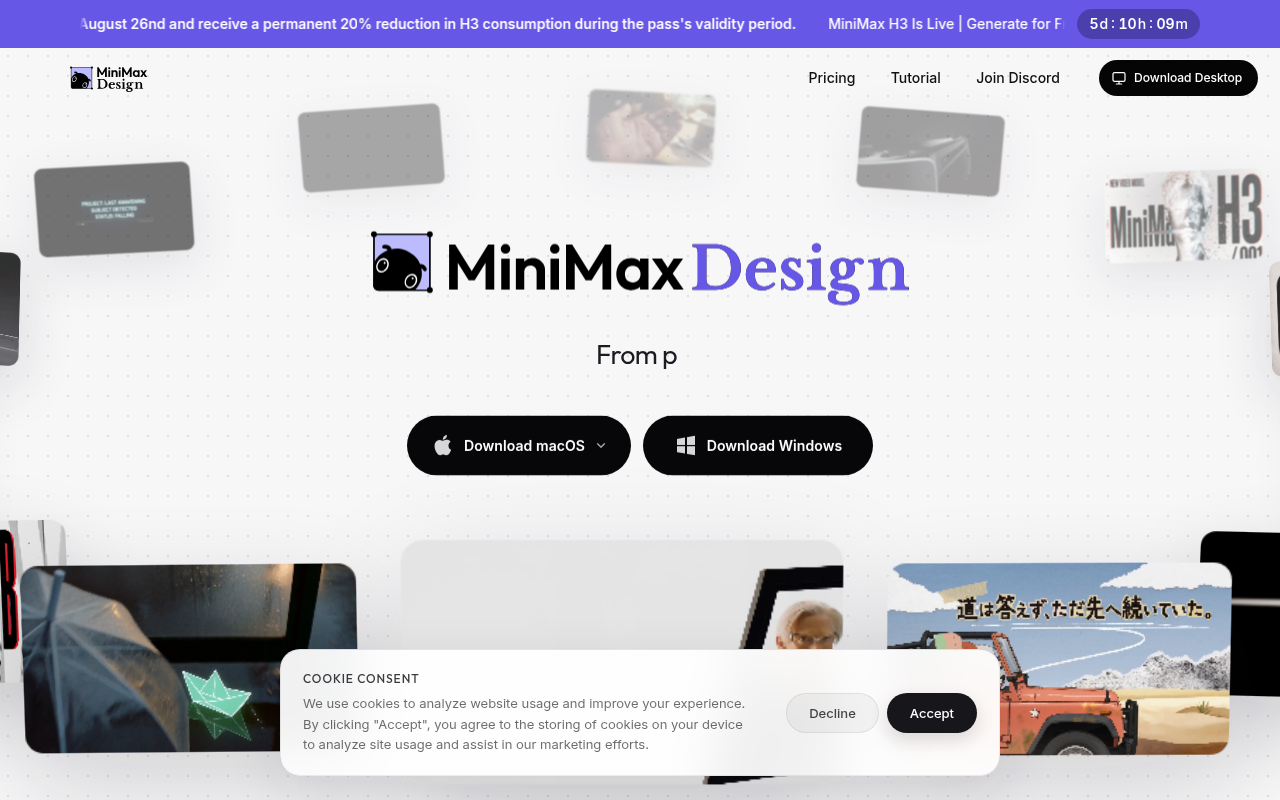
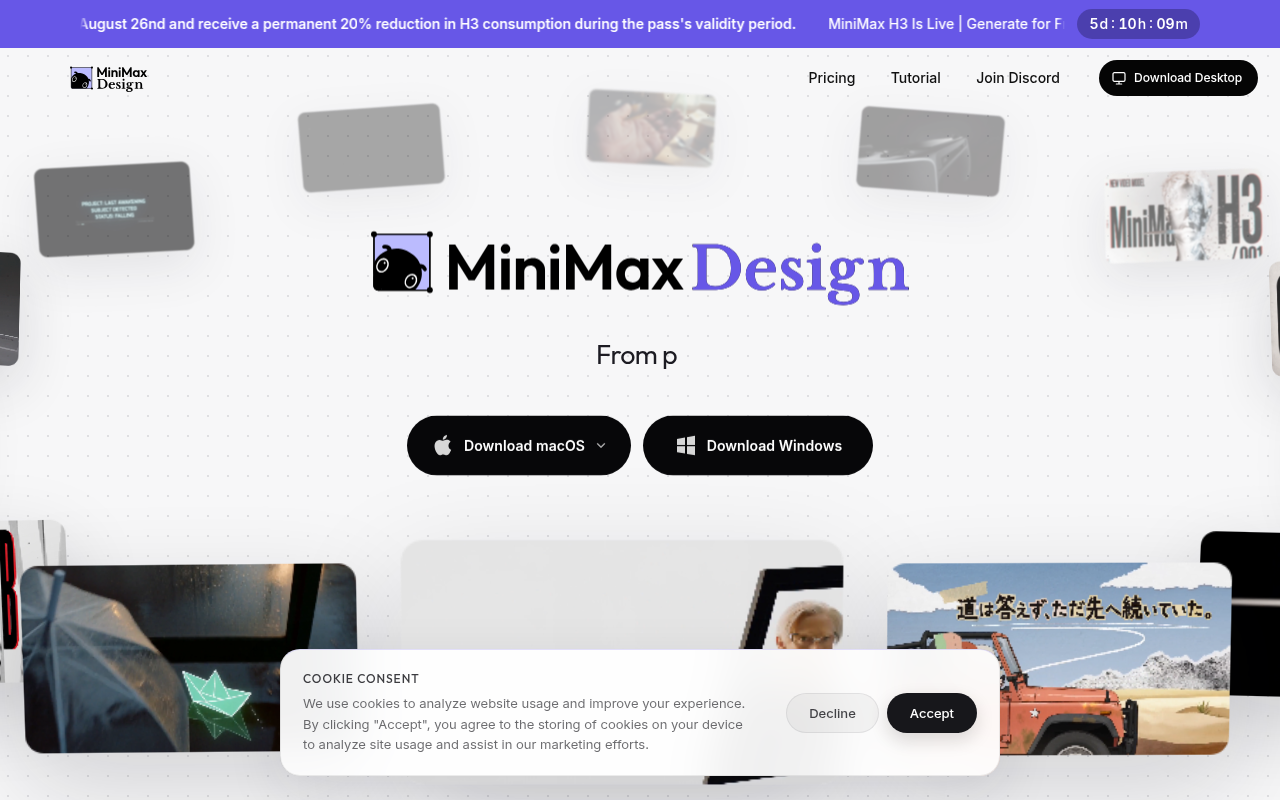
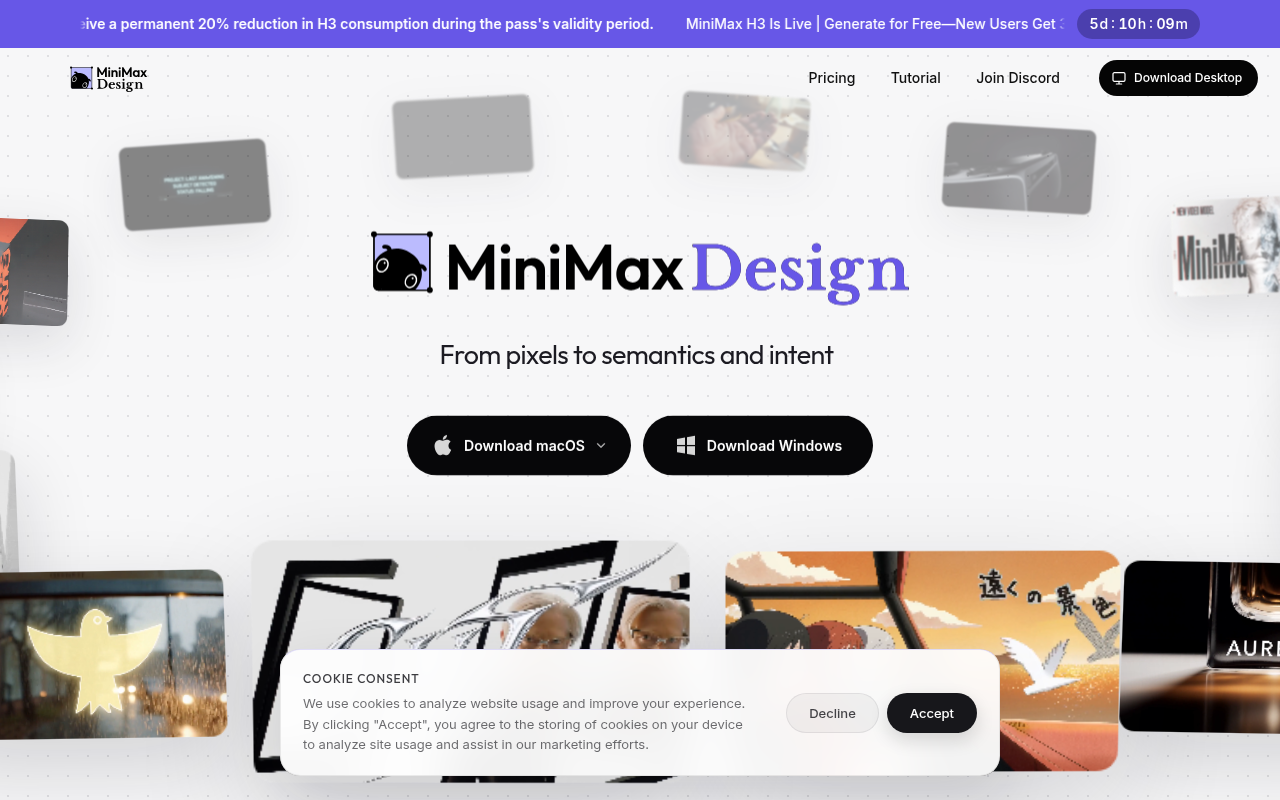
In a completely different corner of the AI map, Chinese company MiniMax this week launched — per tech coverage on August 19-20, 2026 — "MiniMax Design," a full desktop application that describes itself on its official site as an "AI Agent Platform for Commercial Content Creation." The current release carries the H3 badge — the video engine generation the company open-sourced weeks earlier — and runs on Macs from M1 through M4 plus Intel machines, and on Windows 10 and later.
The core idea differs from every "type a prompt, get an image" tool that flooded the market: MiniMax Design is a professional application that manages an entire production chain from brief to deliverable files, with workflow stages declared openly on the official site, and a design that respects a truth every commercial producer knows: your files and assets stay on your machine.
What exactly is MiniMax Design?
MiniMax is a Chinese AI company known for its multimodal models — most prominently a video generation engine competing in the global first tier, alongside speech, music, and language models. MiniMax Design is its next step up the value ladder: from a model consumed via API or a general-purpose website, to a production application that sits on a designer's computer and runs a complete commercial workflow.
The official site compresses the identity into one line: an agent platform for commercial content creation. The target audience is not the hobbyist experimenting with prompts, but production teams building short dramas, e-commerce content, brand TVCs, and paid ad creatives. It is a smartly timed position in a market where everyone rushes toward "generation" while the real bottleneck stays in "production": asset coordination, reuse, review, and delivery.
The five-stage workflow, as the company declares it
The most important thing in this launch is not the tool's name but its structure. The official site details five stages forming the app's backbone:
- Idea Intake — Agent Mode: you start with an agent that receives the idea (as text and references) and translates it into an executable production plan, instead of starting from a blank canvas.
- Canvas Flow — Node Graph: a visual editing interface in the "node" style professional design tools use: every element in the chain (image, scene, layer) is a node you can connect, disconnect, and modify — precise control a chat bar cannot offer.
- Reuse Layer — Skills, Plugins, and Plaza: a library that re-employs what you produced before: savable skills, plugins, and a public plaza for sharing — turning every project into an asset for the next one.
- Local Bridge — asset center to pro tools: a connecting layer that carries outputs into your usual professional tools, with an asset center that keeps everything on your machine — and local files stay local, as the site emphasizes.
- Review Loop — Output Sync: a review-and-revise stage closing the circle between generated versions and approved final versions.
Anyone who runs a production team will catch the message instantly: these five stages are the stages of any small advertising studio — brief, execution, asset library, a bridge to final tools, and review. The tool is not selling "smarter generation" but "a studio compressed onto your computer."
What does this mean for creators and small agencies?
After years of point-solution generation tools, the market started demanding what was missing: assembly. Why does this launch specifically matter?
- From a single image to a full campaign: commercial creators do not need "a pretty picture" but a coherent set: a visual key, resized variants, a video cut, a version per platform. The node structure and reuse layer are built precisely for this multiplicity.
- Files stay local: with corporate and brand clients, "where are our assets stored" is a legal question before it is a technical one; the tool's declaration that local files remain on the machine speaks to that concern directly.
- A bridge to your existing tools: professional design never completes inside a single generation tool; the Local Bridge means outputs continue their journey in Photoshop, After Effects, or Premiere — not replace them.
- Lower entry cost to ad production: short product videos and recurring commercial content were the preserve of studios with budgets; a production agent on a laptop reprices that market.
- An explicit Chinese competitive move: the arrival of complete production tools from Chinese players — usually with more aggressive pricing — will push Western competitors to accelerate their own desktop versions, and the end user wins.
Why is the market shifting to "agents" now, specifically?
To grasp this launch's importance, place it in context: the first wave of creative AI tools (2023-2024) was the "generation" wave — tools producing an image, a text, or a clip from one command, dazzling the world. Then reality hit: the professional creator does not live at a generation point; they live in a twenty-step chain that starts with the client brief and ends with deliverable files, and generation improved exactly one of those steps while leaving nineteen untouched.
The 2026 wave MiniMax Design represents is called the "agent" wave: tools handed an entire chain — absorbing the brief, planning, executing, coordinating media types, and remembering what you produced so it can be reused. This transition carries a hidden cost honesty requires naming: the agent that manages your chain also becomes a central point of failure in it. When tools were point solutions, one breaking was an annoyance; a platform managing everything going down is a full stop. Mature teams therefore keep a human spine: human review at every delivery gate, and backups of assets outside the platform no matter how strong the locality promises.
That is precisely what makes the five-stage structure smart design: it does not ask you to abandon your final tools but accepts a position between brief and delivery — a link, not an absolute ruler. It is an architectural humility many last-generation tools abandoned when they claimed to replace everything, then stumbled on the first real project.
A review system that prevents brand-identity disasters
The first practical danger of multiplying production speed is not technical but aesthetic: dozens of fast outputs with no unified reference produce visual scatter that erases your brand's face. Before accelerating production with any agent tool, prepare three protection layers:
- An automated style guide: turn your visual identity guide into a saved "skill" inside the reuse layer — color palettes, camera angles, copy tone — so every project starts from your identity, not from zero.
- A human review gate: a strict rule: no output reaches a client or an audience without at least one human pair of eyes at the review stage — the review loop inside the tool helps, but the decision stays human.
- A central archive: even though assets are local on your machine, copy approved outputs to a shared archive outside the device — the computer carrying your entire production line becomes your most valuable and most fragile asset at once.
With these three layers, the new speed converts from a chaos source into an edge source: dozens of coherent pieces per month instead of a few polished ones — and that is the wind small smart brands are sailing in 2026.
Quick comparison: a production app versus point-solution generation tools
| Criterion | MiniMax Design | Common point-solution tools |
|---|---|---|
| Nature | Full desktop app with staged workflow | Website or model producing one output |
| Control | Node graph + editing canvas | Text prompt and regeneration |
| Reuse | Skills, plugins, sharing plaza | Limited or absent |
| Final outputs | Sync to pro tools via Local Bridge | File download then manual handling |
| Asset privacy | Local files stay on the machine | Platform cloud, usually |
| Declared audience | Commercial production: short drama, e-commerce, ads | General users seeking inspiration |
The table compresses the 2026 market truth: generation became a commodity, and competition moved to who manages the full production chain. Whoever evaluates a tool today by asking "does it generate a prettier image?" is asking 2024's question; today's question is: "how many steps from my idea to client delivery does this tool delete?"
Honest limits and drawbacks before adoption
- Launched this week with no track record: coverage spotted the launch on August 19-20, and the official site presents the product without a long release history — expect first-version friction and document your own errors before full reliance.
- Pricing and limits not yet detailed for every market: the app is free to download, but the usage economics — credits, video limits, the operational cost of large campaigns — are details to read from the official pricing page before you build a client quote on them.
- Language and documentation: Chinese tool interfaces are usually translated late; if your team works only in Arabic or another language, budget a learning curve for interfaces and terminology.
- Dependence on MiniMax's cloud backbone: generation itself is cloud-based even if files are local; a service outage or policy change affects your line despite your local assets.
- Brand governance: generation speed multiplies the risk of visual identity scatter; the savable skills layer helps, but enforcing a strict style guide remains your responsibility, not the tool's.
- Commercial usage rights: read the output licensing terms in your markets before selling generated work to a client — rights rules differ across markets and across the tool's issuing jurisdiction.
The Arabic angle: where does this sit for Arabic-market creators?
The tool ships with English/Chinese interfaces and its first audience is the Chinese and Asian market, but its impact on Arabic creators is twofold. Directly: Arab agencies producing e-commerce ads — among the most active categories in the Arab market — find in it today the closest thing to an ad production line at a one-team cost. Indirectly: the success of the agent-model "full production platform" will push the global competitors Arabs use daily to adopt the same structure, so the launch's benefit reaches you even if you never open the app.
For the written content that accompanies these visual campaigns, specialized Arabic text tools remain faster than general chat: ARWriter's Auto-Writer prepares Arabic article versions and product descriptions, and the image prompt library shortens visual command-writing — and the combination is logical: polished Arabic text from an Arabic-native tool, visual outputs from a production line like MiniMax Design, meeting inside one campaign. To follow the distribution-platform shifts this content will travel through, see our analysis of Google's August 2026 update — acceptance standards for generated content are tightening in parallel with its spread.
How to test it in your first ten days
A practical evaluation plan costing under three hours: download the app from the official site, and create one real project — an actual product from your store or a current client's ad idea — and apply the five stages from idea to first version, logging at every stage: completion time, regeneration count, and the quality of the bridge into your final tool. Then repeat the same project your usual way and compare cost, time, and quality. If the tool deletes two or more steps from your current chain at acceptable quality, you have won an early production edge; if it stumbles at one specific stage, you know exactly what to wait for in the next update before re-evaluating.
Frequently asked questions about MiniMax Design
What is the difference between MiniMax Design and the usual image/video generation tools?
Generation tools produce one output from one prompt; MiniMax Design is a full production application with declared stages — idea via agent, node-graph editing, a reuse library, a bridge to professional tools, and a review loop — meaning it manages the production chain, not the generation point alone.
Is the app free?
The download is available from the official site, but the actual usage bill depends on the engine's credit policy and its limits per output type — details to read from the official pricing page at the time you use it, and they usually change in the first weeks after launch, so don't build a client quote before checking them that day.
Does it run on Windows or Mac only?
The current release is declared for both systems: Macs from M1 through M4 plus Intel, and Windows 10 and later — a wider support range than usual for AI desktop tool launches, which typically start with one platform.
Are its outputs good enough for broadcast and official ads?
The site explicitly targets brand TVCs, short dramas, and e-commerce content, and the H3 video engine delivers quality in the front rank of open models — but final acceptance depends on each market's standards, each client, and commercial usage rights in your country, so test with samples before committing to official delivery.
What does "local files stay local" mean?
That the assets you upload and produce are stored in an asset center on your machine, and your machine is not committed to uploading them to the platform's cloud for permanent storage — an important point for client contracts that restrict where assets may live, while generation itself remains cloud-based.
Does the app support Arabic commands?
The declared interfaces and documentation are English/Chinese so far; MiniMax models are multilingual in comprehension, but guaranteeing precise Arabic commands inside a professional production environment needs your own testing — and for complete Arabic texts, specialized tools remain the safer bet.
Does it need a powerful machine to run?
The app runs on the wide declared range — from M1 Macs and Windows 10 onward — because heavy generation happens in the cloud, not on your processor; your machine runs the interface, the asset center, and the bridge to professional tools. What you practically need is a fast stable connection more than exotic hardware, plus enough storage for your growing asset library.
What is its relationship to the H3 engine the company announced?
H3 is the generation engine generation the platform builds its capabilities on — the same generation the company open-sourced in early August 2026, which is why the current MiniMax Design release carries its badge in its official title. Practically: output quality and speed follow that engine's evolution, and its upcoming updates will reach the app progressively without changing your workflow.
The bottom line: MiniMax Design marks the market's shift from the race for "prettier generation" to the race for "faster, more organized production" — and the first beneficiary is the small business owner for whom the ad production line used to sit above budget. Test it with one real project, and measure the difference in hours, not in admiration — that has been the measure of professional tools since forever.
Sources
- The official MiniMax Design site — the five-stage workflow specification and supported hardware.
- MiniMax's official news page — the company's announcement record, including the H3 engine open-sourcing in early August 2026.


