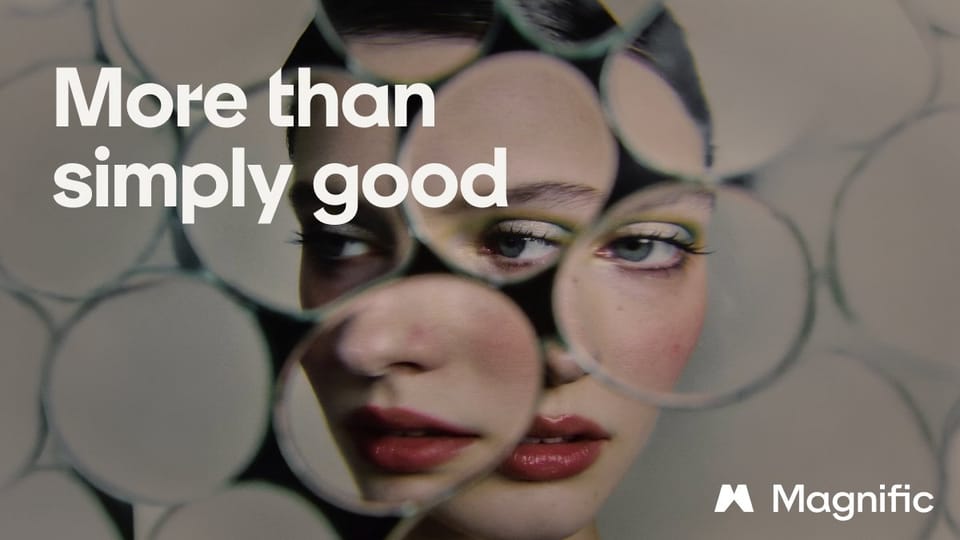
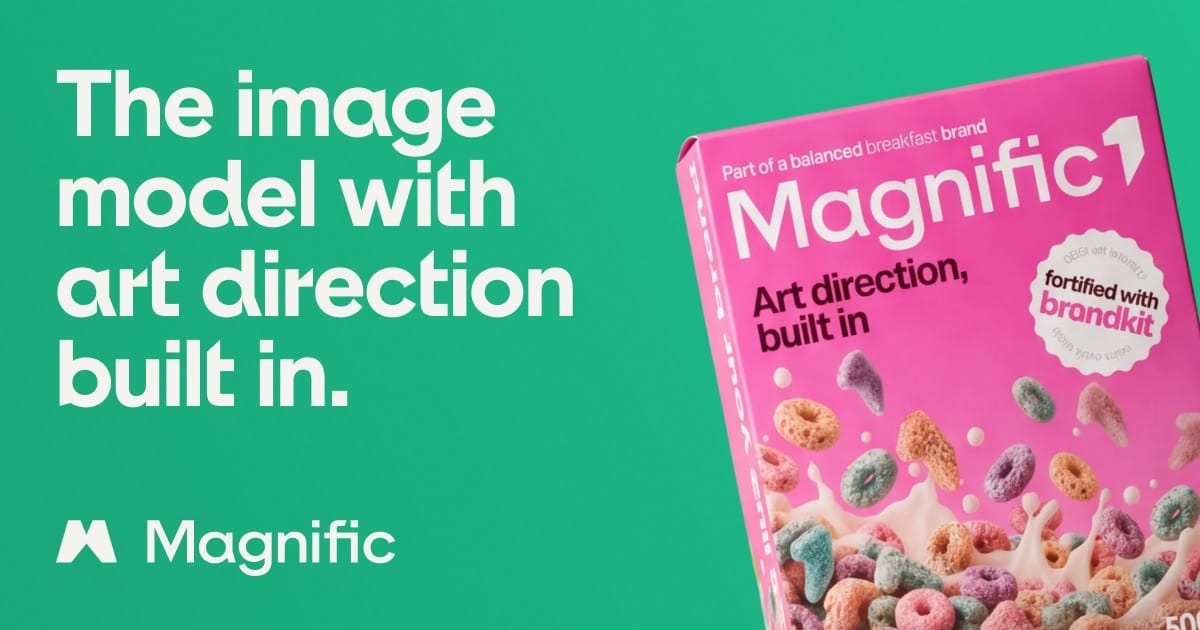
Every team using AI image generators knows the tell: an image that looks polished at first glance and synthetic on the second. Over-detailed textures, a plastic sheen on products that don't exist, text that almost reads. On October 8, 2026, Magnific — the company formerly known as Freepik — launched Magnific One, an image model built specifically to kill that "AI look" for commercial teams. Its pitch, in the company's own words: "the image model with art direction built in. Explore freely, stay on brand, keep the final say." This guide covers what shipped, what it costs, where it genuinely differs from Midjourney and Google's Nano Banana, and the honest limitations the launch materials won't shout about.
The core idea: a creative director between your prompt and the model
Most image generators today translate a prompt directly into pixels and leave you to iterate your way toward something usable. Magnific One inserts a step in between: a creative-direction layer that makes the judgment calls a human art director would make — does this composition serve the idea, are the colors on palette, is the typography readable, does the framing work, are there artifacts.
On paper that sounds like marketing copy. In practice, it's the difference between generating images and producing brand-ready assets — and it's the specific gap that has kept many marketing teams from moving AI images into production. The model ships in two distinct modes, and the split is the key to understanding the product.
- Draft mode — exploration at scale: a grid of 8 or 16 alternative compositions for the credit cost of a single image, so you pick a direction before committing budget to finals.
- Final mode — production: outputs up to 4K resolution, accepts up to five reference images (as reported in VentureBeat's launch-day coverage), and lets you set exact type, colors, and text on the result without regenerating from scratch.
Crucially, the brand-compliance check happens during generation, not after: every Final image is checked for style, color, typography, logo usage, artifacts, framing, and text legibility — the exact failure points that normally trigger endless revision cycles.
Who's behind it: from Freepik to Magnific
The name is new; the company is not. Magnific is the rebranded Freepik, the European design-resource marketplace founded in 2010 in Málaga, Spain. Freepik acquired the original Magnific upscaler startup in May 2024, then renamed the entire company to Magnific on April 28, 2026. At the rebrand, the company reported roughly $230 million in annual recurring revenue and more than one million paying subscribers — self-reported figures, but they signal this is a platform bet from an established player, not a seed-stage experiment.
For buyers, that context matters in two ways. First, longevity risk is lower: your brand kit and workflow won't vanish with a weekend side-project. Second, Magnific One plugs into an existing suite — image editing, upscaling, video generation, stock libraries — rather than standing alone.
Brand Kit: the feature that actually differentiates it
Here is the mechanism that separates Magnific One from the current field. Instead of restating brand rules in every prompt, you build a Brand Kit once, from any of four inputs:
- A brand-guidelines PDF,
- Your website URL,
- A set of reference images, or
- A written description of the identity.
The system extracts your palette, typography, imagery style, and tone from that input. From then on, every image generated in Final mode is guided by the kit and checked against it — regardless of which team member generated it. Each client or brand gets its own kit, assigned to its own projects, which makes the feature explicitly aimed at agencies juggling multiple identities. And it's optional: with no kit attached, the model generates freely.
Why this matters more than it sounds: inconsistent visual identity is the single most common reason marketing teams reject AI-generated imagery at scale. An AI image that is 95% right but off-palette is still a rejected image. Automating the last 5% is the whole business case.
Pricing and credits, in exact numbers
Magnific One is available to paid subscribers only — there is no free tier at launch. Generation runs on credits:
| Generation type | Credits per image |
|---|---|
| High quality, 2K | 180 |
| High quality, 4K | 250 |
| Max quality, 2K | 600 |
| Max quality, 4K | 1,000 |
The announced individual annual plans, before tax: Premium at $14.50/month, Premium+ at $33.75/month, and Pro Starter at $82.50/month. By the company's own math, assuming full annual credit usage, the effective cost lands between roughly $0.12 and $0.73 per image depending on plan and quality tier.
For comparison: that's competitive with licensed commercial stock imagery and far below typical agency production costs — but it is not the near-zero marginal cost of flat-rate consumer generators. The ROI case rests on revision cycles eliminated, not on price per image in isolation. Do that math against your own volume before committing.
How it stacks against the tools you already use
| Criterion | Magnific One | Midjourney | Nano Banana 2.1 | Ideogram 4.5 |
|---|---|---|---|---|
| Core strength | Built-in art direction + brand governance | Aesthetic quality | Cheap editing + character consistency | Selective multi-turn editing |
| Brand Kit | Yes — central feature | No | No | No |
| Exploration per credit | 8–16 draft grid | 4 images default | Varies | Varies |
| Max resolution | Up to 4K natively | Up to 4K (recent versions) | Plan-dependent | Plan-dependent |
| Integrations | MCP (ChatGPT/Claude), Photoshop, Figma, desktop + mobile apps | Web + Discord | Inside Google tools | Web + API |
| Best for | Teams and agencies maintaining a brand | Artists and open-ended aesthetics | Tight budgets, quick edits | Text rendering in images |
We've covered the rest of this generation separately — Nano Banana 2.1's price cuts, Ideogram 4.5's surgical editing, and FLUX 3's pixel-level control. The pattern across 2026's releases is specialization: there is no best model in the abstract, only the best fit for a workflow. Magnific One's wedge is brand governance — a category most creators didn't know they needed until an off-palette image cost them a client.
What this means for your workflow
- If you run a brand or store: the Brand Kit alone justifies a trial. Visual inconsistency quietly erodes trust on every social feed, and anything that automates compliance removes a real, recurring cost.
- If you're an agency or freelancer: per-client kits with project-level assignment are a genuine operational feature — they reduce the risk of one client's visual language bleeding into another's assets.
- If you publish in languages other than English: note that the company has published nothing official about non-Latin script rendering quality inside images. Arabic, Devanagari, and other scripts remain the historical weak spot for image models — test with short real words from your market before promising anything to a client.
- If your stack already exists: MCP support means you can drive image generation from ChatGPT or Claude, and Photoshop/Figma plugins drop outputs where your team already works. Adoption doesn't require replacing your pipeline.
- If prompts are your bottleneck: the model's quality ceiling is still set by what you feed it. A structured prompt library — like the image prompt library at ArWriter — remains the cheapest performance upgrade available.
The honest limitations — read before subscribing
- No free tier. You cannot evaluate the model without paying, at least at launch.
- Announced prices are annual. The $14.50/$33.75 monthly figures assume a yearly commitment; month-to-month costs run higher.
- The win-rate claim is unverified. The company reports a ~68.5% win rate in private blind comparisons against Midjourney, GPT Image 2, Nano Banana 2, and Seedream 5 Pro — with unpublished methodology and no independent audit. Treat it as marketing until third-party benchmarks exist.
- The engine story is muddled. Magnific's product marketing lead told VentureBeat the product is "powered by GPT-Image-2" with "some post training," while the company's own FAQ states flatly, "No. Nothing was trained." That contradiction is unresolved publicly — relevant if you care which foundation model your subscription actually runs on.
- Volume economics bite at 4K. At 250–1,000 credits per final image, a hundred-image 4K campaign consumes small plans fast. Model your volume before production, not during.
The launch window: unlimited generation, one week only
Between October 8 and October 15, 2026, Magnific is running unlimited Draft and Final generations (2K/4K) in the desktop app for eligible higher tiers — effectively a stress-test window where you can push the model hard for a fixed cost. One caveat from launch-day coverage: VentureBeat's own test account wasn't granted the promo automatically, so verify your tier's eligibility inside the app before planning a production sprint around it.
A one-hour evaluation plan for launch week
If you trial during the October 8–15 unlimited window, run a structured hour instead of wandering through prompts — you'll end with a decision instead of a gallery:
- Minutes 1–10: build the Brand Kit. Feed it your brand-guidelines PDF or site URL and watch what the system auto-extracts — palette, typography, tone. If extraction is wrong out of the gate, that tells you something early.
- Minutes 10–30: explore in Draft. Prompt a real deliverable from your actual pipeline (a product shot, a campaign hero), not a generic test. Generate the 16-option grid and judge whether alternatives differ substantively or just cosmetically.
- Minutes 30–50: produce in Final. Take the best composition to 2K with the kit active, then place short in-image text in every language you actually publish in. This is the decisive test for non-Latin markets.
- Minutes 50–60: run the compliance check. Show the result to a colleague with no context and ask one question: "is this ours?" If the answer is no, inspect what the compliance layer reported — and how accurately.
One structured hour beats a week of impressed scrolling, because it measures the product against your brand instead of against its own marketing.
The MCP angle: notable even if you don't subscribe
One technical detail that slips past most coverage but signals where the industry is going: Magnific One is reachable over MCP, the emerging protocol that lets ChatGPT and Claude call external tools mid-conversation. Combined with the Photoshop and Figma plugins and the desktop and mobile apps, the shape of the product is clear — image generation is stops being "a site you visit" and becomes a layer invoked from whatever tool you're already working in. For a working creator, that means a production pipeline (blog, store, social accounts) can trigger brand-governed image generation without breaking context. That trajectory — embedded tools over standalone destinations — will matter to your stack longer than any single model in this release.
Frequently asked questions
Is Magnific One free to use?
No. It launched on October 8, 2026 for paid Magnific subscribers only, with no free tier. The one exception is the launch promo: unlimited Draft and Final generations in the desktop app from October 8–15, 2026, for eligible higher-tier plans.
How much does Magnific One cost?
Generation costs 180–1,000 credits per image depending on quality (High/Max) and resolution (2K/4K). Annual individual plans start at $14.50/month (Premium), with Premium+ at $33.75 and Pro Starter at $82.50. Effective per-image cost is roughly $0.12–$0.73 with full annual credit usage.
Does Magnific One render text in images reliably?
Text legibility is one of its automated checks, and Latin-script rendering benefits from that. For non-Latin scripts, Magnific has published no official claims — test short phrases in your target language before relying on it for client work.
How is Draft different from Final?
Draft explores: a grid of 8 or 16 compositions for one image's credits, ideal for choosing a direction. Final produces: up to 4K output guided by your Brand Kit, compliance-checked, with exact type and colors set afterward without regeneration.
Should it replace Midjourney for a professional workflow?
Not automatically. Midjourney remains stronger for open-ended aesthetics; Magnific One's advantage is brand governance and compliance checking. Many teams will reasonably run both — Midjourney for concept art, Magnific One for on-brand production assets.
Our verdict
Magnific One is a conceptually meaningful release: it moves the art director from a reviewer who catches mistakes to a layer that prevents them. For brand and agency work, that's the correct frontier. But it is a version-one product on day one — unverified benchmark claims, an unresolved story about its foundation model, and no free evaluation path. Our recommendation: if brand consistency is your bottleneck, use the October 8–15 unlimited window to stress-test it against your own brand kit. If you're a solo creator on a flat-rate plan, the existing tools still cover you. Either way, the prompt remains the cheapest lever — build from a structured library like ArWriter's bilingual prompt libraries and keep your visual identity deliberate, not defaulted.
Sources
- Official Magnific One product page — the official description of Draft/Final modes and Brand Kit.
- Official pricing page — credit costs and plan tiers.
- VentureBeat launch coverage (October 8, 2026) — executive statements, engine details, pricing verification, and the win-rate claim.
- Official desktop app page — the October 8–15 unlimited launch promo.