Why this guide, why now
On August 11, 2026, Lightricks — the company behind the LTX Studio AI filmmaking platform — released LTX-2.5, the newest generation of its open-weights foundation model for video and audio generation. The news landed in the middle of the summer's crowded video-model cycle and mostly traveled through technical channels, but for working creators it is one of the year's more consequential releases: a model that generates 4K HDR footage with synchronized audio, runs on any GPU with 16GB of memory, allows full fine-tuning on your own data, and publishes speed numbers that embarrass most closed competitors. This guide assembles everything that matters from the official sources — what changed, what it really costs, how fast it actually is, and the limits you should understand before building a content pipeline on it.
What LTX-2.5 is, and why that's different
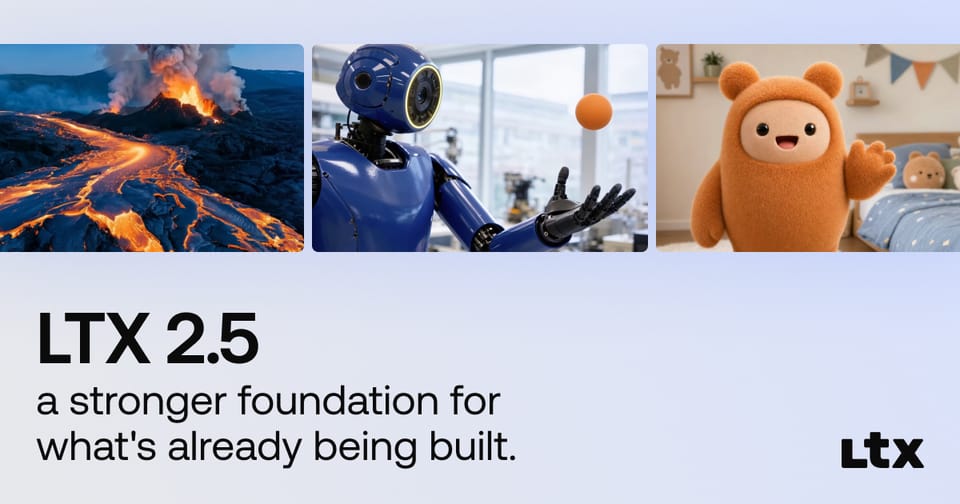
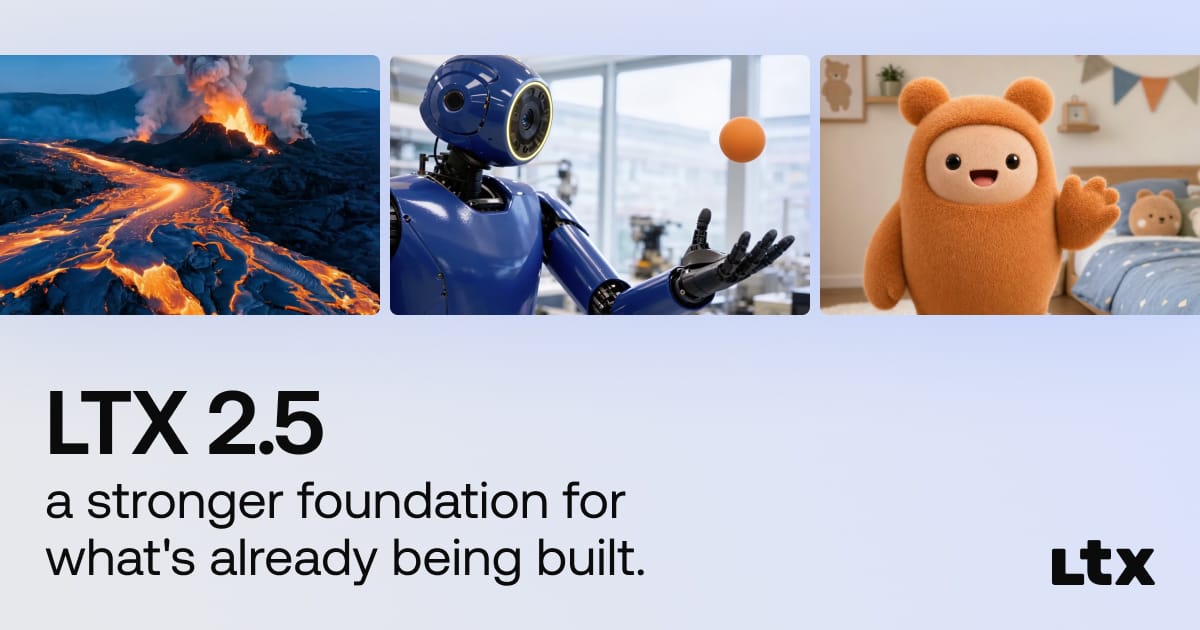
Most famous video models today — Google's Veo, Kling, ByteDance's Seedance — live behind closed APIs: you send a prompt, receive a clip, and pay per second. LTX-2.5 belongs to a rarer species: an open-weights foundation model. The model files themselves are downloadable, runnable on your own hardware, fine-tunable on your own footage, and free of per-second fees — under a community license with conditions we'll examine honestly later. Lightricks describes it as "a stronger foundation for what's already being built," with improvements across four axes: quality, continuity, control, and efficiency.
The company is no newcomer. Lightricks spent a decade building consumer photo and video editing apps before pivoting hard into generative AI with LTX Studio, a platform for assembling complete short films from a script. The LTX-2 family arrived earlier this year, LTX-2.3 followed, and 2.5 is the current flagship leap.
What actually changed under the hood
According to the official launch page, four core upgrades define this release:
- A new diffusion video decoder: the component that turns the model's internal representation into actual pixels was rebuilt, which the company credits for cleaner motion and frame-by-frame detail.
- A Gemma 4 12B text encoder with a custom prompt enhancer: the "brain" that reads your prompt now runs Google's latest Gemma generation, translating complex creative instructions more faithfully — from shorter, simpler prompts.
- Automatic duration prediction: the model decides the right clip length for the action described instead of forcing a fixed duration.
- An improved distilled model, a larger dataset, and reinforcement learning: the combination that reduces failed generations and manual knob-twiddling before you get a usable result.
The page also introduces what Lightricks calls Diffusion Fidelity Rendering: allocating rendering compute by scene complexity, so dense scenes get more processing time while simple ones pass through quickly — with claimed pixel quality that "holds up frame by frame, even on a cinema screen."
The capabilities that matter to creators
Translated into working-creator language:
- Native multishot: generate connected shots that hold character, environment, lighting, and voice — attacking the single most frustrating failure of AI storytelling, where the protagonist has a different face in every shot.
- Native 4K HDR: generation at high dynamic range natively, not upscaled afterward — built for professional finishing.
- Native RAW workflow: generate and edit inside professional color-grading pipelines without compromising the master file.
- Cleaner motion: fewer motion artifacts and more natural results, historically the weakest point of generated video.
- Better prompt adherence: complex creative instructions followed from shorter prompts, meaning less prompt-rewriting fatigue.
- Synchronized audio: the Hugging Face model card lists a full audio task suite — text-to-audio, video-to-audio, audio-to-video, and combined text-to-audio-video generation in one pass.
One more card detail worth flagging: the model metadata lists prompt support in nine languages, but the actual list is not published in the gated repository. Don't assume your language is included until you test it — the safe default remains English prompts with localized text added in post-production.

The audio task suite, mapped for creators
The Hugging Face model card doesn't stop at a generic "synchronized audio" line — it lists a specific set of audio tasks you can run, each serving a different working use case:
| Task | What it does | Closest use case |
|---|---|---|
| Text-to-Audio | Generates sound effects or narration from a text description | Intro stingers and effects |
| Video-to-Audio | Derives a matching audio track for an existing clip | Adding ambience to silent footage |
| Audio-to-Video | Generates a scene that moves with a given audio rhythm | Short music-driven clips |
| Text-to-Audio-Video | The full pipeline in one pass | A finished short ad |
| Image-Text-to-Audio-Video | Combines a still reference image with a prompt | A product photo turned into a scene with sound |
The practical takeaway: audio in LTX-2.5 is not a bolt-on feature but a suite of composable tasks you can mix inside one production line — and because voice and effects hold continuity across connected shots, a dialogue line no longer "jumps" between cuts. Single-pass audio-plus-video also means fewer files to manage and fewer failure points in your pipeline.
Speed: official numbers, read carefully
Lightricks published a full speed benchmark on the launch page, measuring image-to-video generation of a 10-second clip at 24fps:
| Model | Time to generate a 10s clip |
|---|---|
| LTX 2.5 (on-prem) | 6.8 s |
| LTX 2.5 (via API) | 23.7 s |
| Omni Flash | 52 s |
| Grok 1.5 | 63 s |
| Veo 3.1 | 70 s |
| MiniMax H3 | 180 s |
| Seedance 2.0 | 196 s |
| FLUX 3 | 259 s |
| Seedance 2.5 | 317 s |
| Kling 3.0 Pro | 398 s |
Before you get carried away, read the measurement notes the company itself discloses — to its credit, quite transparently. The 6.8-second figure was achieved on-premises on GB200-class hardware, which costs as much as a car. The 23.7-second API figure was measured end-to-end on a third-party provider (fal.run), queue time included. Competing models were measured at resolutions ranging from 720p to 1080p, with some on different clip lengths. So the inspiring number is real but lab-conditioned; your cloud reality will sit closer to the second figure, and your local speed depends entirely on your GPU. Even so, the slowest LTX figure in the table still beats every direct competitor in the published comparison — the first time an open model has topped a disclosure like this.
Official pricing: what a video actually costs
API usage is billed per second of generated output, per the official pricing documentation:
| Variant | 720p | 1080p | 1440p | 4K |
|---|---|---|---|---|
| LTX-2.5 Fast | $0.09/s | $0.13/s | $0.19/s | $0.30/s |
| LTX-2.5 Pro | $0.12/s | $0.17/s | — | — |
| LTX-2.3 Fast (for comparison) | $0.03/s | $0.06/s | $0.12/s | $0.24/s |
In practice: a 10-second 1080p ad on Fast costs about $1.30. A 30-second product promo runs roughly $4. A full 60-second 4K piece, about $18. Compare that with a competitor we've covered, Dreamina Seedance 2.5 at $0.097 per second, and the gap at 720p is small — what you're paying for here is multishot continuity and a unified audio track. Note the automatic-duration subtlety: because the model decides clip length itself, you pay for the length actually produced; prepaid credits are held against the maximum duration your resolution allows and the difference is released when the job finishes.
Three ways to get started
Path one — direct API: through the official documentation (docs.ltx.io), with endpoints for text-to-video, image-to-video, and audio-to-video in Fast and Pro variants. This is the route for automation and custom pipelines.
Path two — LTX Studio: the company's full visual platform for building narrative videos end to end, the easiest entry for non-technical creators, with its own separate subscription pricing.
Path three — weights on your own machine: published on Hugging Face as Lightricks/LTX-2.5, behind a gate that requires agreeing to share your contact details with Lightricks before download — worth knowing if you value your inbox. Local execution needs a GPU with at least 16GB of VRAM, and ComfyUI support is explicitly listed, meaning you can slot the model into existing creator workflows. In practical terms, that floor covers cards like the RTX 4060 Ti in its 16GB variant and anything newer with more memory — common hardware among working professionals now. Minimum memory doesn't mean company-lab performance, though: your maximum resolution and speed are bounded by your GPU. The big prize on this path: full fine-tuning on your own data, your product photos, your brand's visual identity — within the license terms.
The limits: read this before wide commercial use
"Open" here is not a synonym for "unconditional." The model ships under the LTX-2 Community License Agreement — a community license that permits use, running, and modification, subject to the company's specific conditions, a pattern several model publishers have adopted to release weights while keeping certain commercial guardrails. Before building an entire commercial production line on it — especially agencies serving clients — open the actual license text and check the commercial-use clauses. Meanwhile, the official comparison table proudly notes "no mandatory branding" in outputs — unlike some competitors that require the model's name on every generated clip — a genuine advantage for creators who don't want a stranger's logo on their ad.
This community-license pattern is familiar territory in open-weights AI: prominent families before LTX released their weights under similar terms that generally allow free use, modification, and fine-tuning under an annual revenue ceiling, with negotiated arrangements above it. The practical rule: individual projects and small teams rarely hit the limits, while agencies and larger commercial platforms own the full responsibility of checking the clauses before building a service on top of the model.
Quick comparison with the alternatives we've covered
- Versus FLUX 3: FLUX 3 (which we reviewed at launch) brings native audio in 20-second clips, but posts 259 seconds per 10s clip in LTX's published benchmark. If speed and local control are your priorities, LTX wins on paper.
- Versus MiniMax H3: fast and affordable, but with branding requirements and conditional availability; LTX ships no mandatory branding and puts the weights in your hands.
- Versus Dreamina Seedance 2.5: a polished closed platform with 50 character references at a competitive per-second price; LTX is the ownership-and-control play with fine-tuning and self-hosting.
- Versus Google's Veo 3.1: Veo remains the consensus quality leader but is closed API-only at higher prices; LTX-2.5 is the "own the model" alternative.
And since every video starts as text — script, scene descriptions, captions — pairing a strong writing workflow with ARWriter's image prompt library and a video model like this gives you a complete idea-to-final-cut production line.
What this means for you as a creator
Three practical takeaways. First, the cost of experimenting with generated video has effectively collapsed: a few dollars of API credit buys you real 1080p ad tests with no subscription and no published regional restrictions on the service itself. Second, the local path opens a door that used to be shut: anyone with a 16GB GPU — common among working professionals now — can generate without per-second fees and specialize the model on their own visual identity, at lower resolution and speed than the company's lab hardware, naturally. Third, the standing caution from all our model coverage: don't build a full content strategy on any model in its first week. Test prompt adherence in your working language, character consistency across shots, and audio quality on your real use cases before committing budget. With the video landscape shifting this fast — as we saw with FLUX 3's launch and Seedance 2.5's global rollout — expect a competitive response within weeks. The smart move is to experiment now and keep watching.
Bottom line
LTX-2.5 is more than another video model in a crowded summer; it is the strongest signal yet that generative video is heading toward ownership — a model that runs on your machine, specializes on your data, carries no mandatory watermark, and posts the fastest published generation time in its class, in exchange for a community license you should actually read and an API priced within reason. For creators, the message is practical: if you haven't started with generated video, the entry cost is now trivial; if you have, it's time to build a serious pipeline that pairs strong writing with deliberate generated scenes. If writing is your bottleneck, that's exactly what ARWriter was built for — script to description to scheduling — before the models turn your words into pictures.
Frequently asked questions
Is LTX-2.5 free?
The weights are downloadable under a community license that allows running and fine-tuning without per-second fees, but the official API is paid per generated second, and local running costs you hardware and electricity. Read the license before wide commercial use.
What are the minimum specs to run it locally?
The company lists a minimum of 16GB of GPU memory, with ComfyUI support for integrating into existing workflows.
How much does a 10-second 1080p video cost?
About $1.30 on Fast and $1.70 on Pro via the official API, per the published pricing table.
Does it support prompts in languages other than English?
The model card lists nine supported prompt languages without publishing the list, so treat non-English support as unverified and default to English prompts until you test.
What's the biggest difference from Veo or Kling?
Ownership and control: LTX-2.5 hands you the weights for self-hosting and fine-tuning with no mandatory branding, while Veo and Kling are closed API services with their own usage terms.