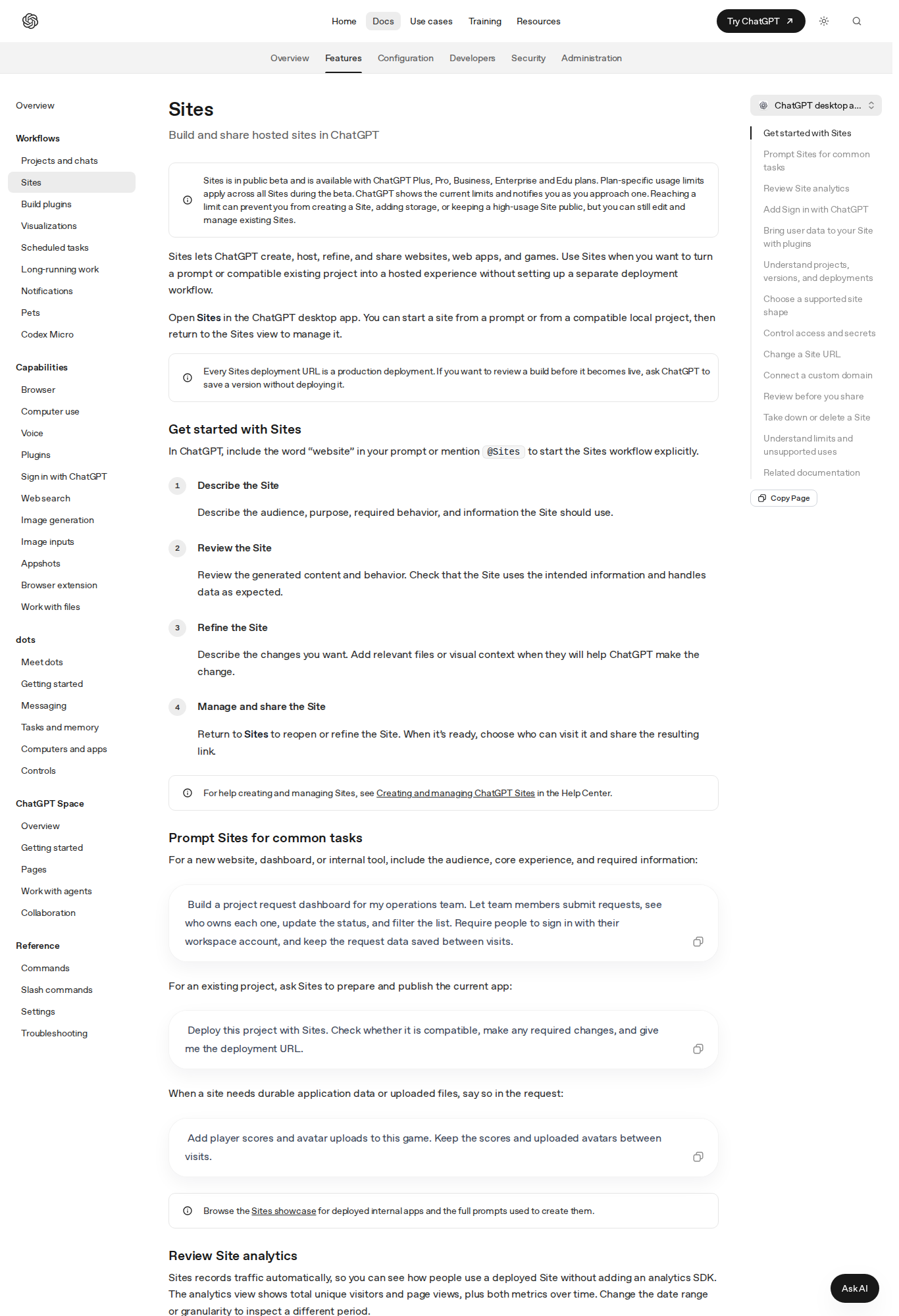
Last updated: October 3, 2026 — every fact below is sourced from OpenAI's official documentation and the DevDay 2026 announcement.
Most AI features give you a faster horse. ChatGPT Dots, announced at OpenAI's DevDay on September 29, 2026, attempts something structurally different: a persistent colleague. An always-on agent with its own cloud computer and browser, powered by GPT-6 Astra, that keeps working on your projects between conversations and pings you only when a decision genuinely needs a human. Four days after launch, the practical questions have hardened: who gets access, what it really costs, whether it holds up for solo professionals, and where it quietly fails. Here is the complete, unsweetened picture.
What a dot is, in OpenAI's own framing
The documentation's definition is worth quoting because every phrase carries weight: "An always-on agent that keeps work moving and asks for your input when a decision needs you." Three commitments hide inside that sentence. First, always-on: a dot is not a chat session you open and close — it lives in the cloud and continues while your laptop is shut. Second, keeps work moving: it tracks progress across your tools and projects, works out what needs to happen next, and follows through as circumstances change. Third, asks for your input: the operating philosophy is delegation with escalation — results come back for your review, and judgment calls come back to you.
Under the hood, dots run on GPT-6 Astra, the model OpenAI positions as its work-grade frontier system. The practical consequence: this is not a lightweight helper model. Research, data analysis, document preparation, and software building are the documented capability set, drawing on your past conversations, your preferences, and the dot's own saved notes about your ongoing work.
How work actually flows to and from a dot
The mechanics matter more than the concept, so here is the documented loop.
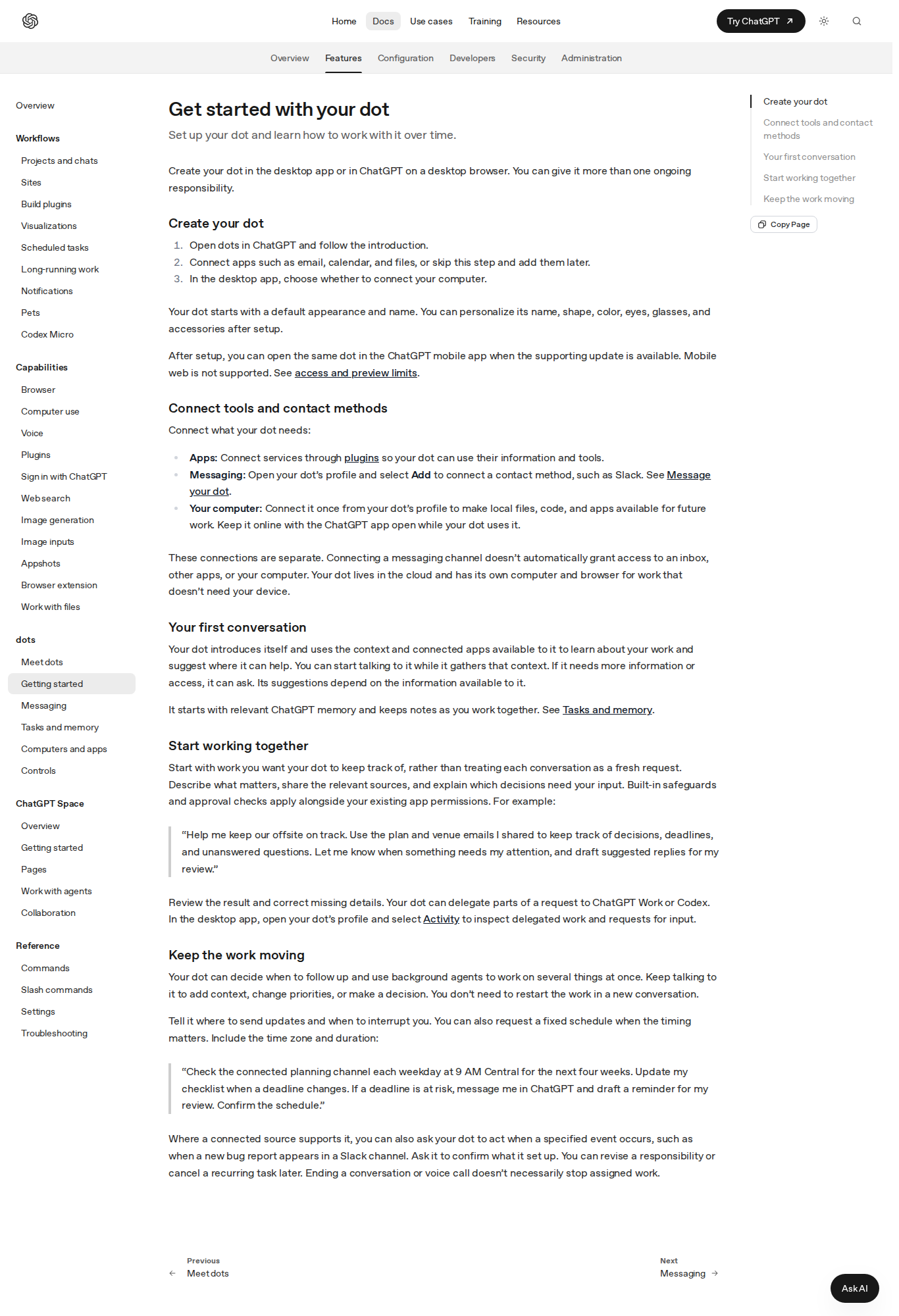
Assignment. You give the dot a responsibility rather than a task. The docs' canonical prompt: "Help me keep our offsite on track. Read the plan and venue emails I shared, and make a list of decisions, deadlines, and things we're waiting on. Focus on anything that affects the budget or needs an answer this week. Draft suggested replies for my review, but don't send them." Note the two guardrails baked into that example — a defined scope, and an explicit no-send instruction. OpenAI's own prompt library treats "for my review" as a default safety pattern, and so should you.
Execution between conversations. Once assigned, the dot tracks progress, decides when to pause and wake up (no fixed schedule required), and can spin up background agents to work on several things in parallel while you keep talking to it. Scheduled check-ins are also supported with explicit time zones and durations: "Check the connected planning channel each weekday at 9 AM Central for the next four weeks… Confirm the schedule."
Review and redirect. In the desktop app, the dot's profile exposes an Activity view where you inspect each delegated task's progress, results, and pending requests. When priorities shift, you tell the dot what to change in work that is already underway — no restart, no context rebuild. The docs are blunt about the failure mode: "Your dot can make mistakes, and stopping a task doesn't undo actions it has already completed."
The dot's computer — and the Take over button
This is the feature that separates dots from every "agent mode" demo you have sat through. Your dot has its own cloud computer and browser for research, files, and running software. At any moment you can open its screen, press Take over, and drive the step yourself, then press Return control to hand the wheel back. The documentation shows a dot navigating a vehicle-registration renewal site with a visible "Alfred has control" state — mundane on purpose, because the mundane is the point.
Website logins run through a private sign-in flow borrowed from ChatGPT Work: the dot sends a sign-in request, you enter credentials in a form that is deliberately outside the conversation — "Your credentials go to the browser outside the conversation" — and optionally save the login for future use, with confirmation required each time it is reused. Some sites block cloud browsers or demand extra verification; the documented fallback is asking the dot to use your connected local computer instead, which may create a separate task there without transferring the cloud session.
On local access: you can connect exactly one personal computer at a time, it must be online with the ChatGPT app open, and the permission is separate from Codex connections or Work Sync. Plugins extend reach further — Gmail for finding relevant email, Google Drive for documents, GitHub for investigating code — each connected and permitted individually. Connecting a messaging channel does not grant access to your inbox, apps, or computer; every connection serves one purpose and is granted deliberately.
One dot, every channel: calls, Slack, and Teams
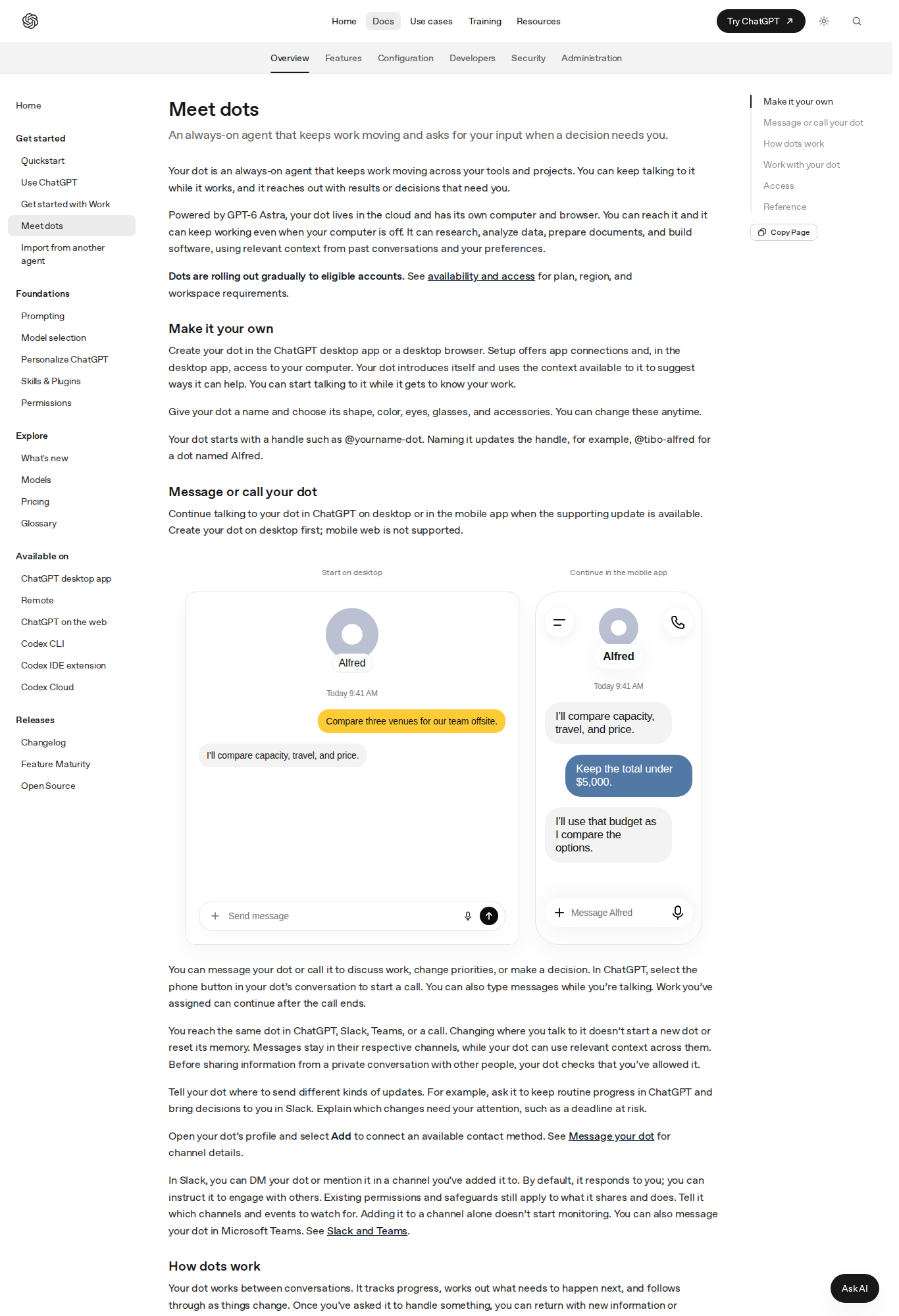
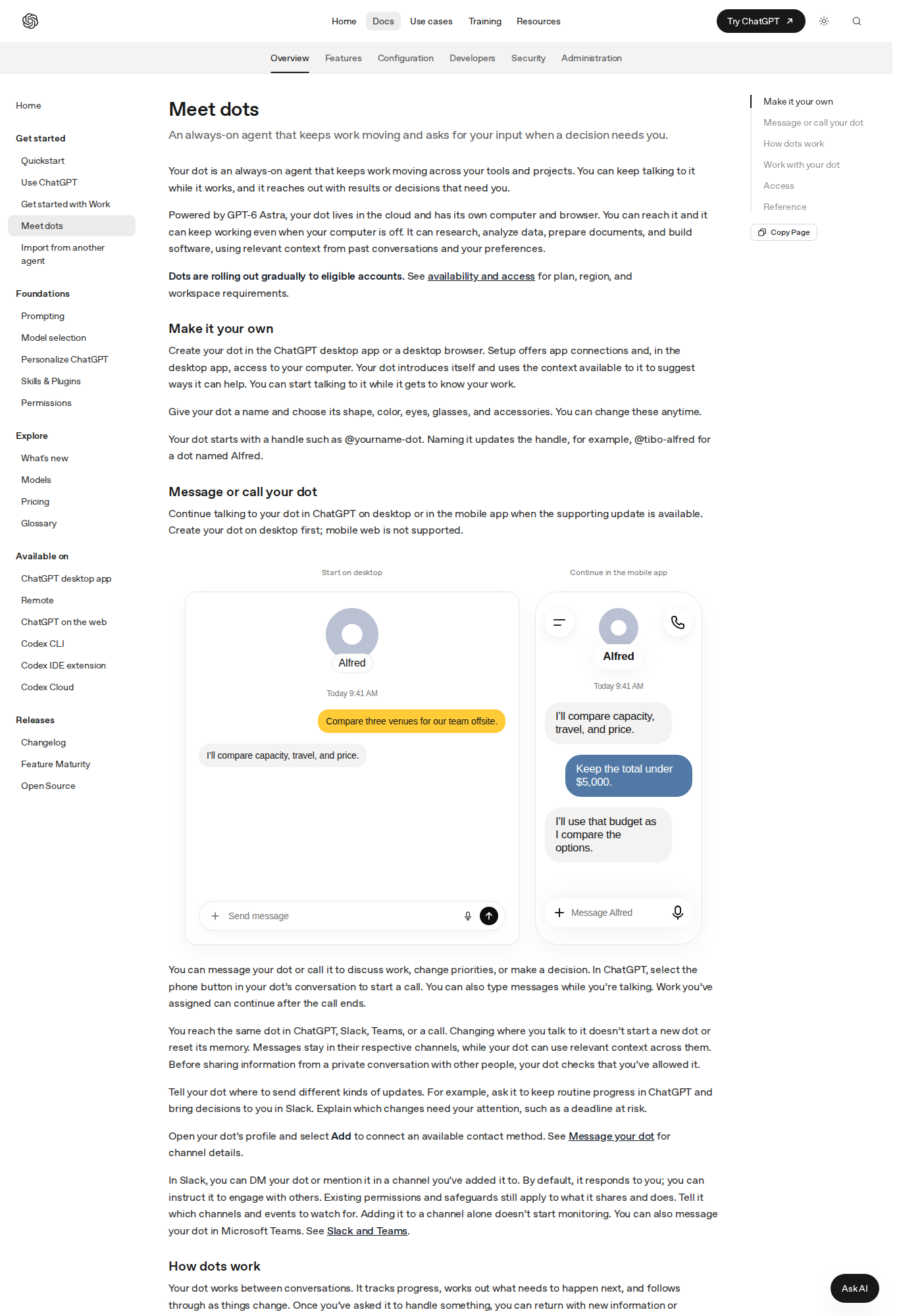
Messaging a dot is ordinary chat. Calling one is not: a phone button in the conversation starts a voice call, you can type while talking, and assigned work continues after the call ends. The same dot is reachable across ChatGPT, Slack, Microsoft Teams, and calls — "Changing where you talk to it doesn't start a new dot or reset its memory." Messages stay in their respective channels while the dot uses relevant context across them, and it checks that you have allowed it before sharing anything from a private conversation. You can route update types deliberately: routine progress stays in ChatGPT, decisions arrive in Slack, deadline-at-risk alerts reach you immediately. In Slack, you DM the dot or mention it in a channel you have added it to; by default it responds to you only, and you can instruct it to engage with others.
Memory is the connective tissue: conversation history, relevant ChatGPT memory, and the dot's own saved notes about your preferences, decisions, and ongoing work — carrying forward across conversations and contact methods. Proactive research into connected information is read-only; follow-up actions require the applicable permissions.
The documented use case for content creators
OpenAI's documentation includes, verbatim, the workflow that matters to this audience: "Prepare content from each interview. Share the interview material and photos. Ask your dot to draft a caption, show notes, and clip ideas for review. You can refine the title or tone from your phone before publishing." That is a complete production loop for podcasters, video creators, and interview-based newsletters — assembled, drafted, and queued for a mobile review pass.
A second documented pattern applies to marketing teams: "Keep launch materials aligned with the product. Connect the launch channel and share the brief, deck, and approved visuals. Have your dot flag product changes that affect the campaign and prepare revised copy, slides, and speaker notes for your review." A launch coordinator that never sleeps between kickoff and ship date.
From the documented capability set — monitoring, scheduled check-ins, draft preparation, cross-channel escalation — adjacent workflows follow naturally: a morning digest of industry sources with links, a weekly triage of audience questions categorized for FAQ content, or deadline tracking across client deliverables. The golden rule in every variant is the one OpenAI's own examples model: drafts for review, nothing sent unsupervised unless you explicitly choose otherwise. And for the part of the pipeline that needs finished long-form output rather than delegation, ArWriter's auto-writer turns briefs into complete, structured pieces — a natural pairing with a dot that gathers and a writing engine that ships.
Availability and pricing: the numbers that decide everything
Here is where enthusiasm meets arithmetic. Dots are rolling out gradually, and the docs state plainly that "You may not see dots immediately, even if your plan is eligible."
- Pro 100, Pro 200, and Pro 500 — the $100, $200, and $500 per month tiers on the official pricing page — for users over 18 outside the European Economic Area, the United Kingdom, and Switzerland. That makes dots one of the rare OpenAI features where being outside Europe is the advantage.
- Business Premium — rolling out worldwide.
- Enterprise — rolling out worldwide, off by default until a workspace administrator enables it.
- Everyone else — Free, Go, and Plus ($20) accounts are not on the list. The entry ticket is a hundred dollars a month.
Usage economics have one pleasant surprise and one catch. The pleasant surprise: "Conversations with your dot don't count toward your ChatGPT usage limits." The catch: "Tasks your dot starts or manages in Work or Codex count toward those products' usage limits as usual." Your plan includes an allowance for deeper work, with extended limits for the first month after launch — a trial cushion that also signals how real the consumption can become. Setup happens on desktop (app or browser) first; the mobile app follows when the supporting update arrives, and mobile web is not supported.
Dots versus the alternatives you already run
| Criterion | ChatGPT Dots | Regular ChatGPT session | Human virtual assistant | Automation tools (Zapier, n8n) |
|---|---|---|---|---|
| Works unattended between sessions | Yes | No | Within working hours | Yes, rigid rules |
| Handles ambiguity and redirects | Yes, memory-backed | Within one session | Excellent | Poor |
| Monthly cost | From $100 (Pro 100) | From $20 (Plus) | $400–1,500+ | From ~$20 |
| Own computer and browser | Yes, with Take over | Limited | Their own devices | No |
| Unified channels | ChatGPT, Slack, Teams, calls | App only | Whatever you arrange | Per-integration |
| Best fit | Professionals with recurring multi-step work | One-off tasks | Sensitive, relational work | Fixed routine connections |
Read the table as a stack, not a competition: automation tools wire the deterministic, dots handle the ambiguous recurring, humans keep the judgment-heavy and relational, and chat handles the one-off. The dot's novelty is being the first credible occupant of the second row.
Honest limits, stated plainly
- Mistakes are documented behavior. Review important results and their sources. Pause stops the current main task; delegated tasks in Activity and recurring tasks in Scheduled must be stopped separately; nothing undoes completed actions.
- The real bill can exceed the sticker. Heavy Work and Codex task consumption bills against those products' limits — budget like you are hiring, not subscribing.
- Geographic asymmetry. Pro-tier dots exclude the EEA, UK, and Switzerland — Europeans wait, everyone else proceeds.
- One local computer at a time, online, app open. Cloud work continues while you sleep; local-file work does not.
- Privacy is configurable, so configure it. Dots write private notes and read relevant ChatGPT memory. Built-in safeguards, app permissions, and approval reviews apply from the start, and custom rules add boundaries — but neither instructions nor rules override the built-in safety requirements. Audit plugin grants periodically.
- Mobile is second-class for now. Create on desktop; the mobile app arrives with supporting updates; mobile web never.
FAQ
What are ChatGPT Dots?
Dots are always-on personal agents OpenAI announced at DevDay on September 29, 2026. Running on GPT-6 Astra, each dot has its own cloud computer and browser, works between conversations on your recurring responsibilities, and escalates decisions to you across ChatGPT, Slack, Teams, and voice calls.
How much do ChatGPT Dots cost?
They are not sold separately: you need a Pro 100, Pro 200, or Pro 500 plan ($100, $200, or $500 per month) or Business Premium. Dot conversations do not consume your ChatGPT limits, but tasks the dot runs in Work or Codex count against those products' limits.
Can a dot publish to my social accounts automatically?
It can act in connected apps within the permissions you grant, and actions affecting your accounts pass review checks that determine whether it proceeds, needs approval, or hands the step to you. A standing rule like "show me drafts before sending" keeps publication gated behind your approval — the docs' own examples default to review-first.
How is a dot different from scheduled tasks in ChatGPT?
Scheduled tasks execute a fixed instruction at a fixed time. A dot holds ongoing responsibility: it tracks changes, decides when to follow up, runs background agents in parallel, and accumulates private notes about your work — a continuous working relationship rather than a queue of reminders.
Can I undo something my dot did?
No automatic undo exists. Stopping a task does not reverse completed actions, which is why the documentation instructs users to review important results and their sources, and to set explicit review boundaries before granting broader responsibility.
Do Dots work on mobile?
Partially. Creation and management start on the desktop app or a desktop browser. The same dot becomes usable in the mobile app when the supporting update is available; mobile web is not supported.
Bottom line
Dots are the first credible productization of "delegation software": not a better chat, but a persistent report with a computer, a memory, and an escalation instinct. For professionals and small teams whose weeks are heavy on monitoring, gathering, and preparation, the documented creator workflows — interview-to-caption loops, launch-material coordination — plausibly clear the $100 bar within the first month. For everyone else, patience is free: the rollout is gradual, competitors are coming, and prices historically fall. Either way, the working pattern is now on the record: delegate the recurring, review the results, and keep the writing that carries your voice close at hand — ArWriter covers that last mile.
Sources
- Official "Meet dots" documentation — OpenAI / ChatGPT Learn
- Get started with your dot — official guide
- DevDay 2026 official announcements — "Meet your dot," September 29, 2026
- ChatGPT plans and pricing — official documentation
- ChatGPT Space and Pages, explained — ArWriter blog, same DevDay announcement family