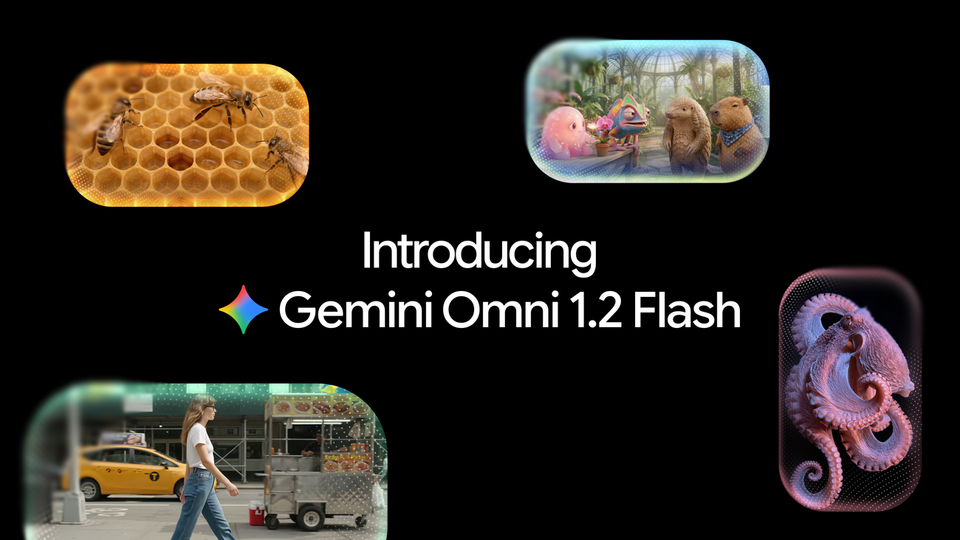
On November 5, 2026, Google announced Gemini Omni 1.2 Flash, the newest version of its AI video generation model — and for anyone who produces video content, the update changes the practical math of the medium: clips are now 15 seconds long (up from 10), generation is 30% cheaper, and you can refine the same clip across multiple editing turns instead of regenerating from scratch every time. The launch came in two official Google blog posts: one from the Google DeepMind team for developers, and one from Google Workspace confirming that the model is now built into Google Vids at no extra cost.
This guide walks through everything a content creator needs to know: exactly what changed versus the previous release, what a video actually costs to produce, where you can use the model today, and how it fits into a real publishing workflow — followed by an honest section on the model's current limits before you bet a content calendar on it.
What is Gemini Omni 1.2 Flash?
Gemini Omni 1.2 Flash is the latest release in Google's family of AI video generation models — a line we have covered since the original Omni Flash launch in May 2026. The model accepts a text description — or reference images and short motion clips — and produces a complete video with visuals and sound, including spoken dialogue with realistic lip-sync.
The official announcement was written by Anish Nangia, Product Manager at Google DeepMind, and positions this release as the step that turns generative video from a technical demo into a daily production tool. The most consequential shift is breadth of access: the model is available through the Gemini API and Google AI Studio for developers, on Vertex AI for businesses with Provisioned Throughput support, and inside consumer-facing tools including Flow, Google Vids, the Gemini app, and Google Ads.
What changed versus the previous version?
This is not just a "quality polish" release. The numbers moved in ways that directly affect production decisions:
| Feature | Omni Flash 1.1 | Omni Flash 1.2 |
|---|---|---|
| Max clip length | 10 seconds | 15 seconds, selectable in 1-second steps from 3 to 15 |
| 720p price | Previous baseline | $0.07 per second (30% lower) |
| Editing | Full regeneration for every change | Multi-turn editing on the same clip |
| Final resolution | Per plan | Draft at 360p or 720p, upscale to 1080p or 4K |
| Dialogue and audio | Available | Clearer lip-sync, distinct multi-speaker conditioning |
Three changes deserve a closer look:
First — 15-second clips with one-second precision. Being able to pick a duration in 1-second increments from 3 to 15 seconds means you can match platform requirements directly: a 6-second bumper, a 15-second Reel, a 10-second ad — no awkward trimming after the fact that breaks the pacing of a generated shot.
Second — multi-turn editing. This is the feature that matters most in daily practice. Instead of regenerating an entire clip because you wanted different lighting, a different product in frame, or a different aspect ratio, you now refine the same clip turn by turn: swap products and backgrounds, change lighting or weather, adjust the frame ratio — and it works across the full 15-second clip. Anyone who has burned a dozen regenerations chasing one acceptable shot will recognize this as a fundamentally different way of working.
Third — reference adherence. Google says adherence to reference inputs improved measurably: faces, garments, packaging, and brand colors hold their consistency through the clip, with less of the visual drift and morphing that previously ruined longer generations. You can feed the model reference images of characters, products, or visual styles, motion clips up to 3 seconds, and audio cues — plus improved continuous camera moves such as FPV flythroughs, zoom-outs, and orbits, with fewer jump cuts.
What does a video actually cost?
The announced price is $0.07 per second at 720p. In practical terms:
- A full 15-second clip at 720p = about $1.05.
- A 10-second clip = $0.70.
- A 6-second bumper = $0.42.
Because that price is 30% below the previous Omni Flash 1.1 baseline, a monthly bundle of 30 short clips now costs roughly the same as 21 clips did before — effectively nine free clips per month at the old rates. Note that generation starts as a draft at 360p or 720p and finished outputs can be upscaled to 1080p or 4K, so the headline rate applies to the base production layer.
The economic bottom line for a working creator: a complete, narrated visual piece with a real product visible in frame now sits below the cost of a single hour of a motion designer's time. That changes what you can offer clients and audiences on a small budget.
Where can you use it today?
The model is live across six official entry points, each aimed at a different audience:
- Google AI Studio and the Gemini API — for developers and direct experimentation at aistudio.google.com.
- Vertex AI on Google Cloud — for businesses, with Provisioned Throughput for heavy production workloads. This is the first time the Omni family is generally available with Google Cloud's enterprise-grade infrastructure and security.
- Flow — Google's generative video lab at labs.google/fx, aimed at independent creators.
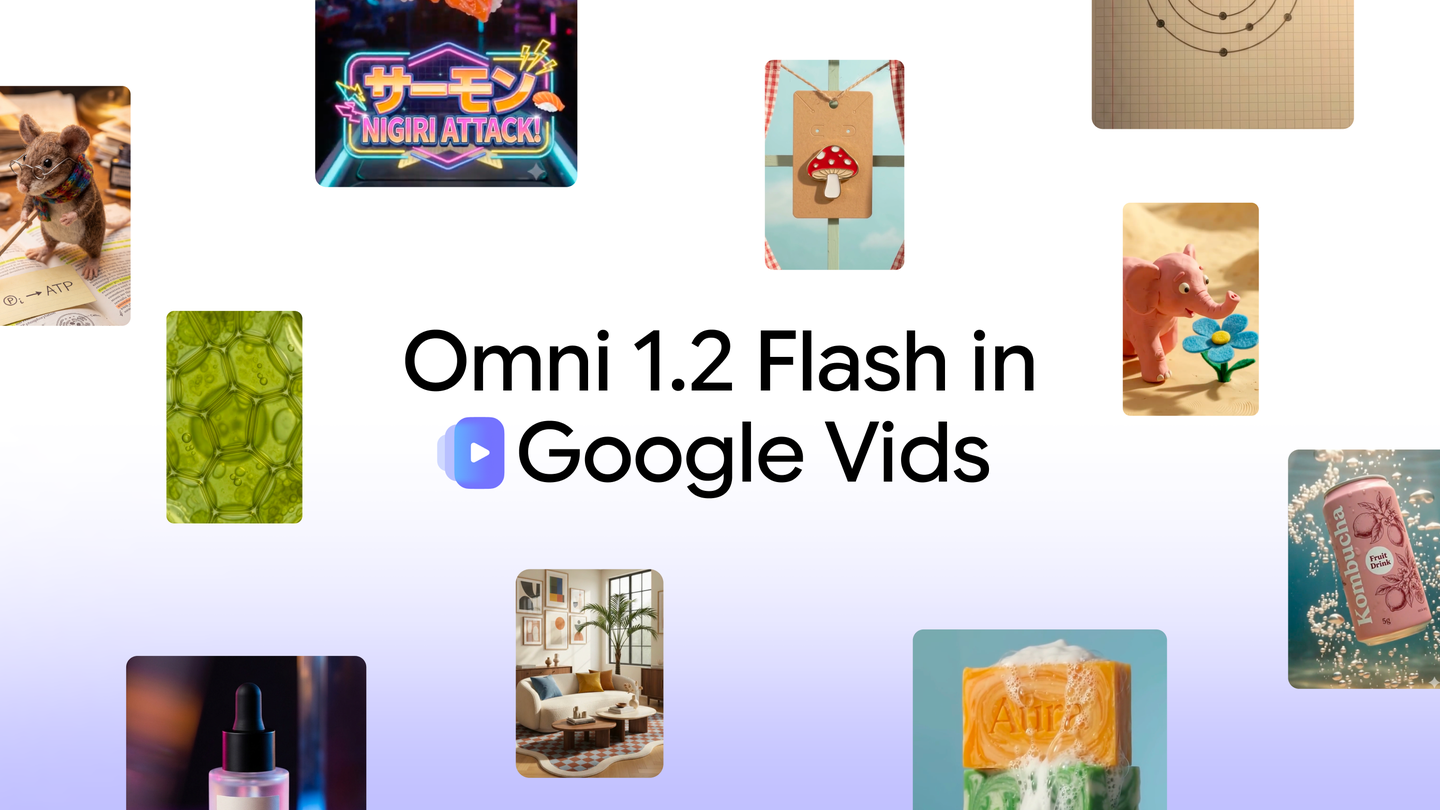
- Google Vids — free tier: three 15-second videos per month for any Google account or Workspace subscription, extending the free-video move we covered when Google first brought Omni to Vids.
- The Gemini app — rolling out gradually to Google AI Ultra subscribers.
- Google Ads (Asset Studio) — for building video ad assets directly inside the ads ecosystem.
The free path through Google Vids
Google's second November 5 announcement focused on the Vids integration — the video creation and editing tool inside the Workspace suite. The practical details:
- Any Google account — personal or Workspace — can generate up to three 15-second videos per month at no additional cost.
- The starting point is vids.new: describe what you want in a sentence, and the video is built around it.
- You can upload reference images — trip photos, project materials, learning assets — and the video is built on top of them, with characters and scenes staying consistent from the first frame to the last.
- Speech narration has improved and now sounds more natural, suitable for social clips, concept explainers, and teaser videos.
The takeaway: a creator who wants to test generative video before committing budget can start today at zero cost, then graduate to Flow or the API when volume and control requirements grow.
What this means for you as a content creator
Beyond the spec sheet, here is what actually changes in a working week:
1 — From stray shots to complete scenes. Fifteen seconds with synchronized dialogue means you can produce a full video intro, a one-shot product promo, or a single-concept explainer — formats that previously required stitching several short generations together in a traditional editor.
2 — Editing becomes a conversation, not a gamble. Multi-turn refinement turns generation from "roll the dice and hope" into an iterative session: try sunset lighting, switch to studio lighting if it misses — while keeping the same shots and the same character. The time saved here is the single biggest win.
3 — Brand consistency is finally realistic. Stable brand colors, packaging, and wardrobe across a clip mean generative video is now usable for commercial work under a real brand identity, not just anonymous creative experiments.
4 — The free ceiling rose too. Three 15-second clips per month inside Vids at zero cost is enough to pilot an entire content format: an intro clip, an explainer, and a promo — monthly, with no invoice.
5 — Script and video can come from one pipeline. If you draft your script or base article with AI writing tools — such as the ARWriter Auto-Writer — you can now generate the text first and turn it directly into a narrated video, so the article and the video clip come out of one connected workflow instead of two disconnected tools.
A suggested workflow: from idea to published clip
To trial the model on a real project in the right order, follow these steps — the same sequence we use when evaluating any new tool before adding it to a production line:
- Write the script before generating anything. Define the single message of the clip and its opening line — a short clip cannot carry more than one clear idea.
- Prepare reference assets. Official images of your product, character, or visual style, plus a motion clip up to 3 seconds if you have one — a reference image is more precise than any long text description.
- Set the duration deliberately. Choose from 3 to 15 seconds in one-second steps to match the target platform before generating, not after.
- Generate a 720p draft. Do not spend on final-resolution renders before the shot is approved.
- Refine in single-change turns. One edit per turn: lighting first, then background, then aspect ratio — do not stack multiple changes into one instruction.
- Upscale on approval. Once the final version is settled, request the 1080p or 4K upscale for the published output.
- Final check before publishing. Review the dialogue, lip-sync, and any numbers visible in frame, and remember every output automatically carries the invisible SynthID mark.
Use-case examples by content type
- Stores and products: a one-shot product promo with no cuts, with stable packaging and brand colors — precisely the area that improved in this release.
- Educational creators: explain one abstract concept in 10 to 15 seconds with animated visuals and natural narration, usable as a lesson intro or a standalone knowledge card.
- Agencies and client services: present a campaign concept in a client meeting without traditional production cost, and apply client feedback in the same session via multi-turn editing.
- Publishers and writers: a short promo clip for an article or report that lifts click-through from social pages — and it can be generated from the article draft itself, so text and video come out of one plan.
- Ad managers: generate video assets directly inside Asset Studio in Google Ads to test multiple ad variants on a fixed production budget.
Tips for better prompts
- State the duration explicitly. "An 8-second clip" beats an open-ended request followed by trimming — a shot's structure depends on its original pacing.
- Describe the camera move by name. The model supports continuous moves such as push-ins, orbits, and pull-backs — ask for them explicitly instead of leaving them to chance.
- Replace long description with a reference image. For a specific product, one official photo replaces a paragraph of text and guarantees accuracy.
- One edit per turn. Multi-turn editing works best when each request is simple and specific — exactly like briefing a professional designer.
- Do not commit to the first render. Generate two different takes, pick the closer one, then refine — usually faster than polishing a take that missed the brief.
The current limits, honestly
Google's own announcement lists what is still in development, and it is safer to plan around them as stated:
- Fast sports action remains a weak point — high-speed athletic footage can produce artifacts.
- Rapid script changes within a single clip are still difficult for the model.
- Complex physics (fluids, precise collisions, intricate reflections) are not reliably accurate.
- SynthID watermarking is applied invisibly to all outputs — a positive for transparency, but a consideration if a client contract requires footage with no generative provenance marking.
- Language coverage — the announcement does not detail dialogue quality or lip-sync for languages other than English, so do not assume parity for your working language; test with a free Vids clip first.
Our standing rule for evaluating a new model: run it on one small, real project before adding it to a publishing pipeline, and show the result to someone who was not involved in generating it — the creator's eye forgives too much.
Frequently asked questions
What is the difference between Gemini Omni 1.2 Flash and the previous version?
Maximum clip length rose from 10 to 15 seconds, the price dropped 30% to $0.07 per second at 720p, and multi-turn editing was added so you can refine the same clip without regenerating it. Reference adherence for faces, packaging, and brand colors also improved.
Can I try the model for free?
Yes. Inside Google Vids, any Google account or Workspace subscriber gets three 15-second videos per month at no cost via vids.new, and developers can experiment in Google AI Studio within its usual free usage limits.
How much does a 15-second video cost?
At the announced rate of $0.07 per second at 720p, a full 15-second clip comes to about $1.05 — which puts monthly video bundles within reach of small budgets.
Is it suitable for branded commercial work?
That is an explicit goal of this release: brand colors, packaging, and faces stay consistent through the clip with less visual drift. For any commercial engagement, review the final output critically, pilot it with clients on a small scale first, and remember that every output carries the invisible SynthID watermark.
Does it support dialogue in my language?
The official announcement does not specify dialogue quality or lip-sync performance beyond its examples, so treat non-English dialogue as unverified. The practical route is to generate one short clip in your language within the free Vids allowance and judge the result yourself.
Official sources
- Google DeepMind's official Gemini Omni 1.2 Flash announcement (November 5, 2026)
- Google Workspace post on Omni 1.2 Flash in Google Vids (November 5, 2026)
Event date: November 5, 2026. Explainer updated: November 7, 2026.